Instructions for use DSE Expert
5 Operation | 5.6 Using functions through the menu
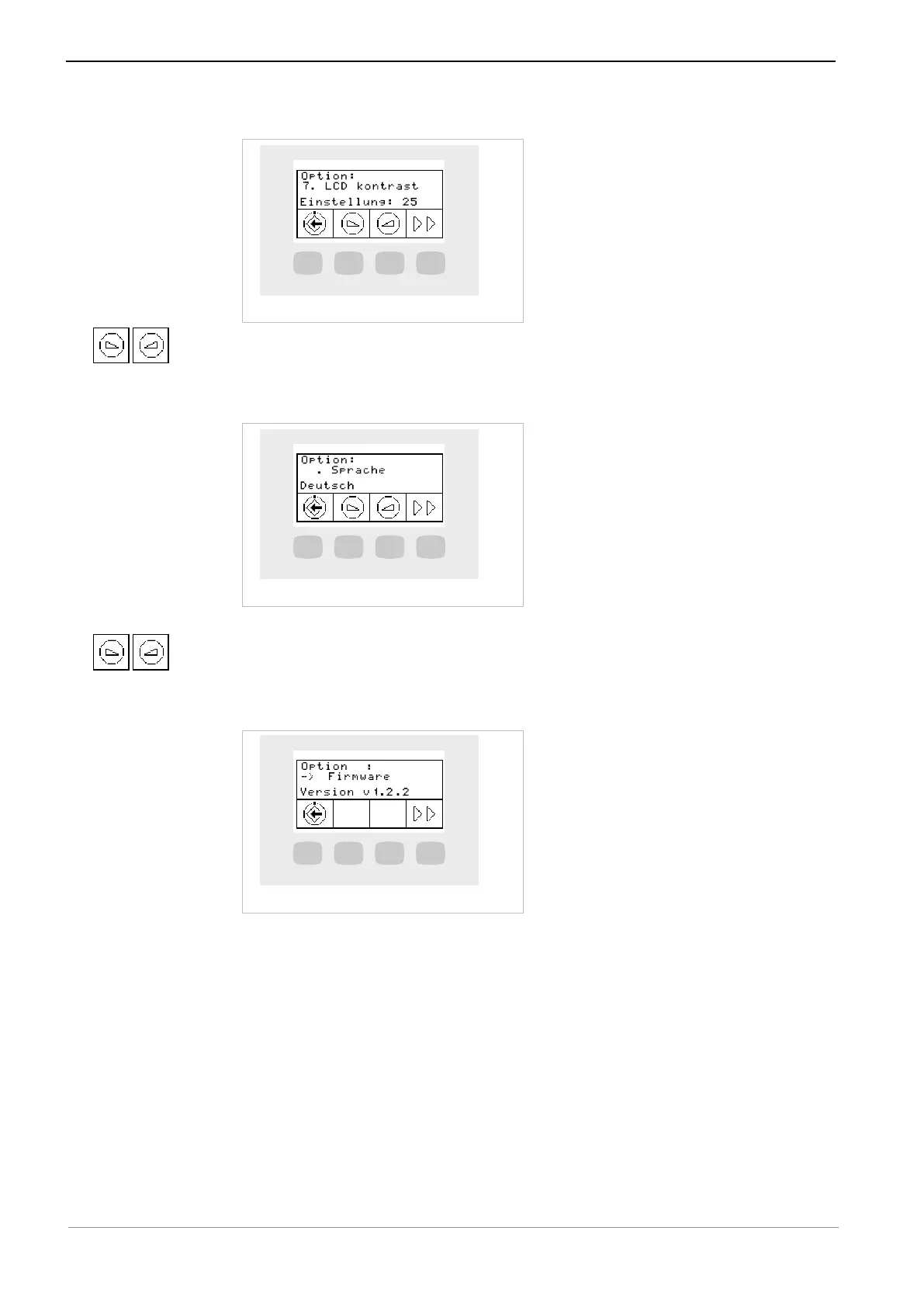
Option 7: Setting the display contrast
▶ Press the "reduce value" or "increase value" key to set the contrast of the LCD
display.
Option 8: Setting the menu language
▶ Press the "reduce value" or "increase value" key to select the menu language.
▶ The following languages can be selected: Deutsch, English, Italiano, Francais,
Castellano.
Option 11: Displaying the firmware version
The firmware version is displayed
5.6.3 Standby menu
The stand-by menu is used to start the device.
The device switches to the stand-by menu upon closing of the handpiece and endo
menus.
The stand-by menu is used to start the device.
The device switches to the stand-by menu upon closing of the dental instrument
menu.
49 / 74



 To Next Page