Instructions for use DSE Expert
5 Operation | 5.6 Using functions through the menu
56 / 74
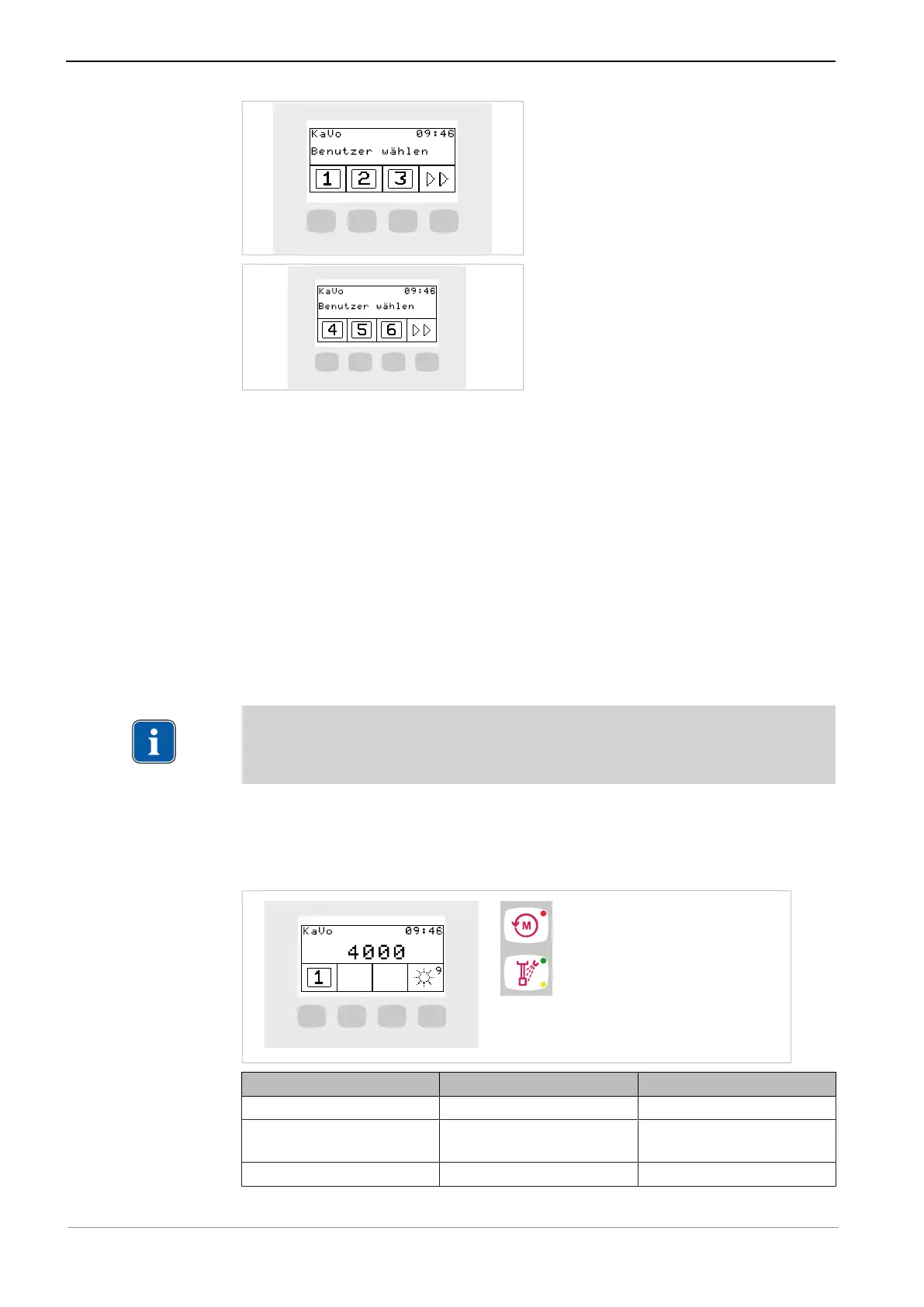
▶ Press the "S1", "S2", "S3" key to select user 1, 2, and 3, respectively.
▶ Press the "S4" button to call up the second level.
▶ Press the "S1", "S2", "S3" key to select user 4, 5, and 6, respectively.
or
▶ Hold down the foot pedal and press the stirrup switch.
ð Switches to the next dentist.
5.6.6 Instruments menu
handpiece-specific values are displayed and adjusted in the menu.
The display depends on which instrument was withdrawn.
Changing motor settings in the menu
Note
Following instructions for use, service instructions and installation instructions in the
instrument packaging.
Motor status
The status of a handpiece is displayed on the display or control keys once a hand-
piece is taken out.
Setting Actuation Display
Motor speed Foot control Display
Light intensity
Light on/off
Foot control, control keys Display
Direction of motor rotation Foot control, control keys LED control keys



 To Next Page