Instructions for use DSE Expert
5 Operation | 5.6 Using functions through the menu
Setting Actuation Display
Spray status Foot control, control keys LED control keys
Adjusting the motor
▶ Settings can be changed using the corresponding keys on the control panel or on
the foot control.
Motor speed is set with the foot control only.
The direction of motor rotation, cooling status and light intensity are set with the
foot control or the control keys.
ð The current settings are saved and activated the next time the handpiece is taken
out.
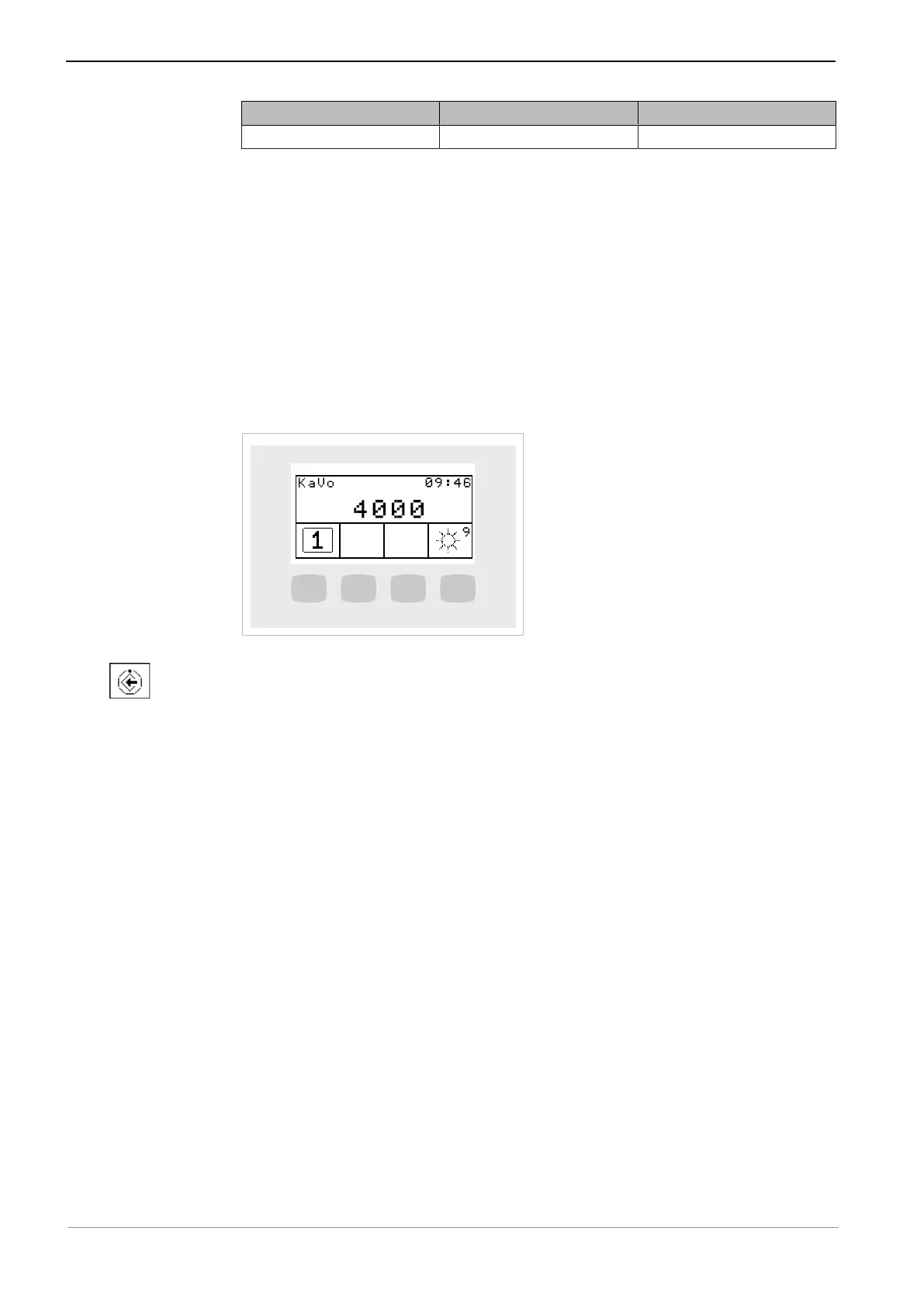
Setting the light intensity
▶ Remove the respective instrument.
▶ To select the light intensity, press the "Select dentist" button (S1) long.
▶ Press the "Light intensity" button (S4) to set the light intensity.
▶ Press the "Save" (S1) key to save the selection made.
57 / 74



 To Next Page