Instructions for use DSE Expert
5 Operation | 5.6 Using functions through the menu
Key Settings
S3 Changes the torque setting display
Unit: % or Ncm
Transmission ratio 1:1: 100% = 2.5 Ncm
Transmission ratio 3:1: 100% = 8.0 Ncm
S4 Selects the next option
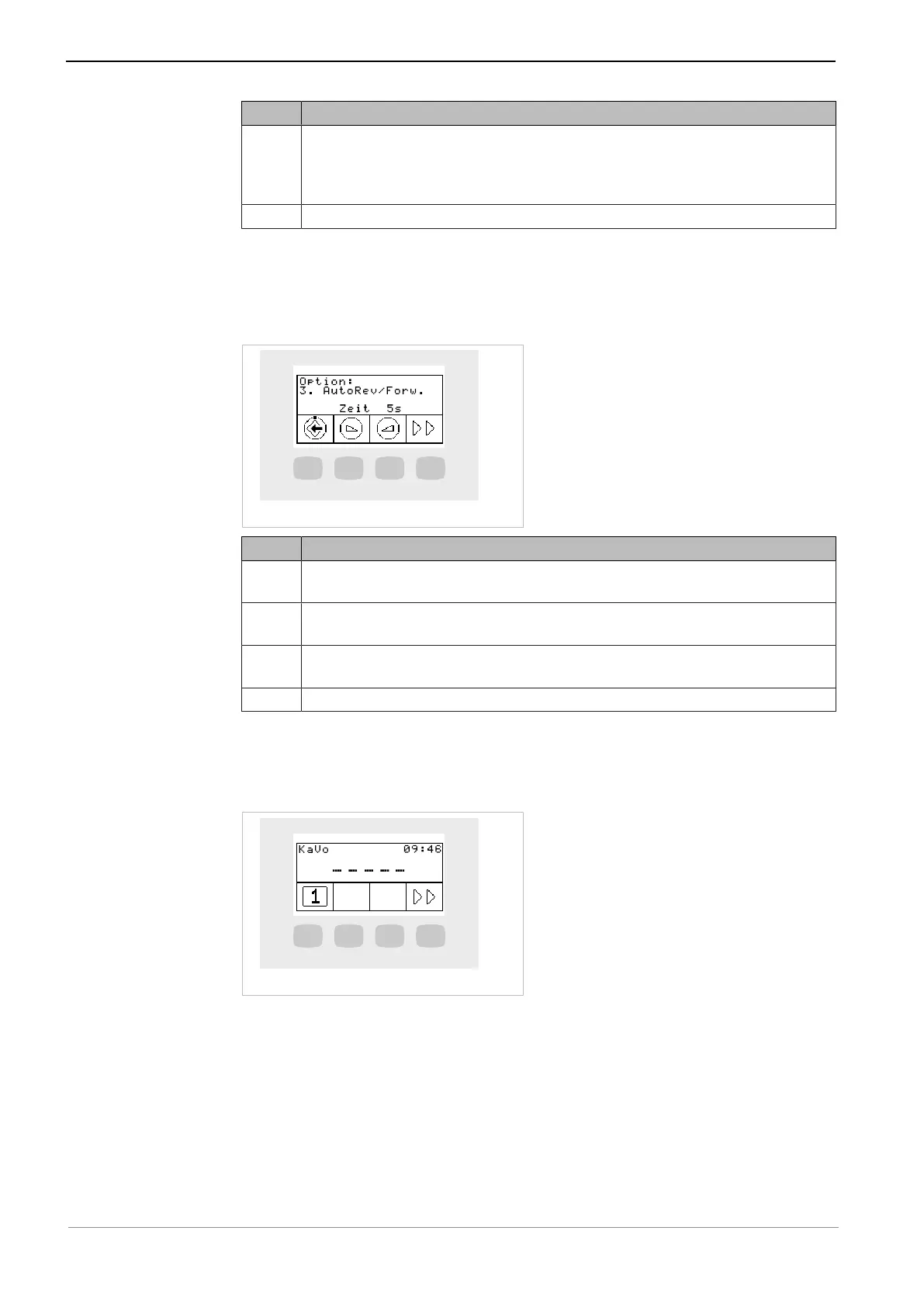
Option 3: AutoRev. / Fwd
▶ Press the "S2" or "S3" key to set the period of time after which the motor rotates
clockwise automatically. This dispenses with having to stop it using the foot con-
trol.
Key Settings
S1 Saves the option
Selects the ENDO menu
S2 Sets the time
1 second to 10 seconds
S3 Sets the time
1 second to 10 seconds
S4 Selects the next option
5.6.5 Selecting the dentist
The first symbol in the stand-by menu displays the current user.
▶ Press the "S1" key to start the user selection menu.
User selection (max. 6 users)
The user selection menu displays the available users.
55 / 74



 To Next Page