Instructions for use DSE Expert
4 First use | 4.2 Positioning and converting the patient simulator
▶ Install the light in the base and connected to the customer-provided mains voltage
connector (see IfU of the light). Comply with the safety notes and instructions on
ambient and operating conditions in the IfU of the light.
▶ Before startup, check if the connecting voltage corresponds to the nominal voltage
on the rating plate.
See also:
2 Instructions for use of the operating light
4.2 Positioning and converting the patient simulator
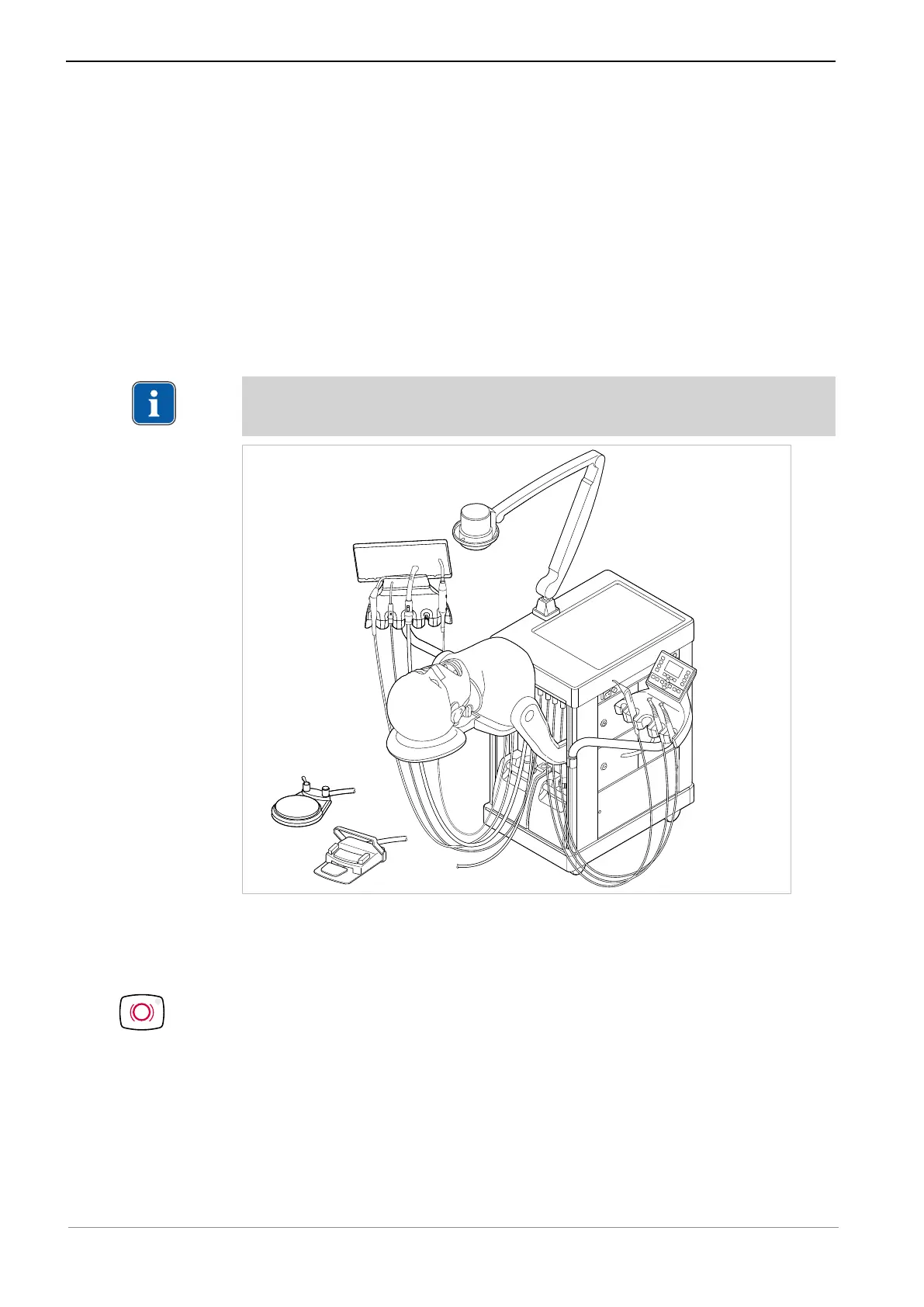
4.2.1 Positioning the patient simulator
Note
Do not push the patient simulator downwards with force. Device may tilt.
Position the chassis
▶ Turn on the dental simulation unit using the main switch.
▶ Move the dental simulation unit to the desired treatment position.
▶ Press the chassis brake button.
ð The chassis is braked.
29 / 74



 To Next Page