Instructions for use DSE Expert
5 Operation | 5.5 Instruments
42 / 74
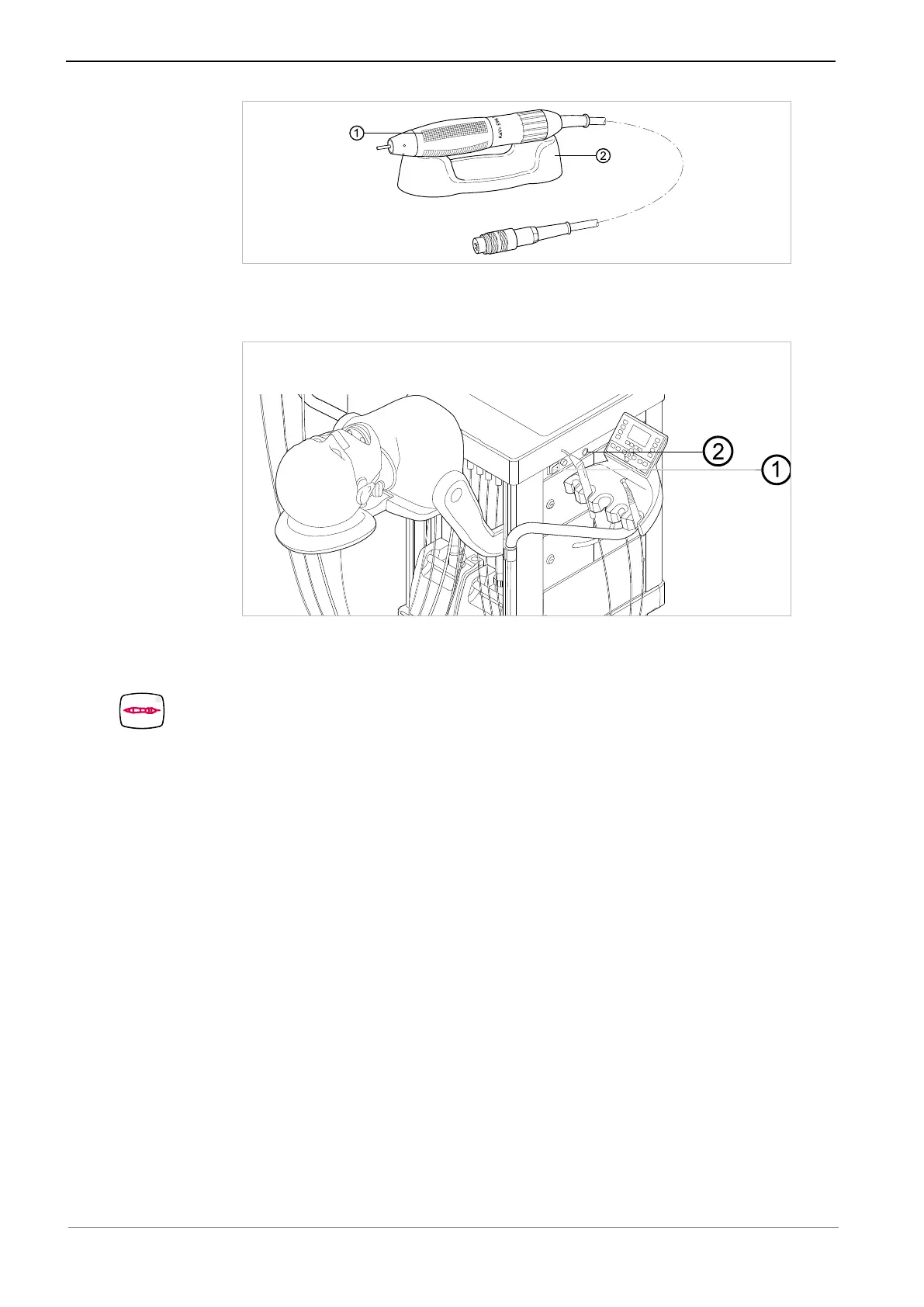
▶ Always place the handpiece ① on the handpiece holder ②. When running the
cable to the handpiece holder, make sure that the cable does not run through the
area of movement.
▶ Connect the K5plus handpiece via the K5plus device socket ② of the simulation
unit.
▶ Turn the main switch ① on.
▶ Preselect the handpiece on the membrane keyboard.
ð The green LED shows the pre-selection.
The following settings can be changed:
▪ Direction of rotation
▪ Motor speed at foot control A. (counterclockwise, maximally 5000 min
-1
)



 To Next Page