Instructions for use DSE Expert
5 Operation | 5.6 Using functions through the menu
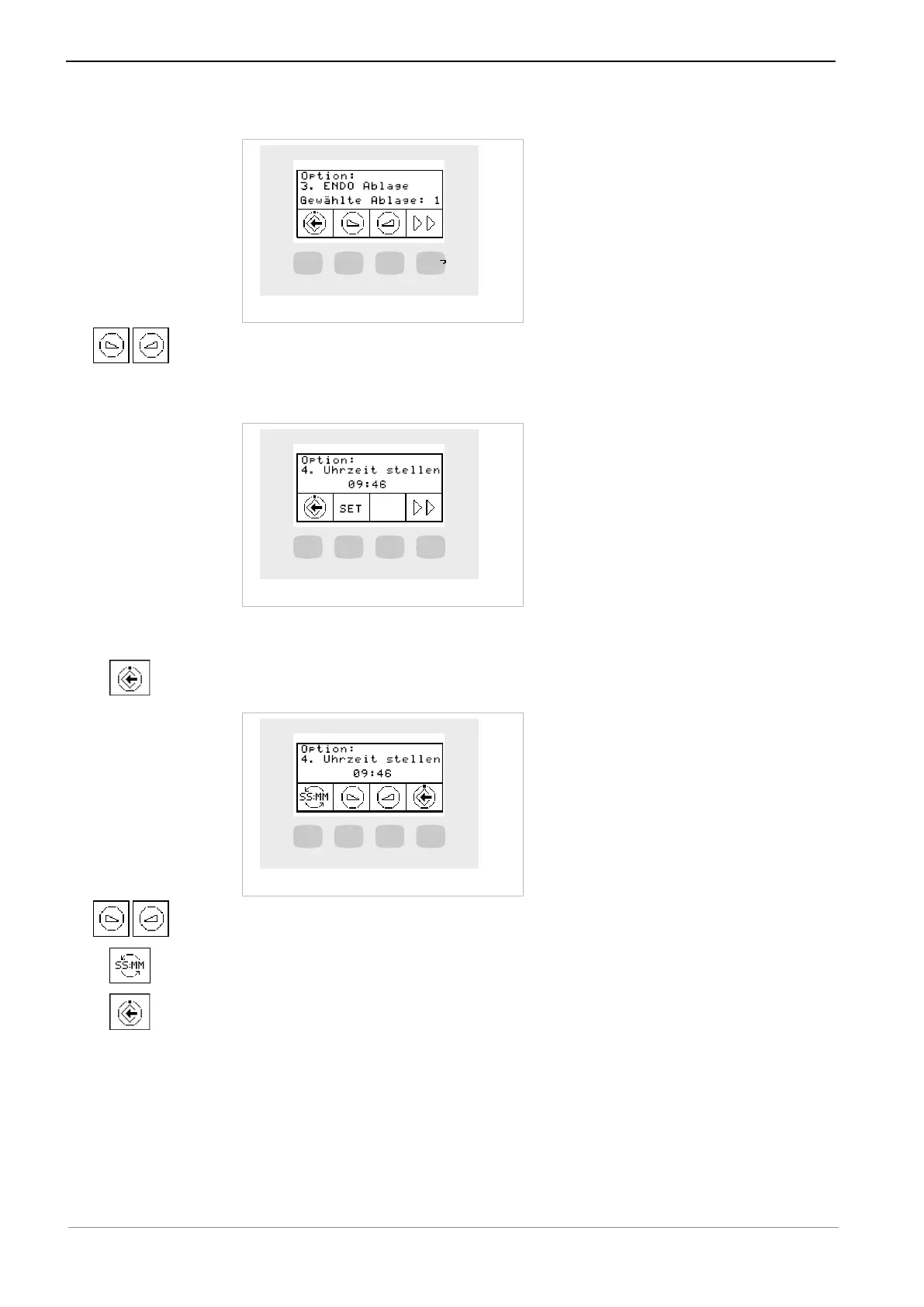
Option 3: Setting the ENDO holder
▶ Press the "increase value" or "reduce value" keys to set the selected holder.
Option 4: Setting the time of day
▶ Press the "SET" (S2) key to change the values of minutes and hours.
ð The value to be changed flashes.
▶ Press the "Save" (S1) key to save the selection made.
▶ Press the "reduce value" or "increase value" key to set the marked time of day.
▶ Press the "SS:MM" (S1) key to switch between hours and minutes.
▶ Press the "Save" (S4) key to save the values and switch to the SET display.
47 / 74



 To Next Page