28 SCAN EXAM
3. Using the system
3.13 Errors and warnings
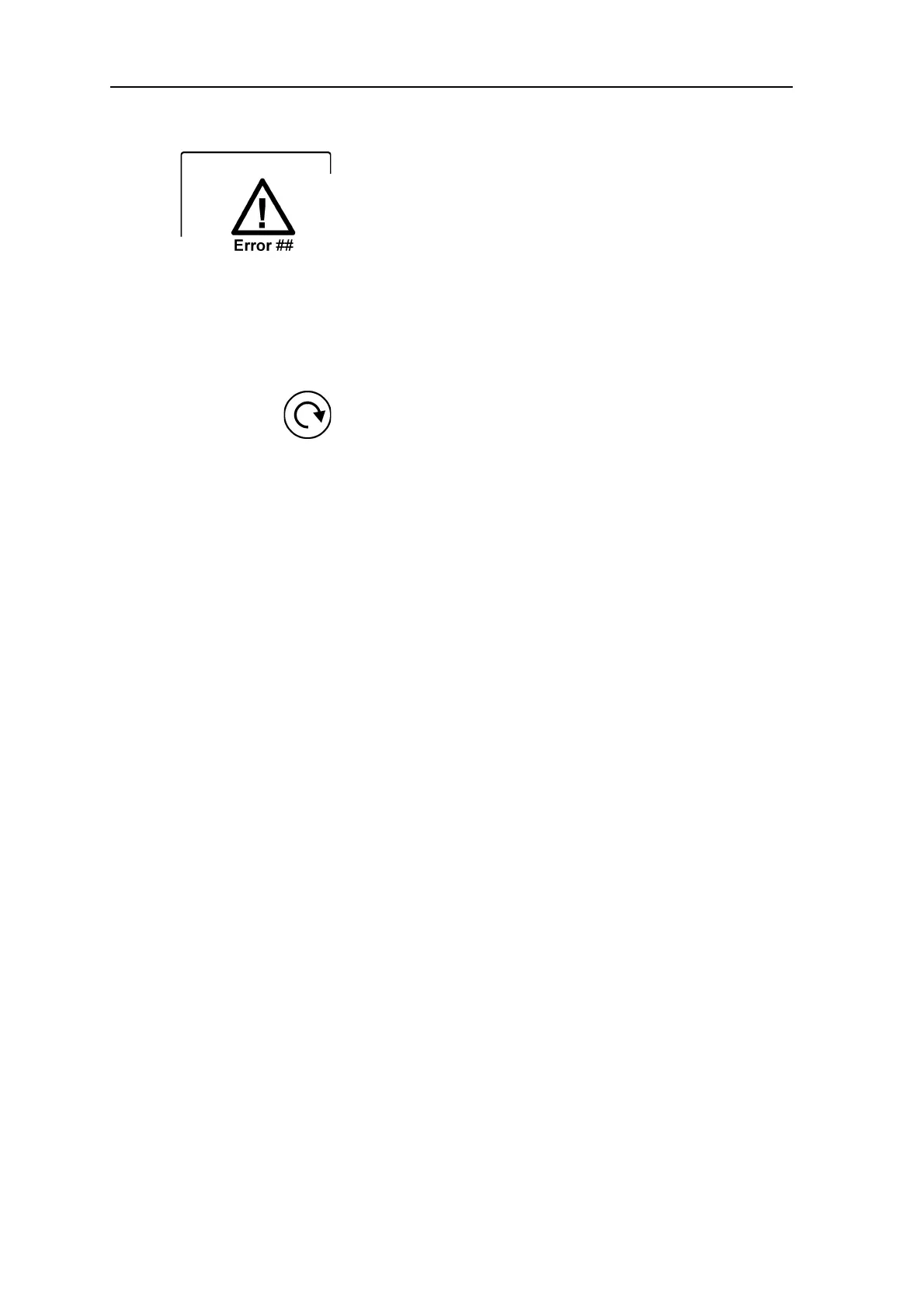
• If there is a problem with the unit the er-
ror state symbol and an error number will
appear on the unit display.
Restart the unit. The error should clear. If
not contact your authorized distributor for
assistance.
• Warning, UV lamp blown.
NOTICE:
The unit can still to be used if the UV dis-
infecting lamp has blown. Press the start
key to continue using the unit.
If you wish to disable UV disinfection com-
pletely see section: B.3.6 Hygiene page.
• PC: If the message:
Degraded image quality
appears on the PC display during or after
an IP is read it indicates that the image
may not be within the factory set quality
limits.
If the image looks okay no action is nec-
essary. If the message appears frequently,
contact your authorized distributor for as-
sistance.










 To Next Page