SoftStep3 hardWare
14
SoftStep3
1.4 CalibratinG expreSSion pedal and Cv oUtS
You can calibrate the expression pedal range and CV voltage output with the SoftStep Editor software� Both
calibration windows can be opened from the “Hardware” menu item�
CalibratinG expreSSion pedal
An expression pedal plugged into the SoftStep can be used as a source to control MIDI parameters� Please
calibrate your expression pedal to ensure that you have access to the full range of values�
To calibrate the expression pedal:
1� Plug in your expression pedal� Make sure it is an expression pedal, a volume pedal will not work�
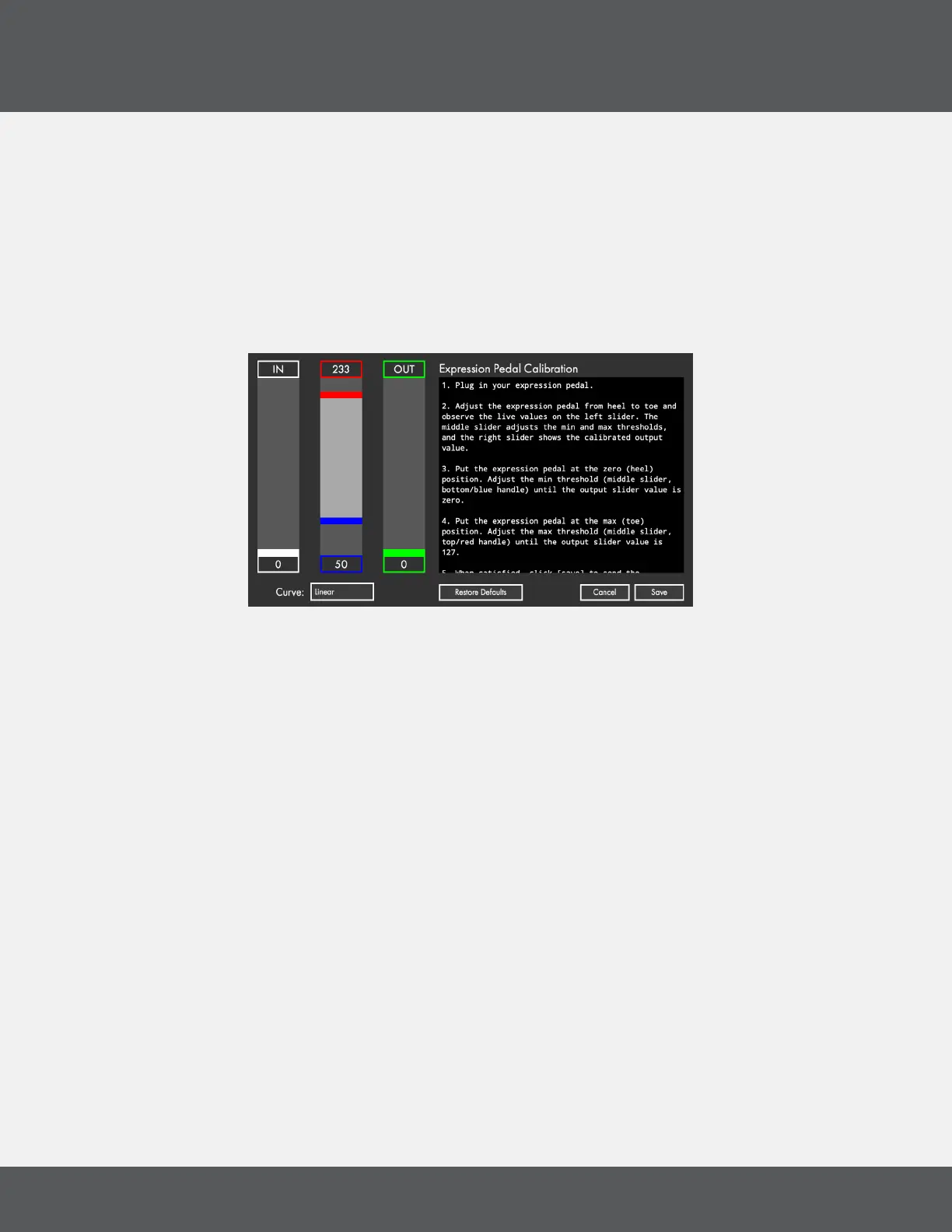
2� Adjust the expression pedal from heel to toe and observe the live values on the left slider� The middle
slider adjusts the min and max thresholds, and the right slider shows the calibrated output value�
3� Put the expression pedal at the zero (heel) position� Adjust the min threshold (middle slider, bottom/
blue handle) until the output slider value is zero�
4� Put the expression pedal at the max (toe) position� Adjust the max threshold (middle slider, top/red
handle) until the output slider value is 127�
5� When satised, click [save] to send the calibration values to the device.



 To Next Page