SoftStep advanCed editor
42
SoftStep3
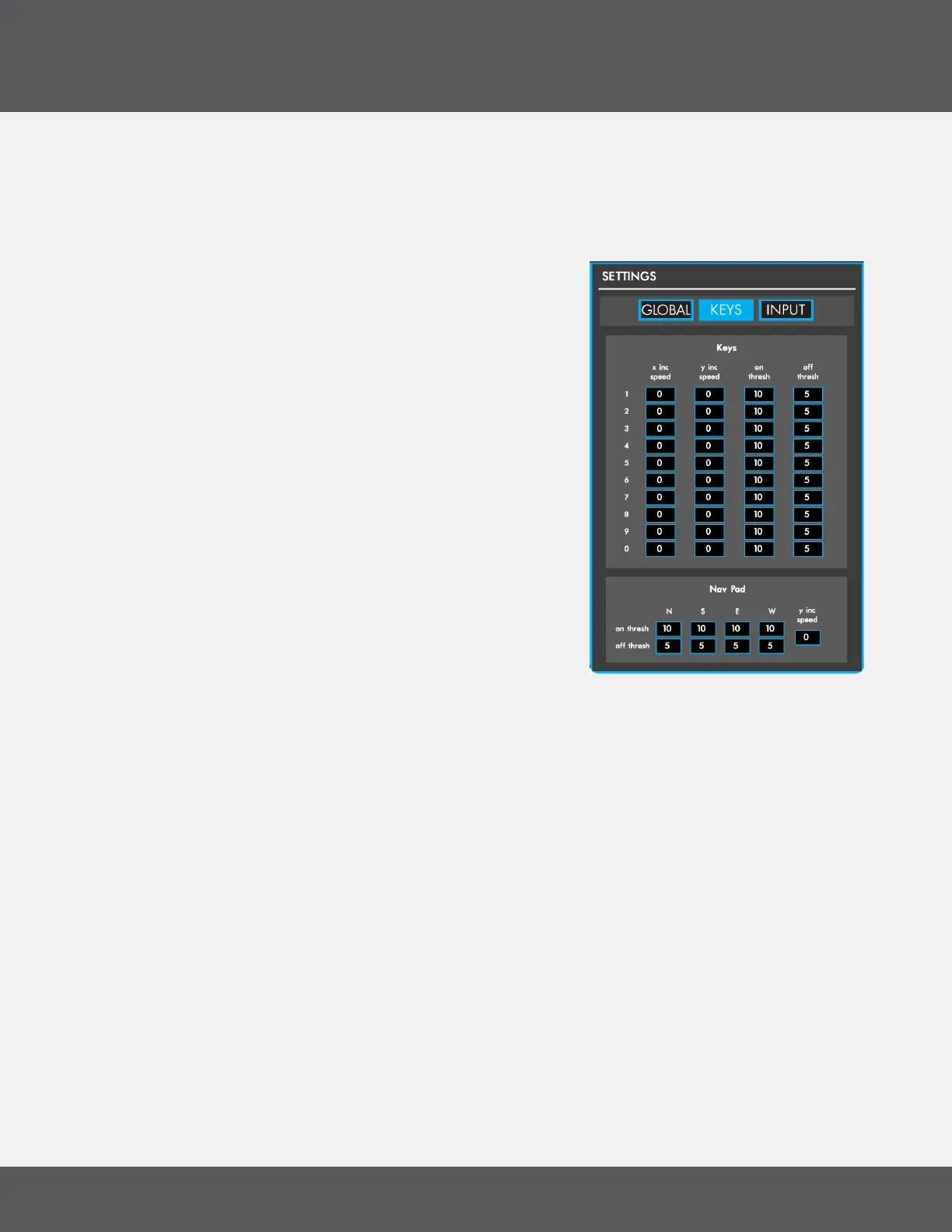
keyS tab
The Keys tab contains settings that apply to individual SoftStep Keys and the Nav Pad� Adjust the On and Off
Thresholds and X/Y Increment speeds per key or Nav Pad direction�
x inC Speed
Sets the speed at which the X Increment source increments/
decrements� Higher values make the source move faster —
lower values make the source move slower�
y inC Speed
Sets the speed at which the Y Increment source increments/
decrements� Higher values make the source move faster —
lower values make the source move slower�
on threShold
Sets the amount of pressure necessary to consider the key “on”
(or “triggered”)� Higher values require more pressure — lower
values require less pressure�
off threShold
Sets the amount of pressure necessary to consider the key “off”
(or “released”)� Higher values will make the key turn off sooner
(pressure doesn’t have to drop much) — lower values will make
the key turn off later (pressure has to drop very low)�



 To Next Page