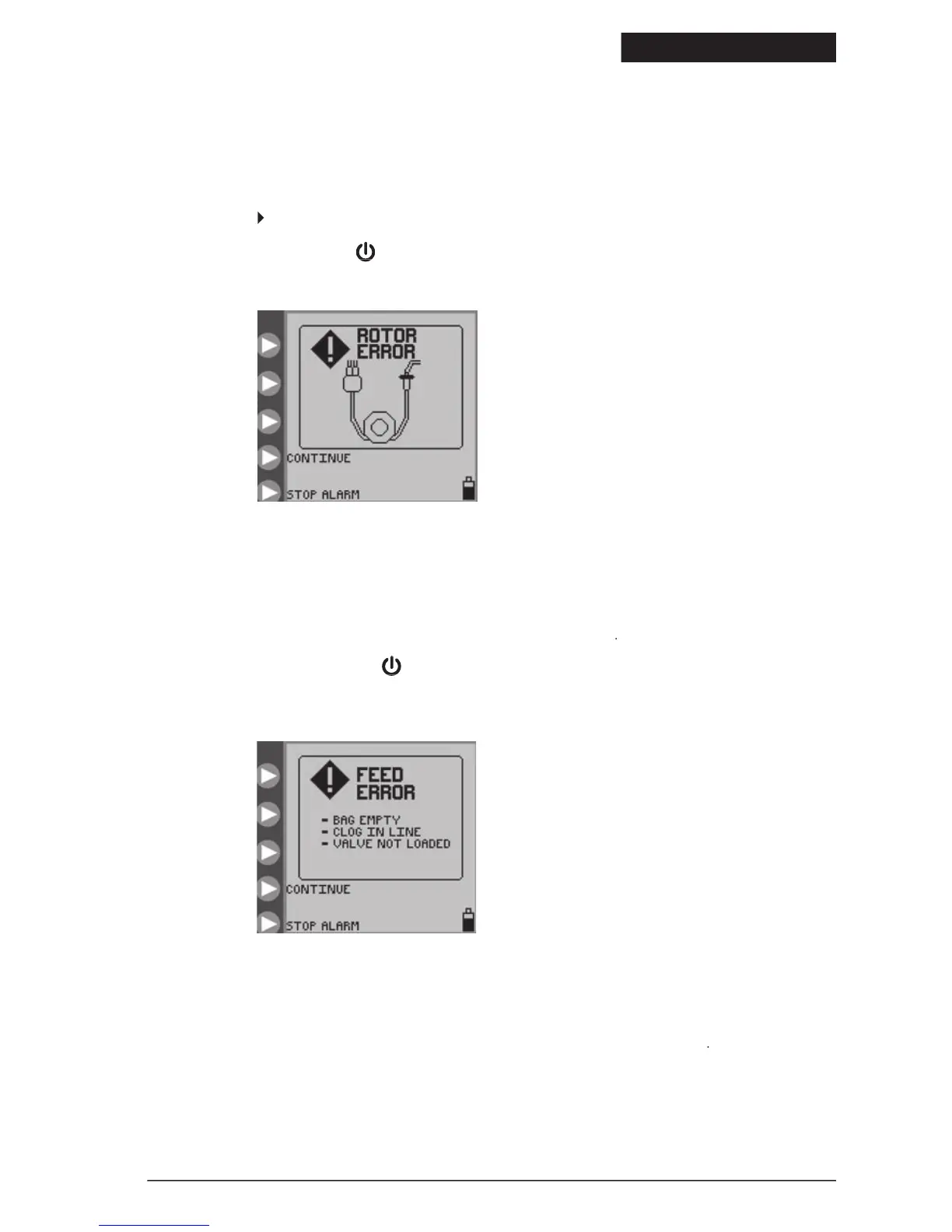
, when the pump has detected an unusual operating
condition for the rotor. See Figure 24. The
generally results from a problem with the Pump Set tubing
Check that the Pump Set is not damaged, and re-load the tubing around the rotor as described in subsection “Loading
If the error cannot be resolved, press
to stop operation of the pump and put a different pump into service.
If the error cannot be resolved, press
If the error cannot be resolved, press
screen appears when the enteral formula is no longer being delivered because the bag is empty or
because of a clog between the pump and the bag. Check the feed line to find the occlusion causing the blockage. If the
occlusion cannot be cleared, load a new Pump Set, prime it, and
If the error still cannot be resolved, press
to stop operation of the pump and put a different pump into
If the error still cannot be resolved, press
If the error still cannot be resolved, press
screen appears when the flushing solution is no longer being delivered because the flush bag is
empty or because of a clog between the pump and flush bag. Check the flush line to find the occlusion causing the
blockage. If the occlusion cannot be cleared, load a new Pump Set, prime it, and
Figure 24. Rotor Error screen.
Re-load the set tubing and press CONTINUE.
Figure 25. Feed Error screen.
© 2005 Tyco Healthcare Group LP


 To Next Page