11. See icon descriptions in Section III-Icon Identification and Section X - Specifications and Symbols for additional safety
his device is designed to minimize the effects of uncontrolled electromagnetic int
rference and other types of
interference from external sources. Avoid use of other equipment that may cause erratic operation or degradation i
the performance of this device.
The DB9 serial I/O port (see Figure 1A) is intended only for use by the manufacturer.
Any accessory equipment that can be connected to the DB9 Serial I/O port, and which does not comply with the
equivalent safety requirements of this equipment, may lead to a reduced level of safety of the pump. While use of
the pump’s DB9 port is not recommended for customers, the following should be considered in the event that the
customer decides to connect to this port:
• The accessory is specifically certified as complying with the safety requirements for accessories used with the
pump, whereas the safety certification of the accessory has been performed in accordance to the appropriate IEC
60601-1 and/or IEC 60601-1-1 harmonized national standard.
• Under no circumstances should the certified accessory be used while the pump is in use for enteral feeding of a
This enteral feeding pump should only be used for patients who can tolerate the flow rates and accuracy
levels delivered by the pump. Premature infants may require higher accuracy rates than specified for this enteral
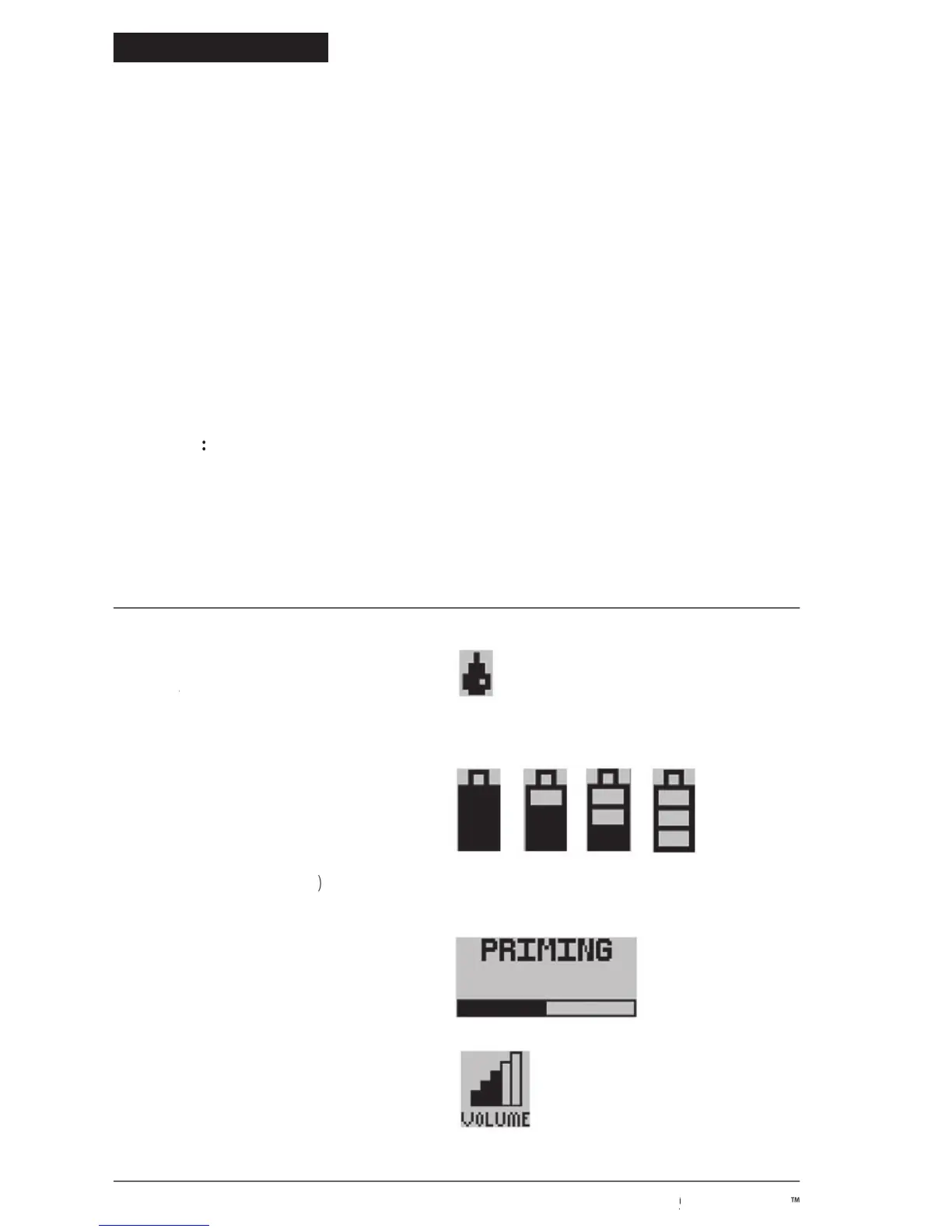
Vertically-moving droplet in
RUNNING screen indicates Run RUNNING
• Very low battery (15 minutes max.
When auto priming, the bar will progress
to show auto prime feature is active.
Indicates alarm volume setting.
© 2005 Tyco Healthcare Group LP


 To Next Page