◆Backlight settings
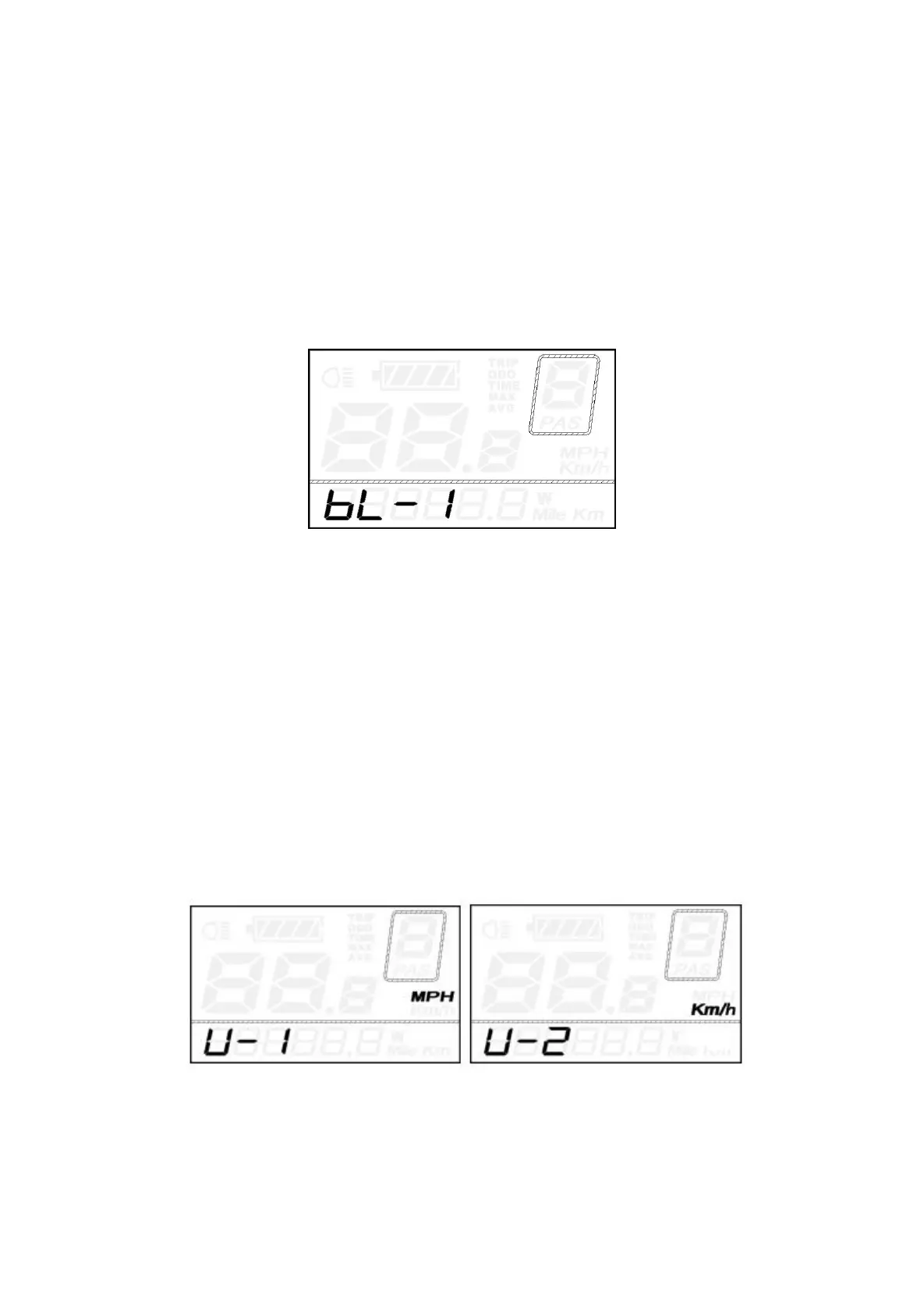
bL represents backlight settings. Level “1” is the lowest brightness. Level “2” is the medium
brightness. Level “3” is the highest brightness. The default value is “1”.
To change the backlight brightness, press the UP/DOWN button to increase or decrease until the
desired brightness is displayed.
To store a changed setting, press the ON/OFF button and access unit toggling settings.
Backlight Brightness Setting Interface
◆Unit km/mi toggling
U represents unit settings, “1” is mile, and “2” is kilometer.
The default value is “2”.
To toggle the unit, press the UP/DOWN button until the desired unit is displayed.
To store a changed setting, press
the
ON/OFF button and access trip distance clearance settings
again or hold
the
ON/OFF button for 2s to exit General Settings.
Mile and Kilometer toggling Settings Interface


 To Next Page