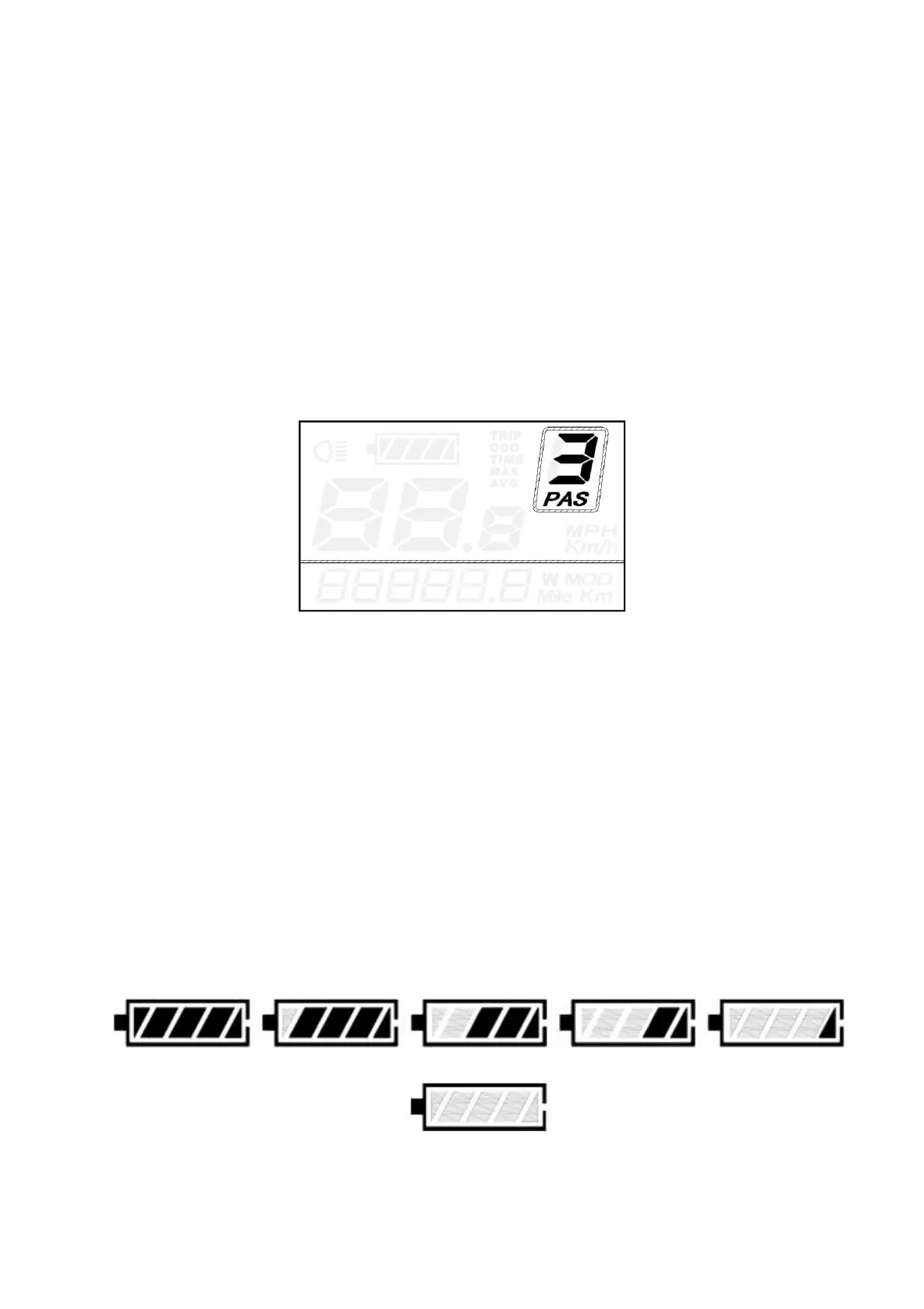
◆Assist Level Selection
The assist level of the E-bike drive can be changed anytime, even during riding.
The assist level ranges from 0 to 5 (level 0 to level 5). The default assist level is “1” when the display
is started. The output power is zero on Level “0”. Level “1” is the minimum output power. Level “5” is the
maximum output power.
Press UP/DOWN button to switch between the E-bike system assist levels and change the motor
output power.
Assist Level “3”
◆Manual clearance functions
Amid all indication functions, Trip Distance, Max Speed and Avg. Speed can only be cleared manually.
If the above functions need to be cleared, hold ON/OFF button and the DOWN button for 2s, the above
functions can be cleared simultaneously.
◆
Battery Indicator
The five battery power bars represent the capacity of the battery. The five battery bars are
bright when the battery is in full voltage. When the battery is in low voltage, battery frame will
flash at the frequency of 1HZ to give a notice that the battery needs to be recharged immediately
Flash (low voltage)
Battery
Indicator



 To Next Page