Assist Level Ratio Settings
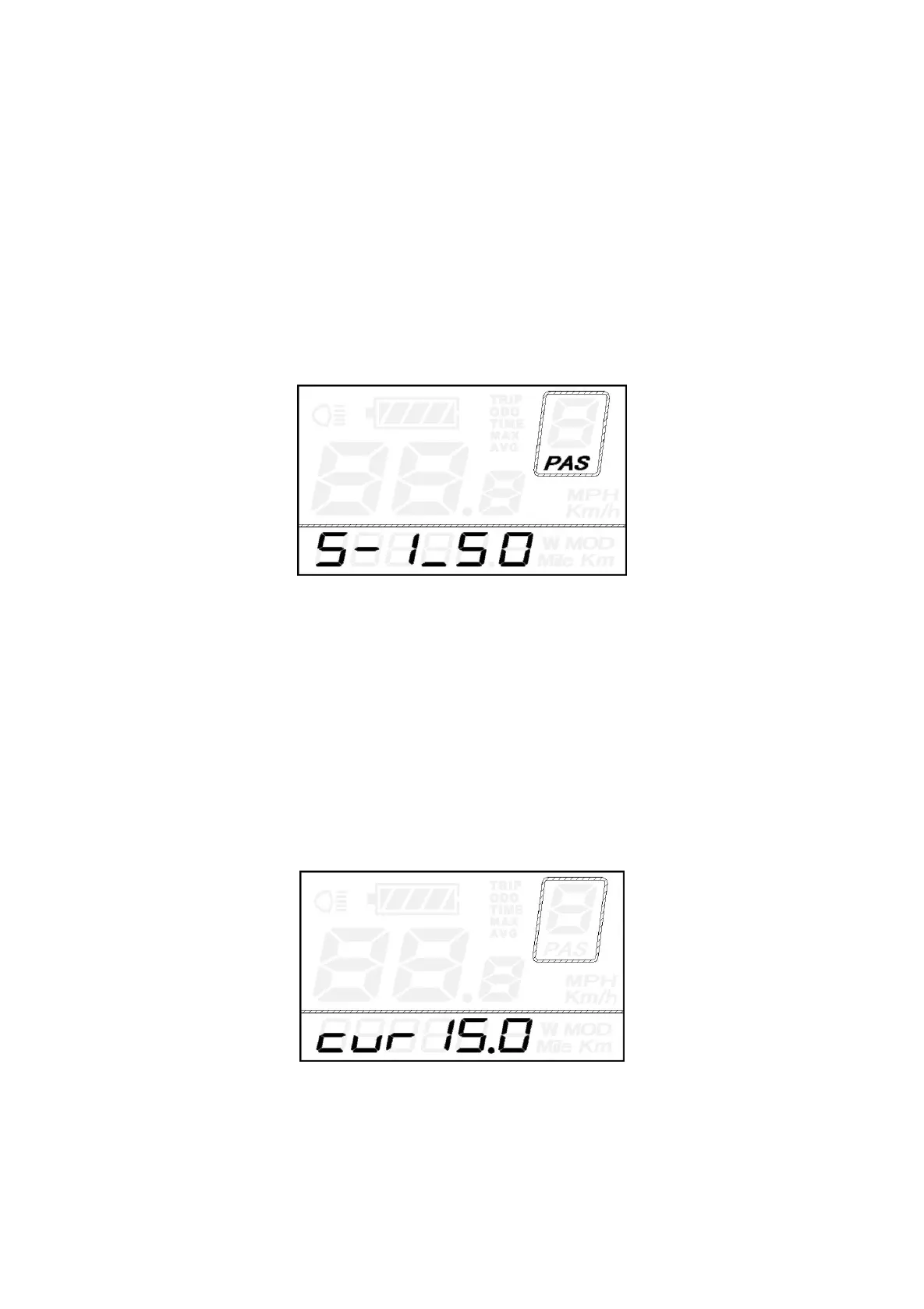
The speed of each level can be adjusted to meet different riders’ needs by setting the ratios.
For example, the default ratio is 50% for level “1”; the ratio range is 45%-55% for Level ”1”.
To change the ratio of a certain assist level, press the UP/DOWN button to choose the desired
ratio value, and then press the "ON/OFF" button to confirm and then move to the next level ratio
setting.
After ratios of all levels were input, hold the “ON/OFF” button for 2s to confirm and return to
previous menu.
*Please refer to assist level ratio default values Attached list 3
Assist Level Ratio Interface
◆
Controller Over-Current Cut Settings
CUR represents controller over-current cut settings. CUR value ranges from 7.0A to 22.0A. The
default value is 15A.
Press the UP/DOWN button to increase or decrease the value of the current.
Press the ON/OFF button and then return to previous menu.
Current Settings Interface


 To Next Page