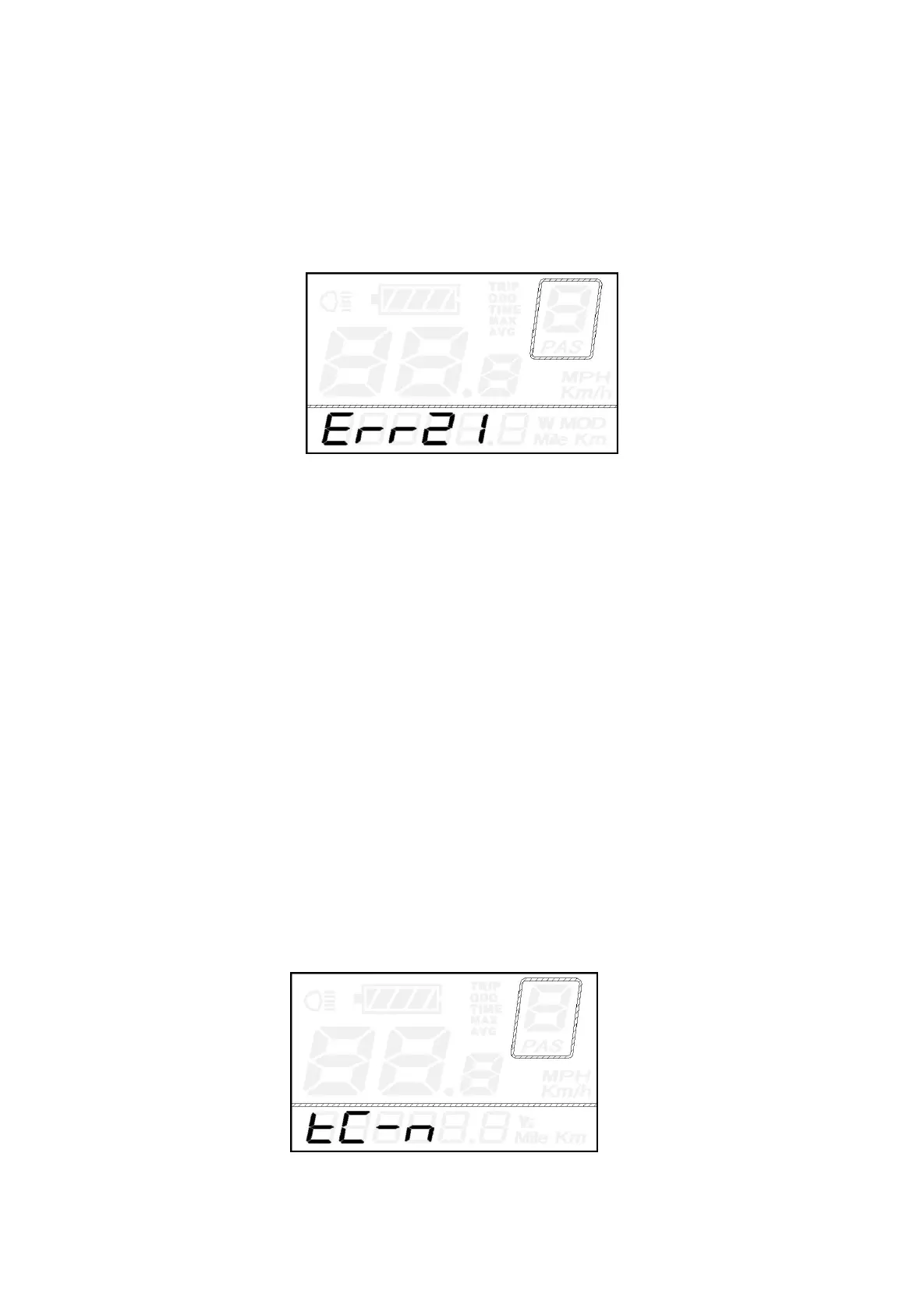
◆Error Code Indication
The components of the E-bike system are continuously and automatically monitored.
When an error is detected, the respective error code is indicated in text indication area.
Refer to detailed definition of the error codes in Attached list 1.
Error Code Indication
■Have the display inspected and repaired when an error code appears. Or else, you will not be
able to ride the bike normally. Please always refer to an authorized bicycle dealer.
General Settings
After the E-bike system is switched on, hold both the UP button and DOWN button simultaneously for
2s to access general settings menu.
■All the Settings are completed on a parked E-bike.
◆
Trip Distance Clearance
TC represents trip distance clearance settings.
Press the UP/DOWN button to choose Y or N. The default value is N.
To store a changed setting, press the ON/OFF button and access backlight settings.
For symbols and their definitions, please refer to Attached list
4.
Trip Distance Clearance Settings Interface



 To Next Page