◆Power Assist Sensor Settings
PAS represents power assist sensor settings.
Power Assist Sensor Direction Settings
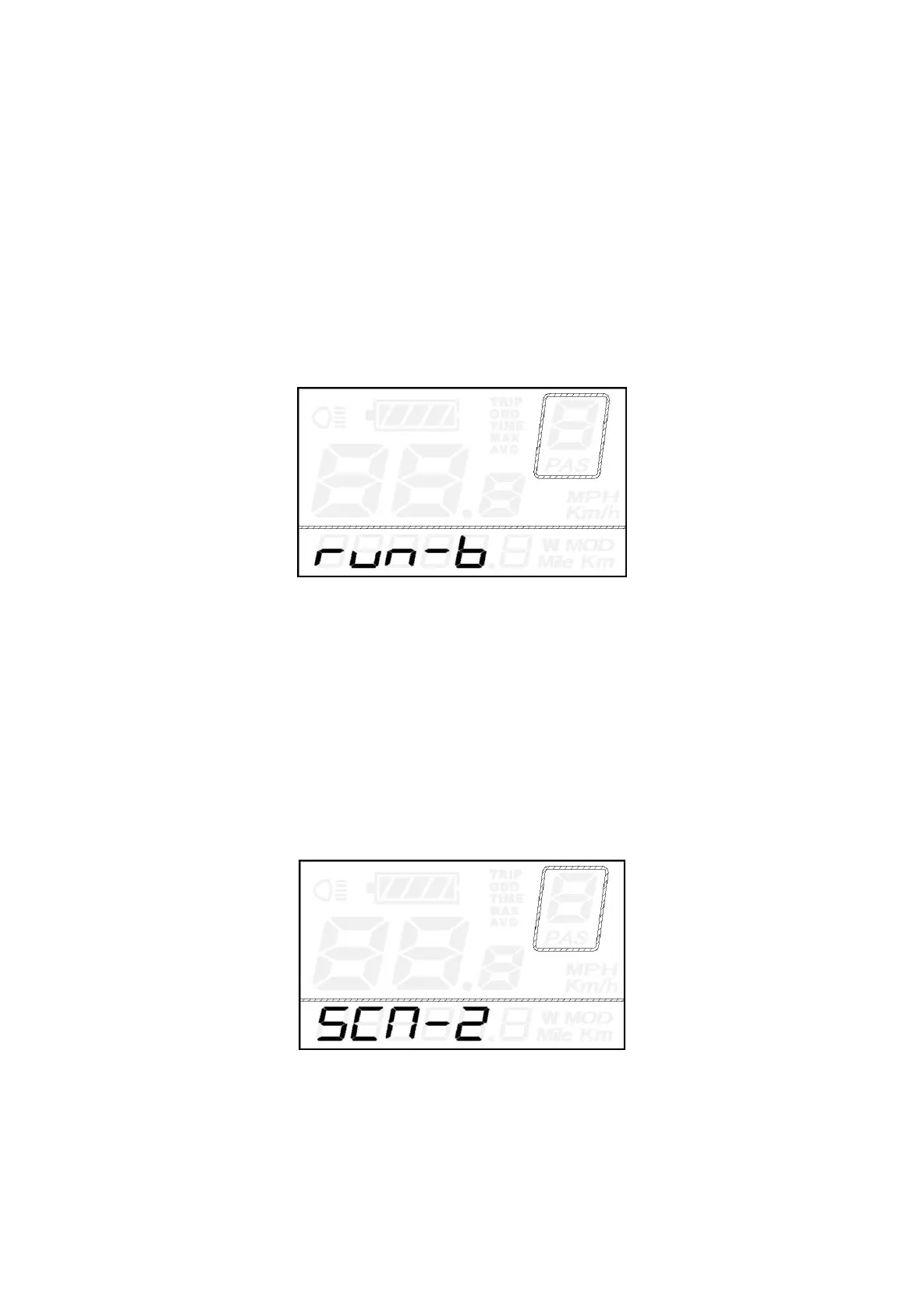
“run-F” means forward direction while “run-b” means backward direction. The default value is
“run-F”.
Press the UP/DOWN button to select F or b to change the direction of Power Assist Sensor.
Press the ON/OFF button and then access PAS sensitivity settings.
PAS Direction Settings
PAS Sensitivity Settings
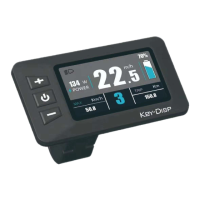
SCN represents PAS sensitivity settings. The sensitivity value ranges from “2” to “9”. “2” is the
strongest, “9” is the weakest. The default value is “2”.
Press the UP/DOWN button to choose sensitivity value to change the PAS sensitivity settings.
Press the ON/OFF button and then access magnet disk settings.
PAS sensitivity Settings


 To Next Page