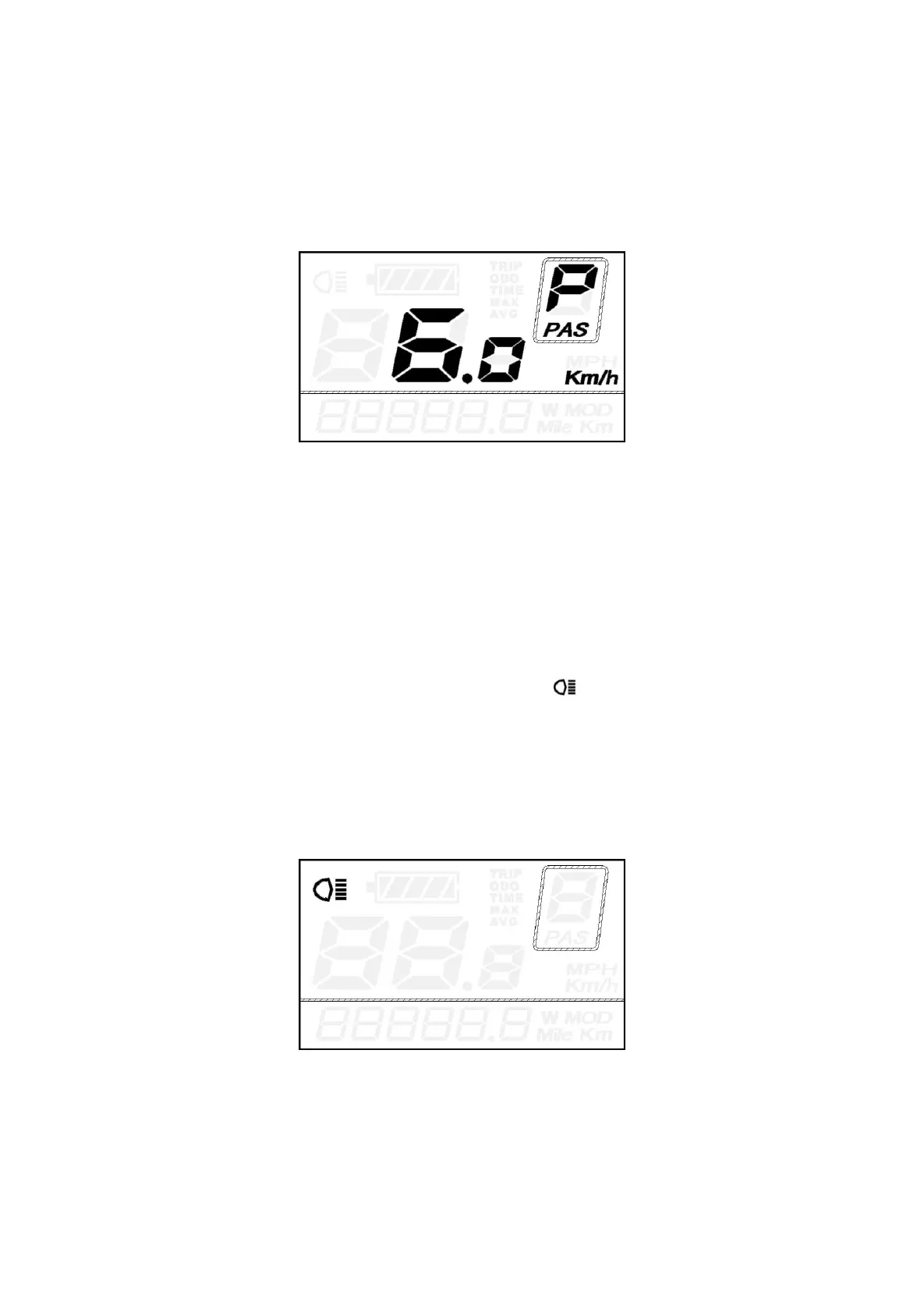
◆Switching Push-assistance mode ON/OFF
To activate the push-assistance function, press and hold the DOWN button. After 2 seconds, E-bike
is activated to go at a uniform speed of 6 Km/h while the screen displays “P”.
The push-assistance function will be switched off as soon as you release the DOWN button.
Push-assistance mode
■Push-assistance function may only be used when pushing the E-bike. Be aware of danger of
injury when bike wheels do not have ground contact while using the push-assistance function.
◆
Switching Lighting ON/OFF
To switch on E-bike front light or rear light, press the “UP” button for 2s. The display backlight
brightness is automatically reduced while the screen displays “ ”.
Likewise, press the “UP” button for 2s again, the bike front light and rear light can be switched off
and display backlight recover its brightness.
*If E-bike front light or rear light is independent of “UP” button, the “UP” button can only be used to
switch on/off the display backlight.
Switching Lighting on/off



 To Next Page