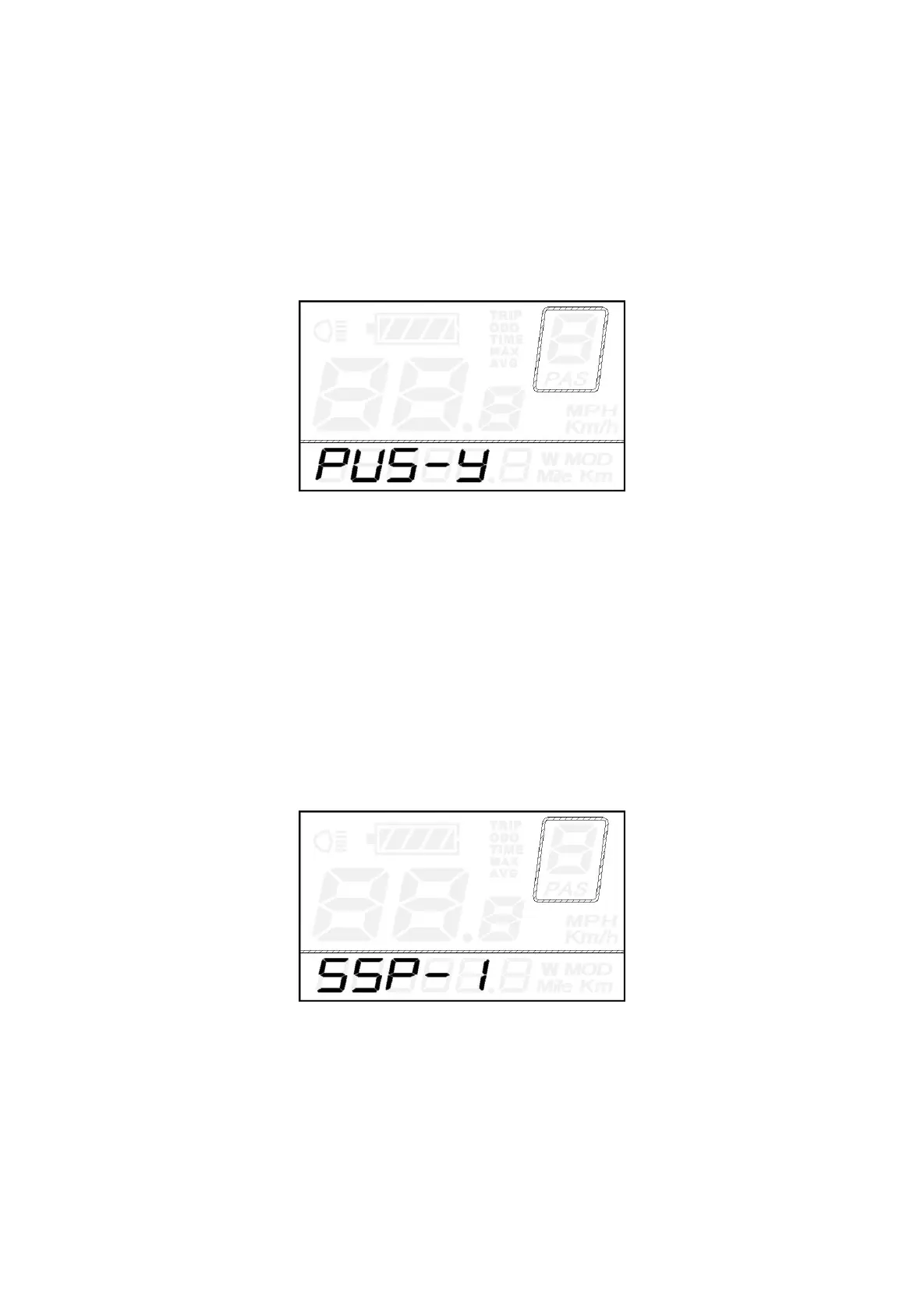
Push-assistance Enable/Disable
PUS represents push-assistance enable/disable settings. “Y” means push-assistance is enabled, “N”
means push-assistance is disabled. The default value is “Y”.
Press the UP/DOWN button to choose “Y” or “N” to change push-assistance settings.
Press the ON/OFF button to confirm and then access slow start up settings.
Push-assistance settings Interface
Slow Start up Settings
SSP represents slow start up. The range is “1-4”, “4” is the slowest. The default value is “1”.
To change slow start up settings, press the UP/DOWN button to choose the desired value.
Press the ON/OFF button and moves to Delay time settings for battery power.
Hold the ON/OFF button for 2s to return to previous menu, .
Slow Start-up Settings interface



 To Next Page