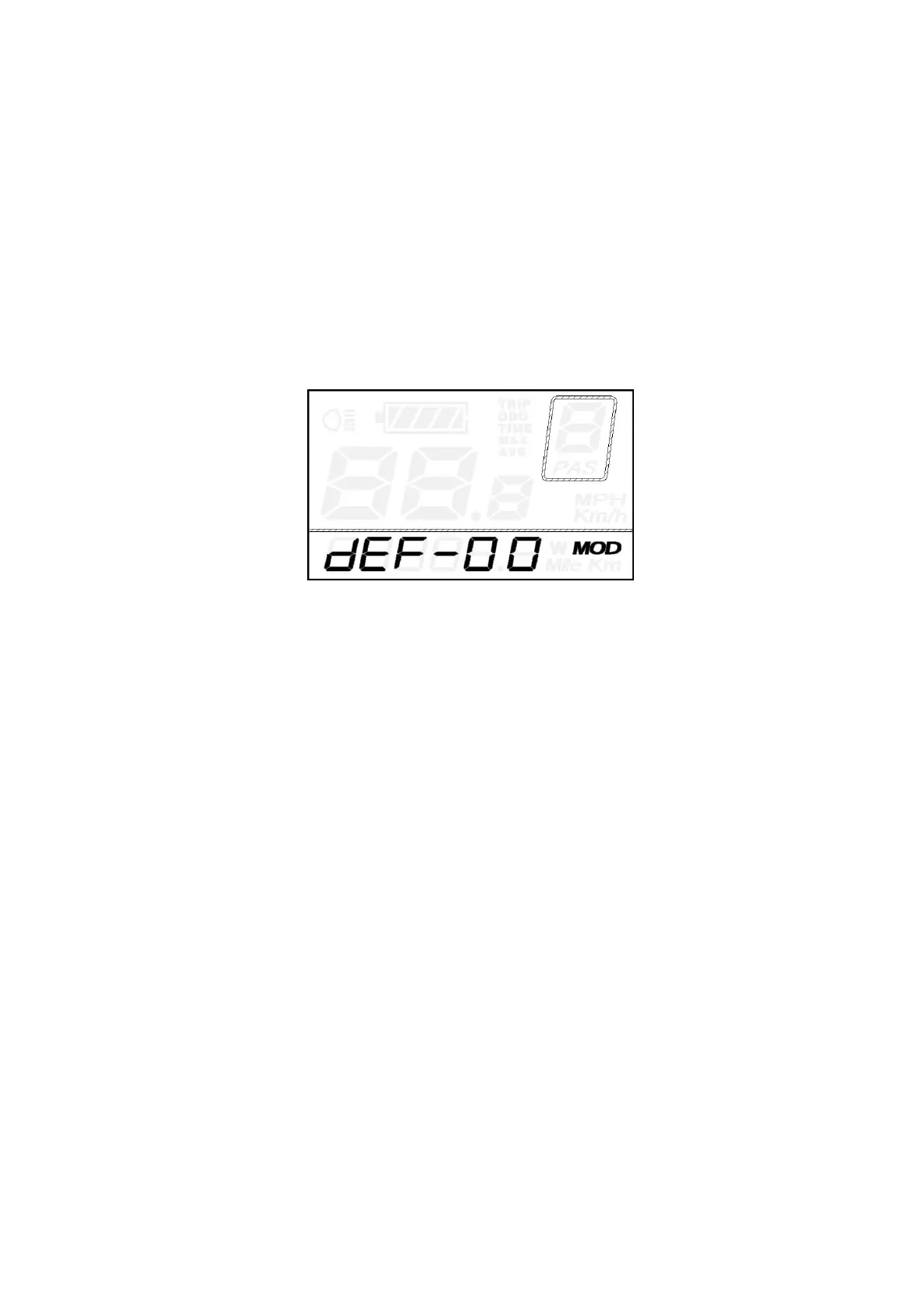
Recover default settings
dEF represents recovering default settings.
The default value is N.
To access recover default settings, hold both UP and ON/OFF button for 2s and then access
selection interface. Press the UP/DOWN button to choose “Y” or “N”. “N” means not recovering default
settings. Y means recovering default settings.
When it is “Y”, hold the ON/OFF button for 2s to recover default settings, the display shows DEF-00
at the same time and returns to display start-up page .
Recover Default Settings Interface
Quality assurance and warranty scope
Ⅰ Warranty
1) The warranty will be valid only for products used in normal usage and conditions.
2) The warranty is valid for 24 months after the shipment or delivery to the customer.
Ⅱ Others
The following cases do not belong to warranty scope:
1) The display is demolished.
2) The damage of the display is caused by wrong installation or operation.
3) The shell of the display is broken after the display is out of the factory.
4) The cable of the display is broken.
5) Beyond warranty period.
6) The fault or damage of the display is caused by the force majeure (e.g., fire, earthquake, etc.)



 To Next Page