◆Power-on Password Settings
PSd represents power-on password settings. Power-on password is a 4-digit code. The default
password is “1212”.
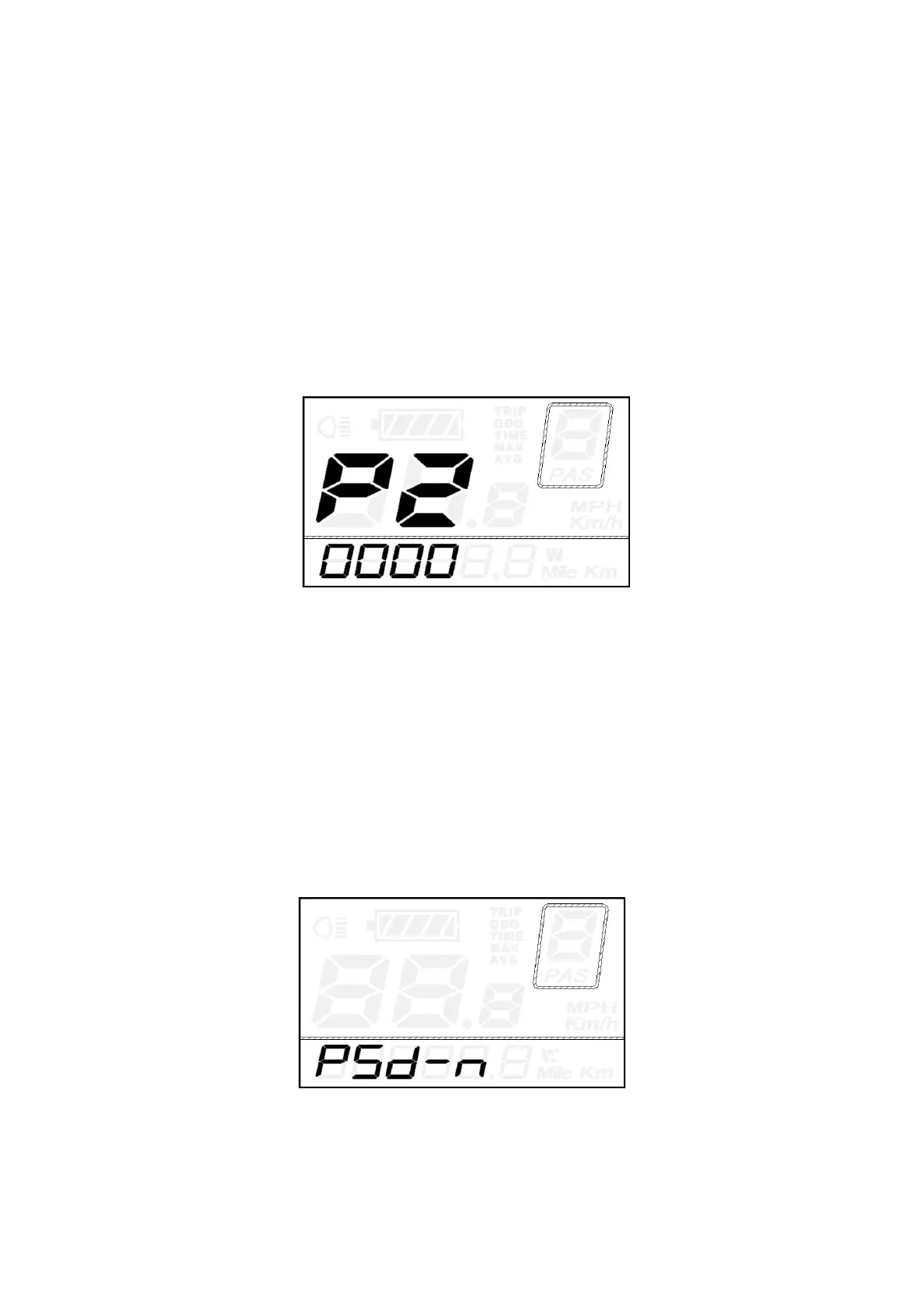
Press ON/OFF button to enter the interface where “P2, 0000” is shown on the screen. Please input
the current password or default password’1212’.
Press UP/DOWN button to increase or decrease the number and press i button to confirm digits one
by one until the correct 4-digit password is completed. Press ON/OFF button to access power-on
password Enable/Disable Settings.
Otherwise stay in password input state.
Password Input Interface
Power-on Password Enable/Disable
Press UP or DOWN button to choose Y or N and press i button to confirm. Y means power-on
password is enabled. N means power-on password is disabled. The default value is N.
If you choose Y, press the “i” button and then access power-on password change interface.
If you choose N, you will exit the power-on password settings interface and return to previous menu.
Power-on Password Disable Interface



 To Next Page