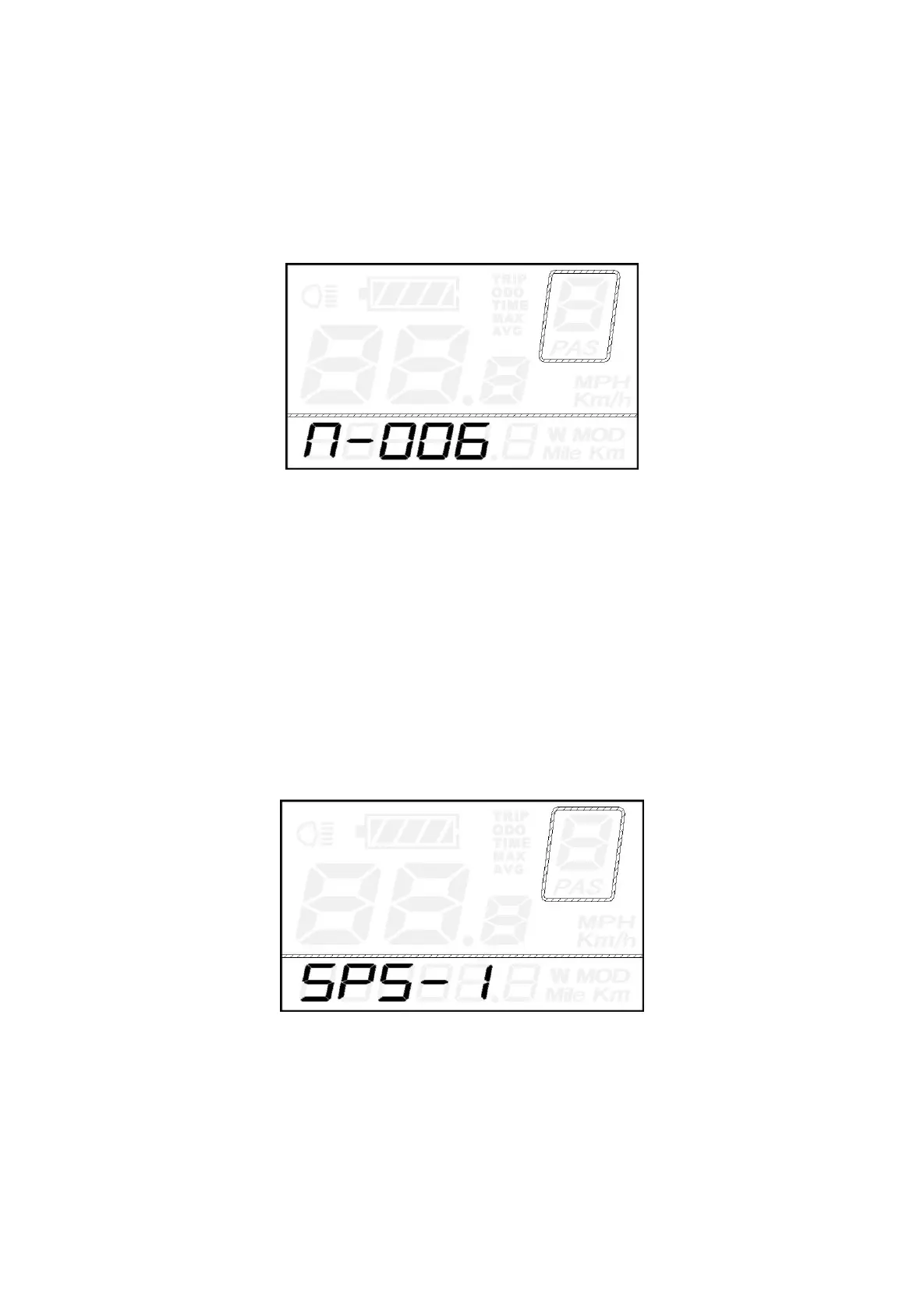
PAS Magnet Quantity Settings
N represents the number of magnets on PAS disk. The default value is 12.
Press the UP/DOWN button to select the number of magnets on PAS disk.
Hold the ON/OFF button for 2s to confirm and return to previous menu.
PAS Disk Magnet Quantity settings
◆Speed Sensor Settings
SPS represents speed sensor settings. The default value is 1.
Press the UP/DOWN button to choose the number of spoke magnets on the bike wheel. The range is
from 1 to 9.
Hold the ON/OFF button for 2s to confirm and then return to previous menu.
Speed Sensor settings



 To Next Page