7
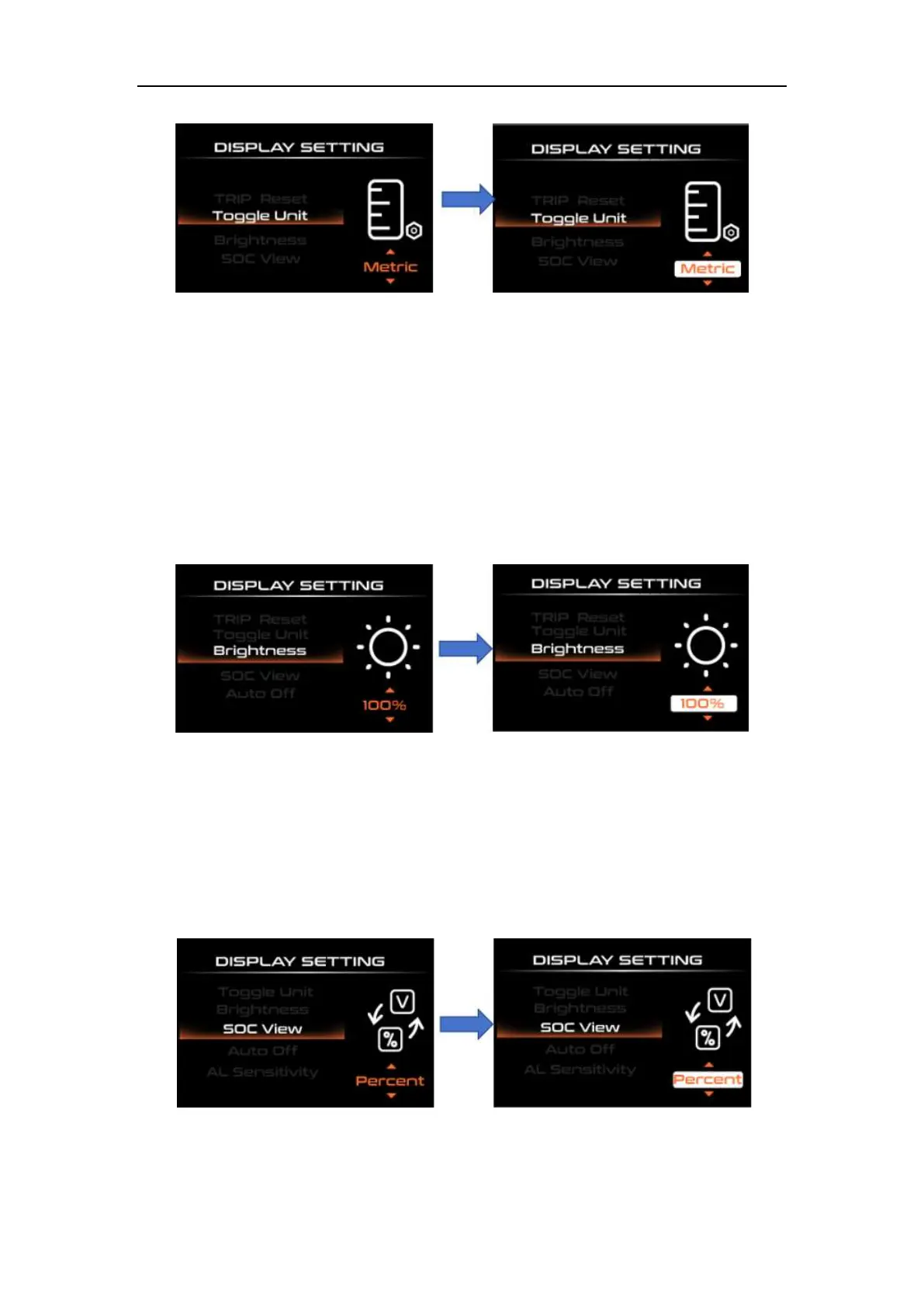
Toggle Unit Interface
◆Brightness
"Brightness" indicates the backlight brightness setting. Short press "i" to enter
the settings. By short pressing "UP" or "DOWN", the backlight brightness range is "100%-
75%-50%-30%-10%" 5 levels of brightness, 100% corresponds to the highest brightness,
10 % corresponds to the lowest brightness; short press "i" to save and exit to
"Brightness".
Brightness setting interface
◆SOC settings
"SOC View" represents two display methods of remaining battery capacity. One is the
percentage and the other is the voltage value. Select the desired display mode by briefly
pressing the "UP" or "DOWN" button. Short press "UP" or "DOWN" to select voltage and
percentage "Voltage"/"Percent" modes. Short press "i" to save and exit to "SOC View".
SOC setting interface



 To Next Page