6
Setting Interface
▉All the settings are operated on a parked e-bike.
Display settings
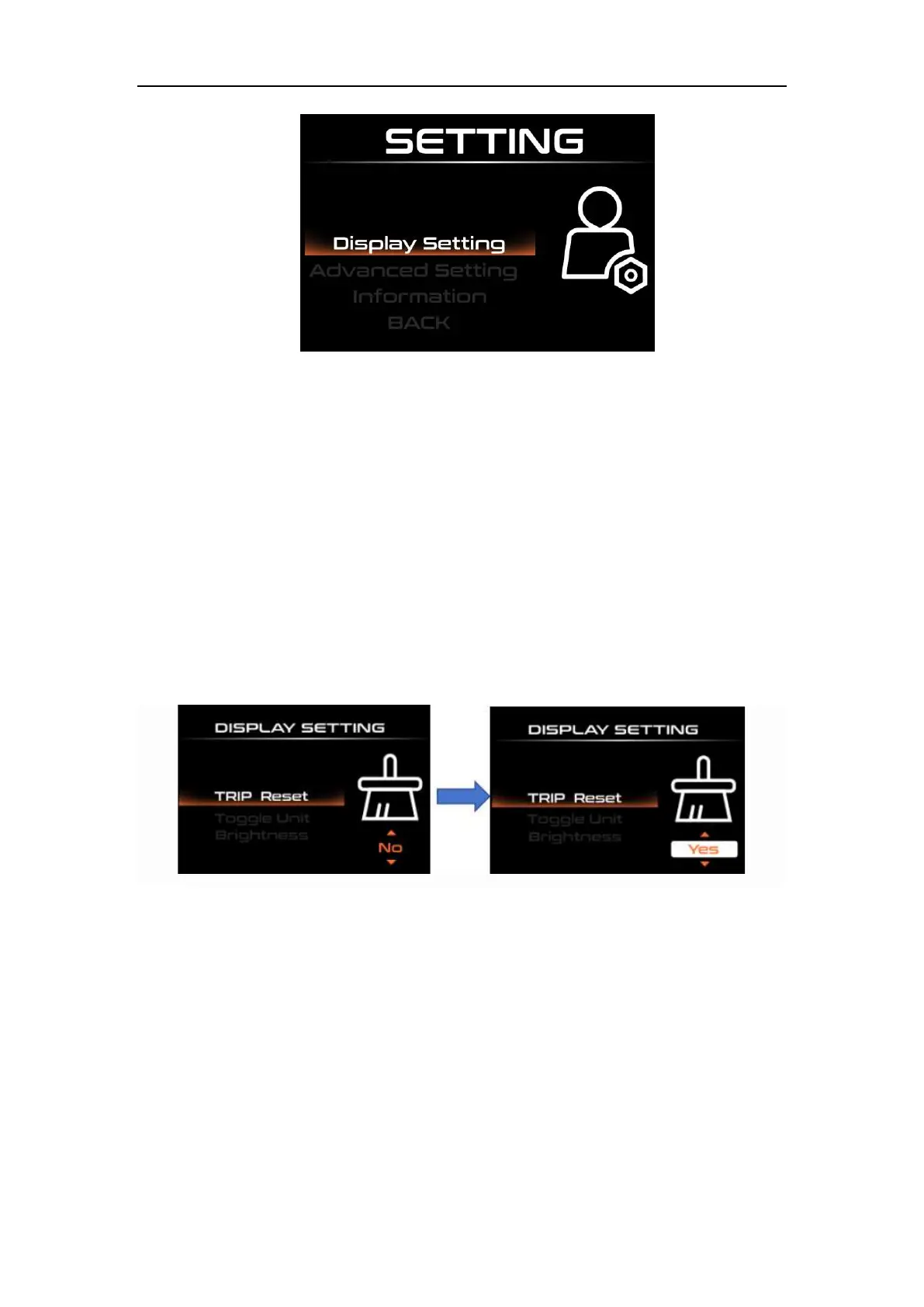
◆Trip Reset
Short press "i" to confirm, short press "UP" or "DOWN" to switch between "NO (not
clear)" and "YES (clear)"; (cleared data includes maximum speed (MAXS), average speed
(AVG), Trip (TRIP), riding time (Time)), short press "i" again after confirmation, save and
exit to "TRIP Reset".
Press and hold the "i" key to exit to the main interface or press "BACK" → to exit to
the main interface. The above data will not be automatically cleared when the instrument
is turned off or the e-bike is powered off.
Trip Reset Interface
◆Toggle Unit
Press the “UP” button or the “DOWN” button to choose the “Toggle Unit”, and then
press the “i” button to enter unit settings, press the “UP” button or the “DOWN” button to
switch between “Metric” and “Imperial”, press the “i” button to save and exit “Toggle Unit”.
The default value is “Metric”.



 To Next Page