12
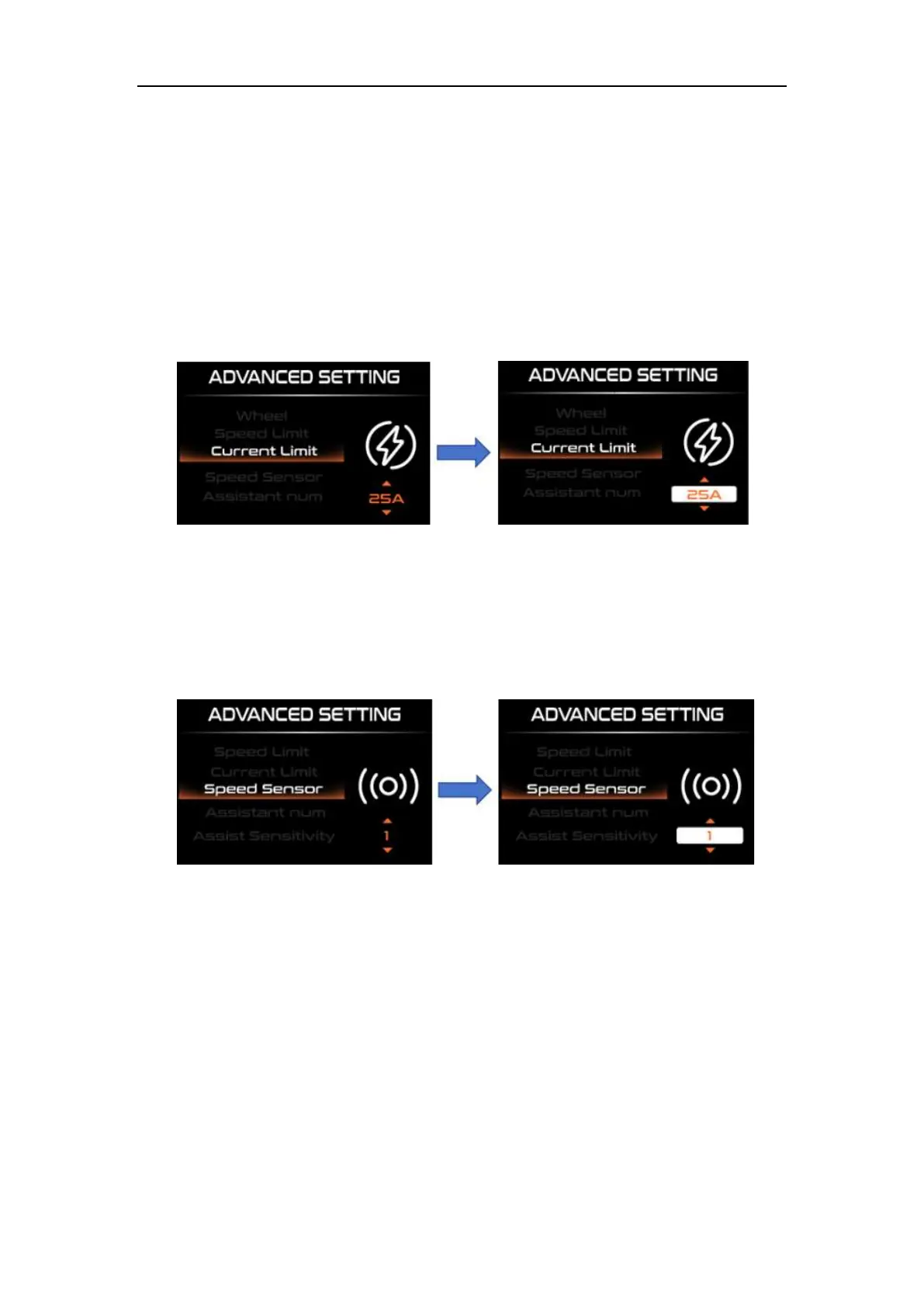
◆Current Limit Setting
“Current Limit” represents the current limit value setting. The adjustable range is
7A-25A. Change the maximum current value of the controller by short pressing the "UP"
or "DOWN" key. Short press "i" to save and exit to "Current Limit".
Current limit setting interface
◆Speed Sensor Setting
"Speed Sensor" represents the speed sensor setting. Select the number of magnetic heads
by short pressing the "UP" or "DOWN" key, and the setting range is "01-12". Press "i" to
save and exit to "Speed Sensor"
Speed sensor setting interface
◆Number of magnets for PAS sensor Setting
“Assistant Num” represents the sensor magnet number setting. Modify the
settings by short pressing the "UP" or "DOWN" button. The number of magnets in the
power sensor is in the range of "04, 05, 06, 07, 08, 09, 12, 24, 32". Short press "i" to save
and exit. to "Assistant Num".



 To Next Page