5
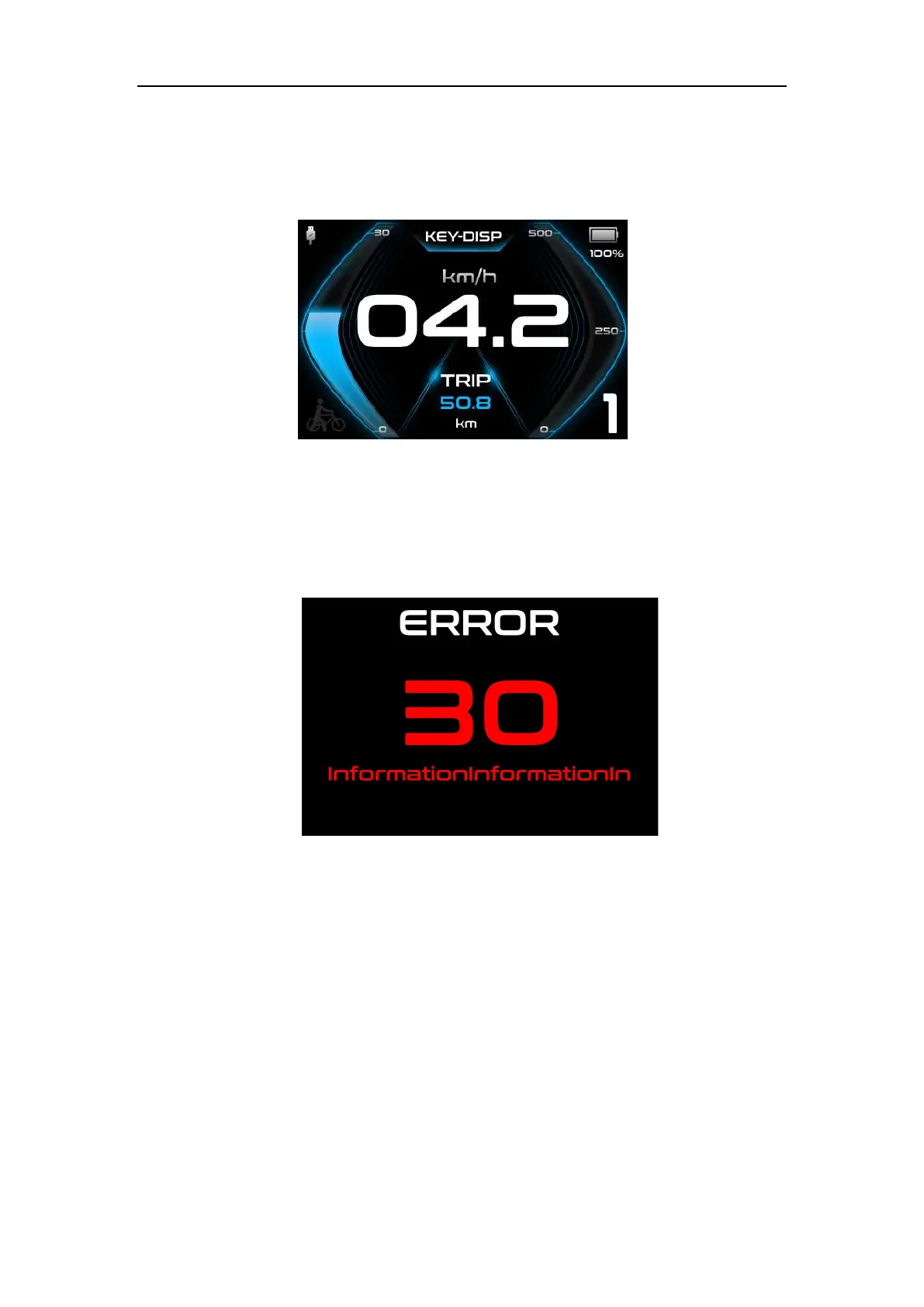
◆USB connection
When the display is plugged into a USB external device, the meter will display the
interface as shown in the figure below.
USB Connection Interface
◆ Error code
When the electronic control system fails, it will automatically display the error code.
Here is the detailed message of the error code in Attached list 1.
Error Code Interface
■When an error code is displayed, please remove the fault in time, the e-bike will
not be able to run normally after a fault occurs
Parameter setting
In the power-on state, when the vehicle is stationary, press and hold the "UP"
and "DOWN" buttons simultaneously for more than 2 seconds, and the display will enter
the setting state. Including Display setting (instrument settings), Advanced settings
(advanced settings) and Information (software information).



 To Next Page