3
Display interface
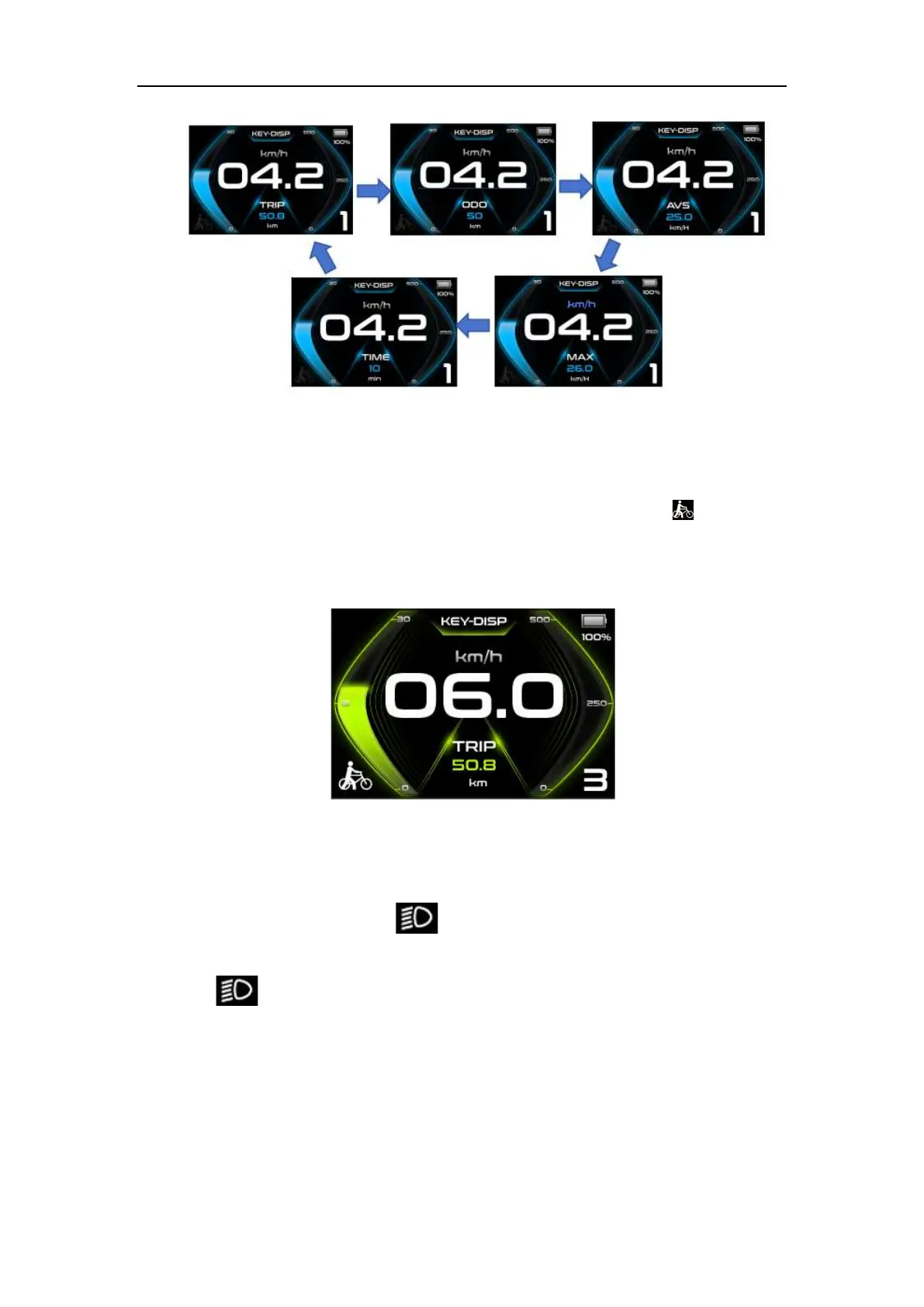
◆6km/h Push-assistance
Hold the “DOWN” button will activate the push-assistance function, after 2s, the E-
bike will travel at a uniform speed of 6 Km/h while the screen displays “ ”. The push-
assistance function is switched off as soon as you release the “DOWN” button. The E-bike
system stops the power output immediately, and back to the status before push-assistance
mode.
Push-assistance Mode
◆Headlight
K5 button Press and hold the " " button for more than 2 seconds to turn on the
headlights. After turning on the headlights, the backlight brightness decreases. Press and
hold the " " key again for more than 2 seconds to turn off the headlights and restore
the backlight brightness.
K41-N/K42/K43 Button Press and hold the "UP" button for more than 2 seconds
to turn on the headlights. After turning on the headlights, the backlight brightness



 To Next Page