11
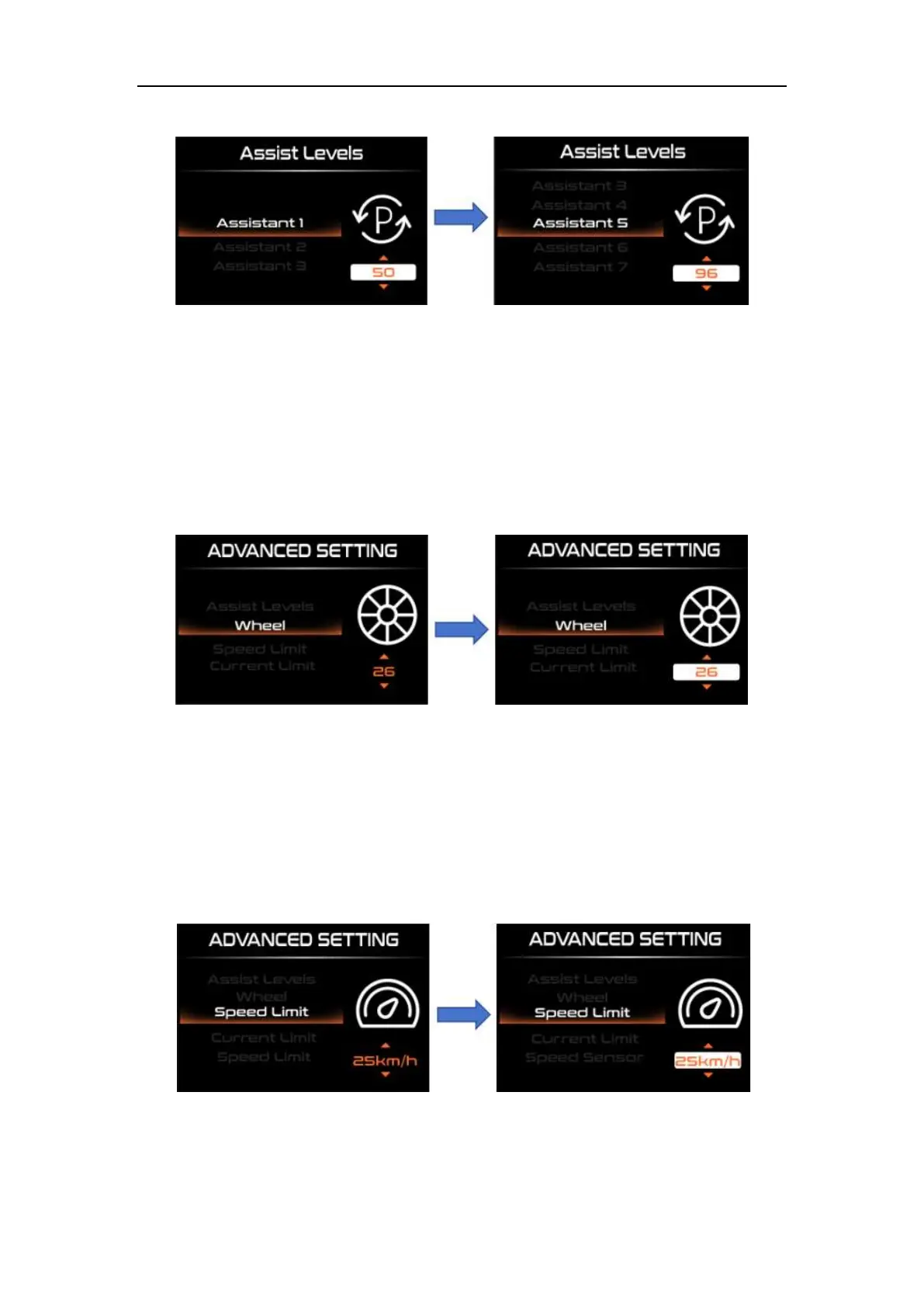
Assist level setting interface
Assist ratio setting
◆Wheel diameter Setting
"Wheel" represents the wheel diameter setting. Short press the "i" key to enter the
wheel diameter setting interface. Change by pressing "UP" or "DOWN". By short pressing
"UP" or "DOWN", you can select the wheel diameter
"16"/"18"/"20"/"22"/"24"/"26"/"700c"/"28", select and confirm Short press the "i" key to save
and exit to "Wheel".
Wheel diameter setting interface
◆Speed Limit Setting
"Speed Limit" represents the speed limit setting. Short press the "i" key to enter the
speed limit setting interface. Change by pressing "UP" or "DOWN". The speed limit range
is "12-40km/h", and the default is "25km/h". After selecting and confirming, press the "i"
key to save and exit to "Speed Limit".
Speed limit setting inertace



 To Next Page