13
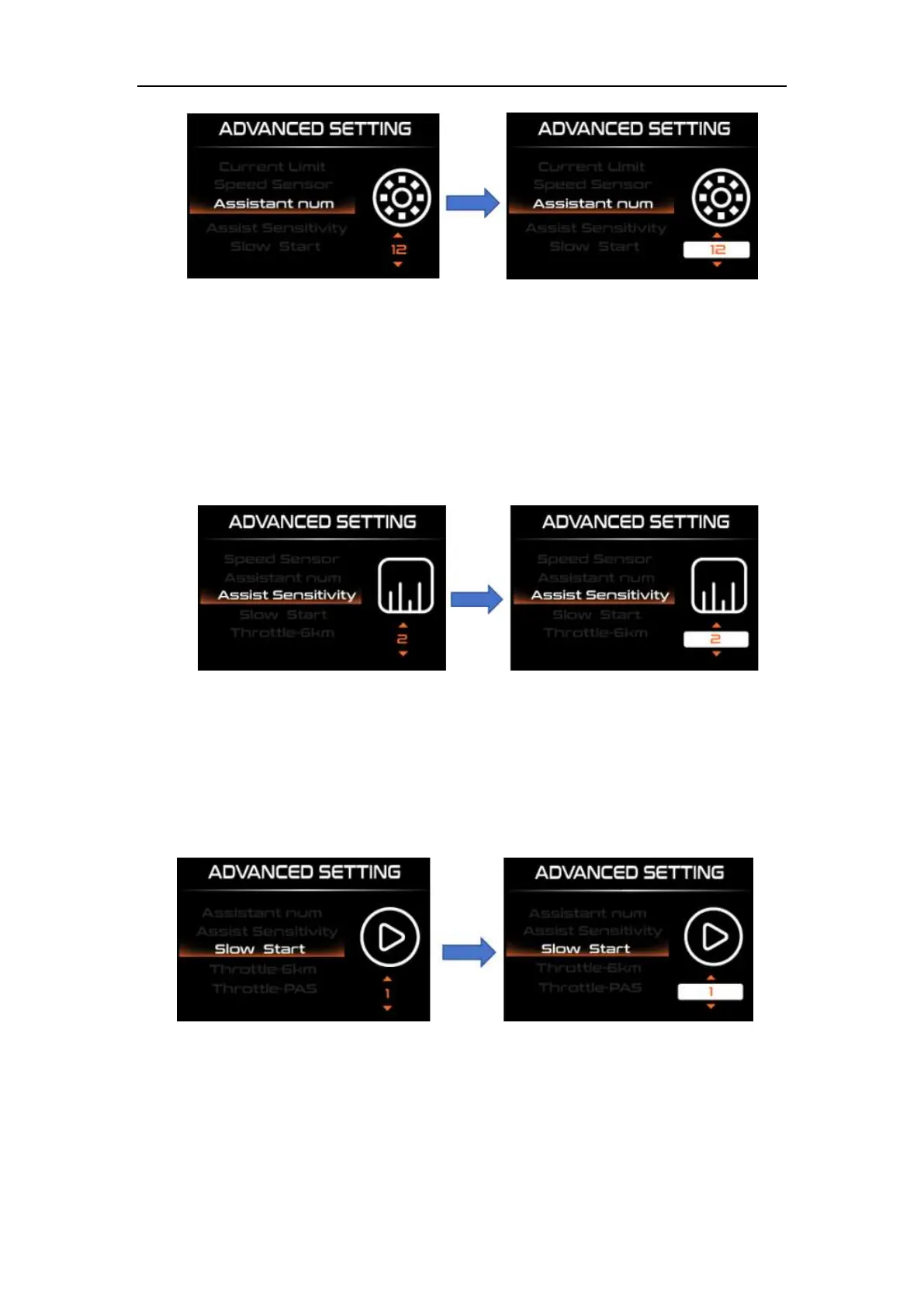
Number of magnets for PAS sensor setting interface
◆Assistant Sensitivity Setting
“Assistant Sensitivity” represents the assist sensitivity setting. Modify the settings
by short pressing the "UP" or "DOWN" button. The boost sensitivity range is "0-5" and the
default sensitivity is "2". Short press the "i" key to save and exit to "Assistant Sensitivity"
Assistant sensitivity setting
◆Slow Start Setting
"Slow Start" means slow start setting. When you press the pedal, it takes a while
before you get boost. The range is "1-4". "4" is the slowest. Select the desired value by
briefly pressing the "UP" or "DOWN" key. Short press "i" to save and exit to "Slow Start".
Slow start setting interface
◆Throttle-6km/h Setting
"Therottle-6km/h" means turning the handlebar and the e-bike moves forward at boost
speed. Select the handlebar working mode by short pressing the "UP" or "DOWN" button,
short pressing "i" to save and exit to "Therottle-6km/h"



 To Next Page