10
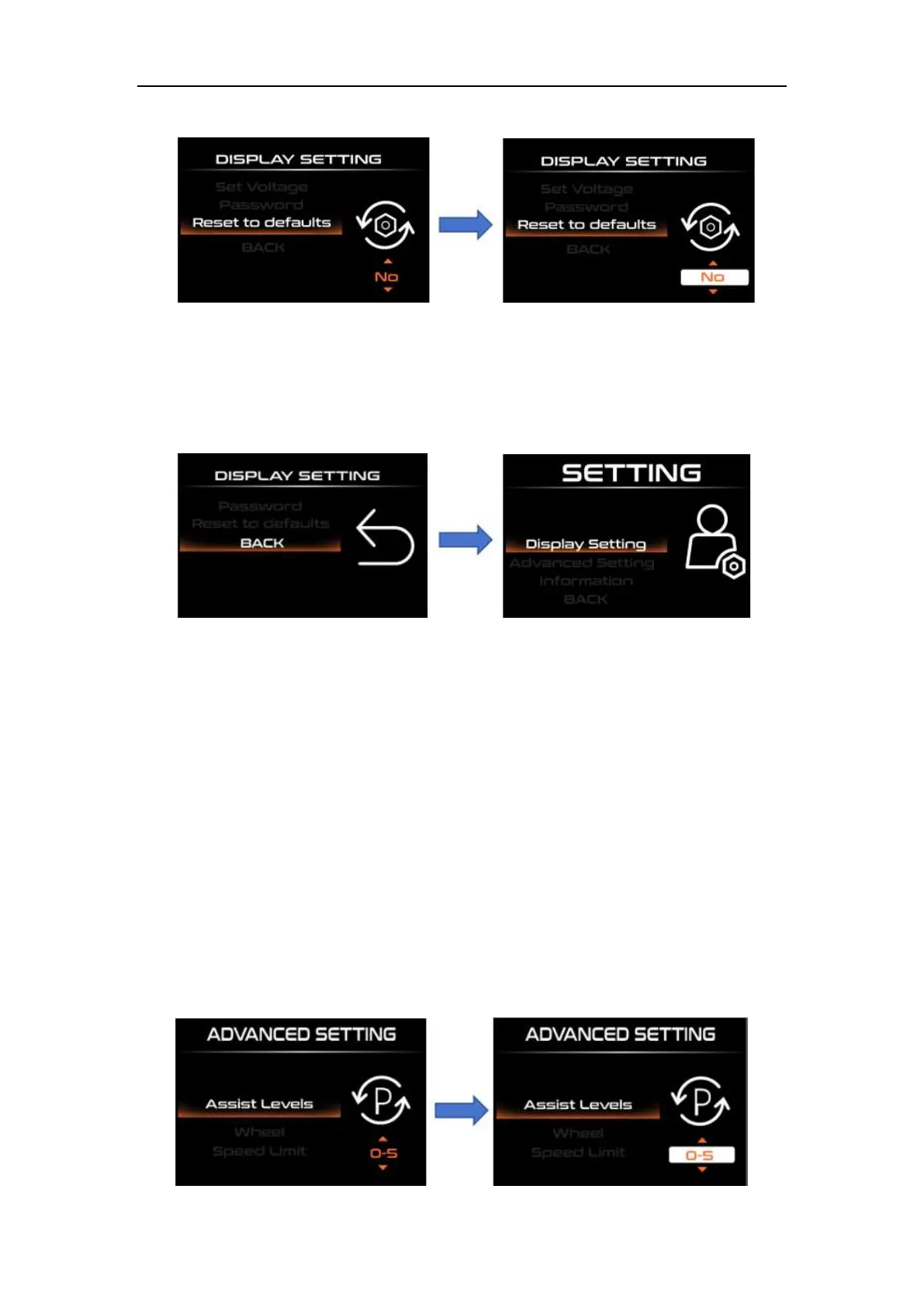
Reset to default setting interface
◆Back to Display Setting
Short press "UP" or "DOWN" to select "BACK", and short press "i" to exit to "Display
setting".
Advanced settings:
◆Power assist level selection and power assist ratio Setting
"Power Set" represents power assist gear mode. There are 8 modes available:
0-3, 1-3, 0-5, 1-5, 0-7, 1-7, 0 -9, 1-9. Short press "UP" or "DOWN" to change the assist
level range, short press "i" to enter the assist ratio setting, short press "UP" or "DOWN" to
change the level assist ratio parameter, short press "i" to enter the next level assist ratio,
after setting the 5th level assist ratio, short press "i" to save and exit to "Assist levels".
For detailed assist ratio parameters, please refer to Appendix 2.



 To Next Page