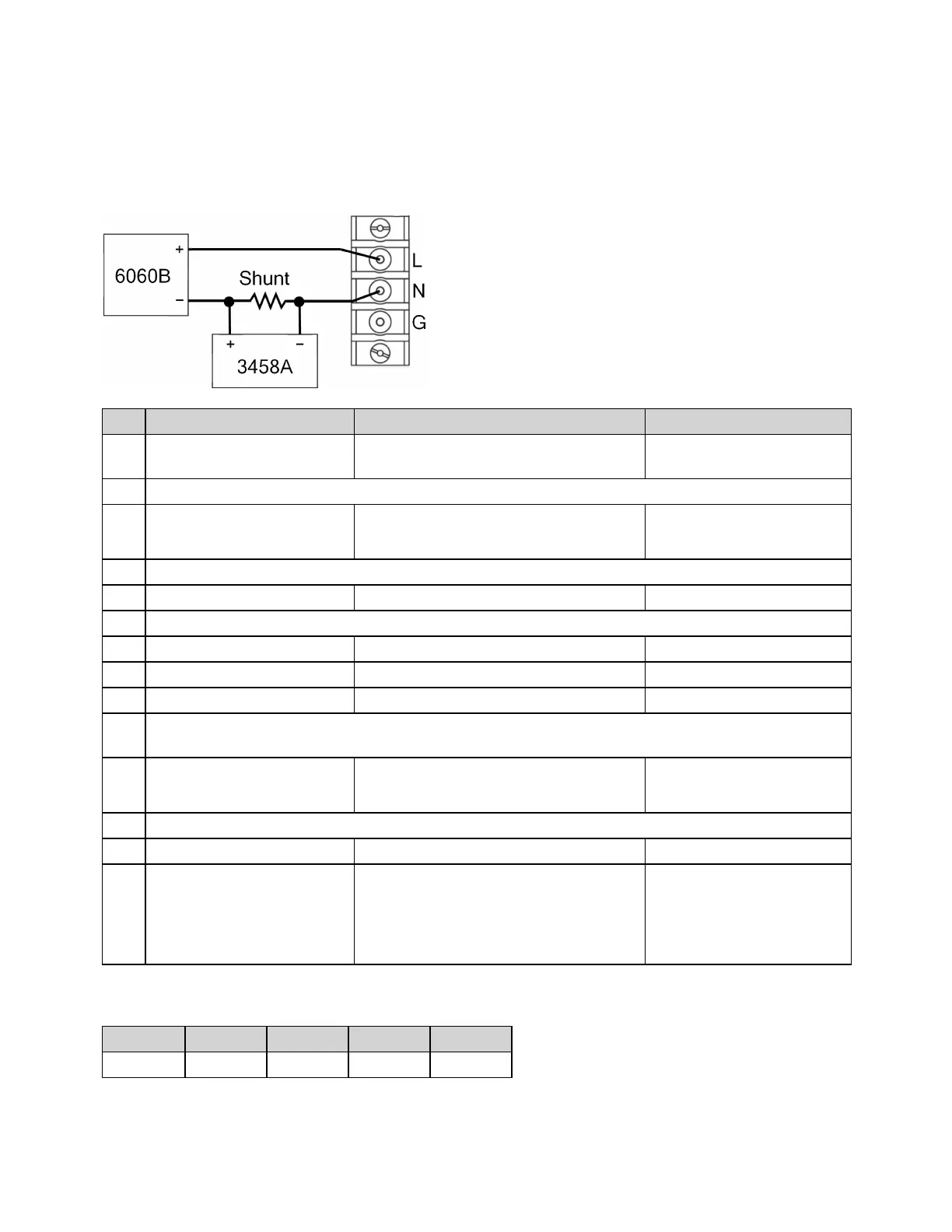
Ensure that the 6060B is in Constant Current (CC) mode. For the 3458, use the following commands to
configure the instrument after it powers up in the factory default configuration:
DCV AUTO, AZERO ON, FIXEDZ OFF
NPLC 100
Step Description Front Panel SCPI
1 Select Low range. [Menu] > System > Admin > Cal >
Current > Low_Range
CAL:CURR:OFFS2
2 Disconnect the load and shunt.
3 Go to next step. Select Next. CAL:LEVP1
*OPC?
4 Wait five minutes.
5 Go to next step. Select Next.
6 Reconnect the load and shunt.
7 Select Next.
8 Enter a 0 (zero). (no action required) CAL:DATA 0
9 Select Next.
10 Set the Keysight 6060B to Constant Current Mode and set the load current to 90% of the value from
the table below for the model being calibrated. For example, use 3.6 A for the AC6801B.
11 Go to next step. Select Next. CAL:LEVP2
*OPC?
12 Wait five minutes.
13 Select Next.
14 Calculate the shunt current
(I=V/R) and enter the data.
Enter the computed current from the
external DMM measurement and Load
resistance and press [Select] or
[Enter]. Select Next or press Back to
finish the calibration step.
CAL:DATA <data>
Current Table
AC6801B AC6802B AC6803B AC6804B
Low Range 4.0 A 8.0 A 16.0 A 32.0 A
4Calibration, Verification, and Service
174 Keysight AC6800B Series Operating and Service Guide



 To Next Page