Programming DC Voltage
The AC6800B Series can output DCvoltage. When the output is turned on, you cannot change the
output mode or voltage range. You must turn the output off first. You can set the voltage regardless of
whether the output is on or off.
The general procedure for specifying DCoutput is:
Step Description Front Panel SCPI Command
1 Turn the output off (optional). [On/Off] OUTPut OFF
2 Select the DC voltage mode. [Menu]>Output >Coupling >DC OUTPut:COUPling DC
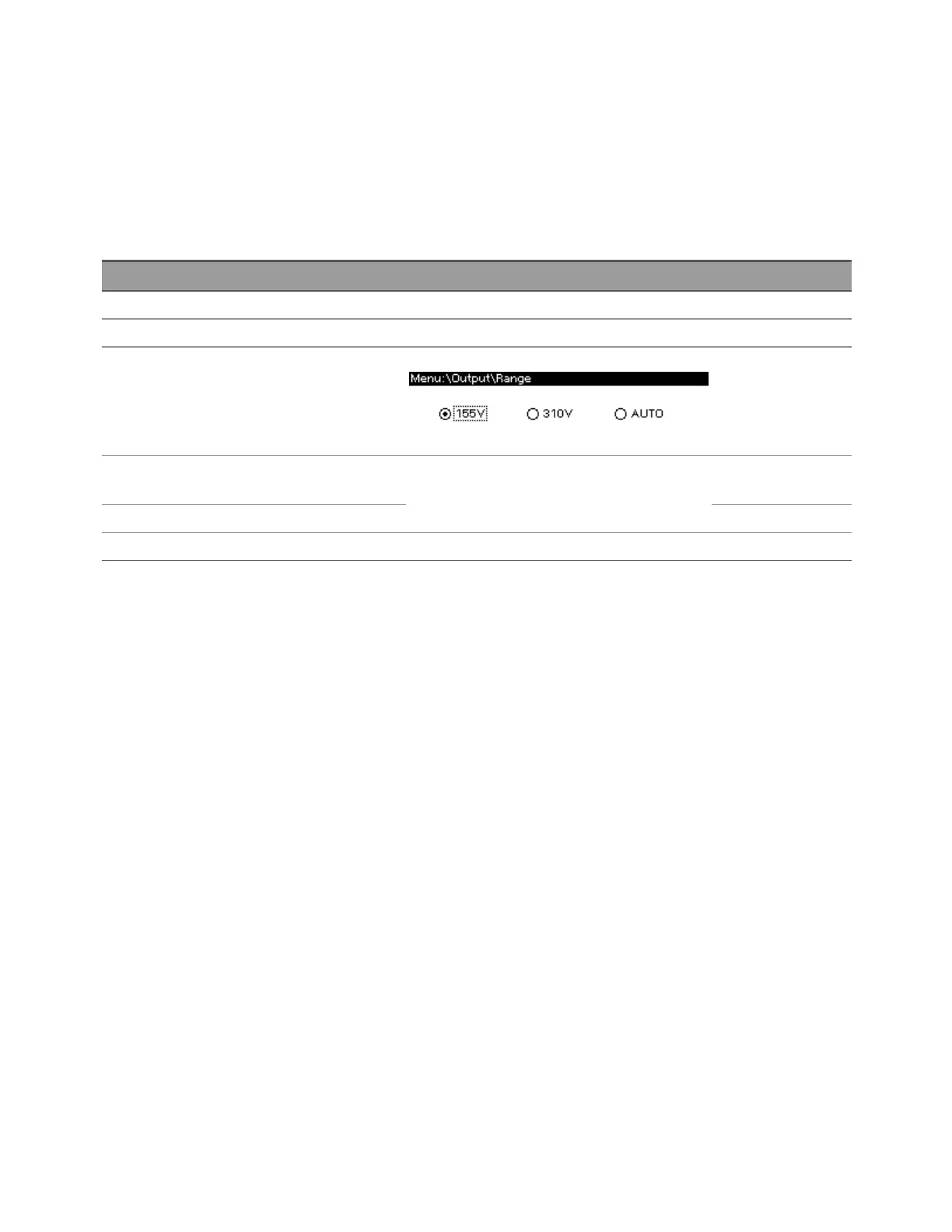
3 Select the DCvoltage range (155 V, 310 V, or
AUTO)
1
.
[Menu]>Output >Range VOLTage:RANGe
4 Specify the DCvoltage limit to be slightly lar-
ger than the voltage to be output.
[Menu]>Output >Voltage >DC VOLTage:OFFSet:LIMit
5 Specify the DCvoltage to be output. VOLTage:OFFSet
6 Turn the output on. [On/Off] OUTPut ON
1
The DC voltage range for the 155 V range is ±222.5 V, and for the 310 V range it is ±445.0 V.
DC Voltage Limit
The instrument allows you to limit the allowable values for the voltage offset. The following example
allows the VOLTage:OFFSet to be set to any value within the given range. The factory default lower
limit of DC mode is 0.0 V, so remember to change the limit if you need to output a negative DC voltage.
VOLTage:RANGe 310 Select the 310 V range.
VOLTage:OFFSet:LIMit:UPPer MAX Set the upper limit to 445 V.
VOLTage:OFFSet:LIMit:LOWer MIN Set the lower limit to -445 V.
The *RST default for VOLTage:OFFSet:LIMit:LOWer is to 0 for safety reasons.
2User Information
78 Keysight AC6800B Series Operating and Service Guide



 To Next Page