Calibration Procedure
Enter Calibration Mode
DC Voltage Low Range
DC Voltage High Range
AC Voltage Low Range
AC Voltage High Range
Current Low Range
Current High Range
End Calibration
Enter Calibration Mode
To begin the calibration process, log in using the Admin password. The factory default is no password.
Front Panel SCPI
Select System>Admin>Login. Then enter the password and press
[Select].
CAL:STAT ON
[,<password>]
DC Voltage Low Range
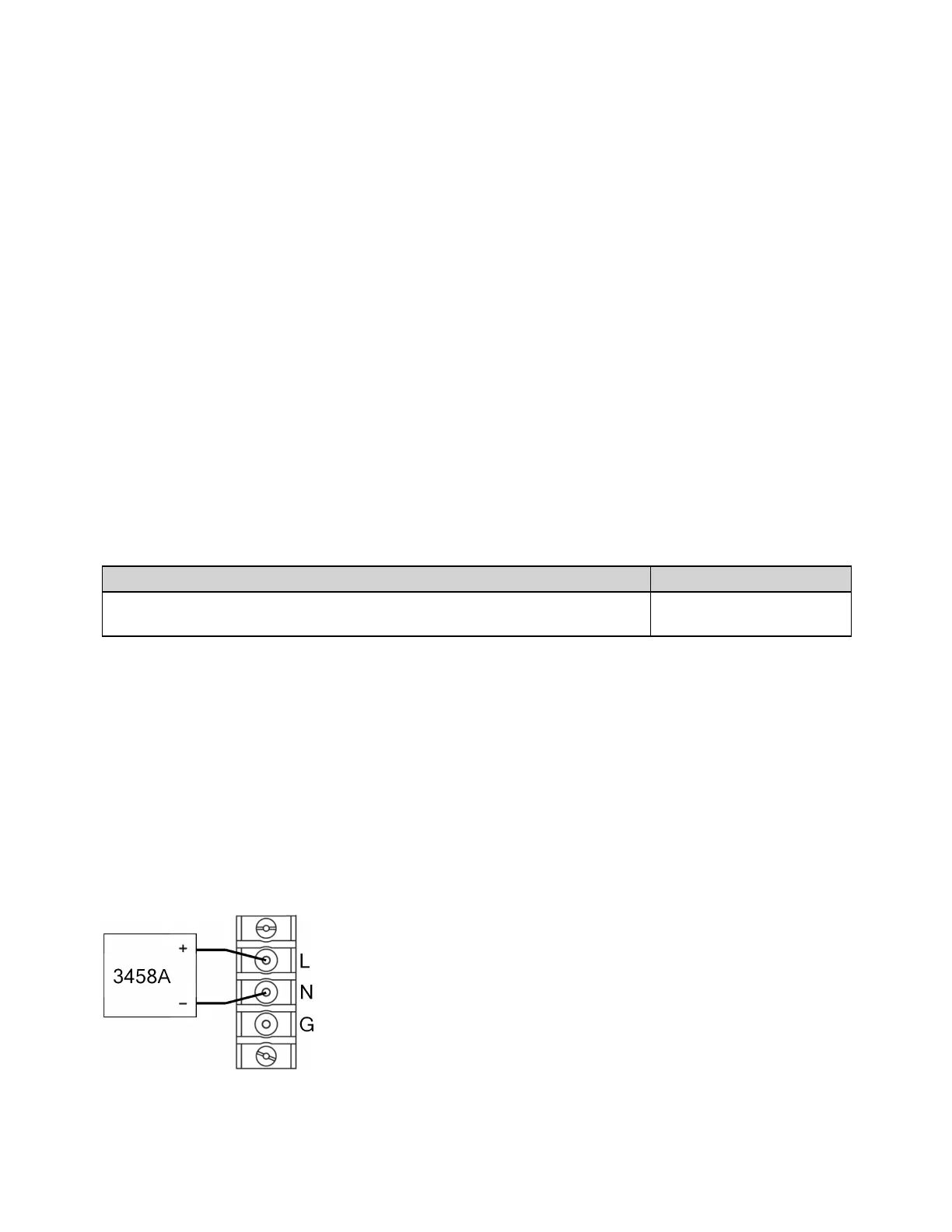
Connect the voltage input of the 3458A DMM to the instrument output as shown below and configure
the 3458Afor DCV measurements. You can use the following SCPI commands (or their front-panel
equivalents) to configure the DMM:
*RST
DCV AUTO, AZERO ON, FIXEDZ OFF
NPLC 100
Keysight AC6800B Series Operating and Service Guide 171
4Calibration, Verification, and Service



 To Next Page