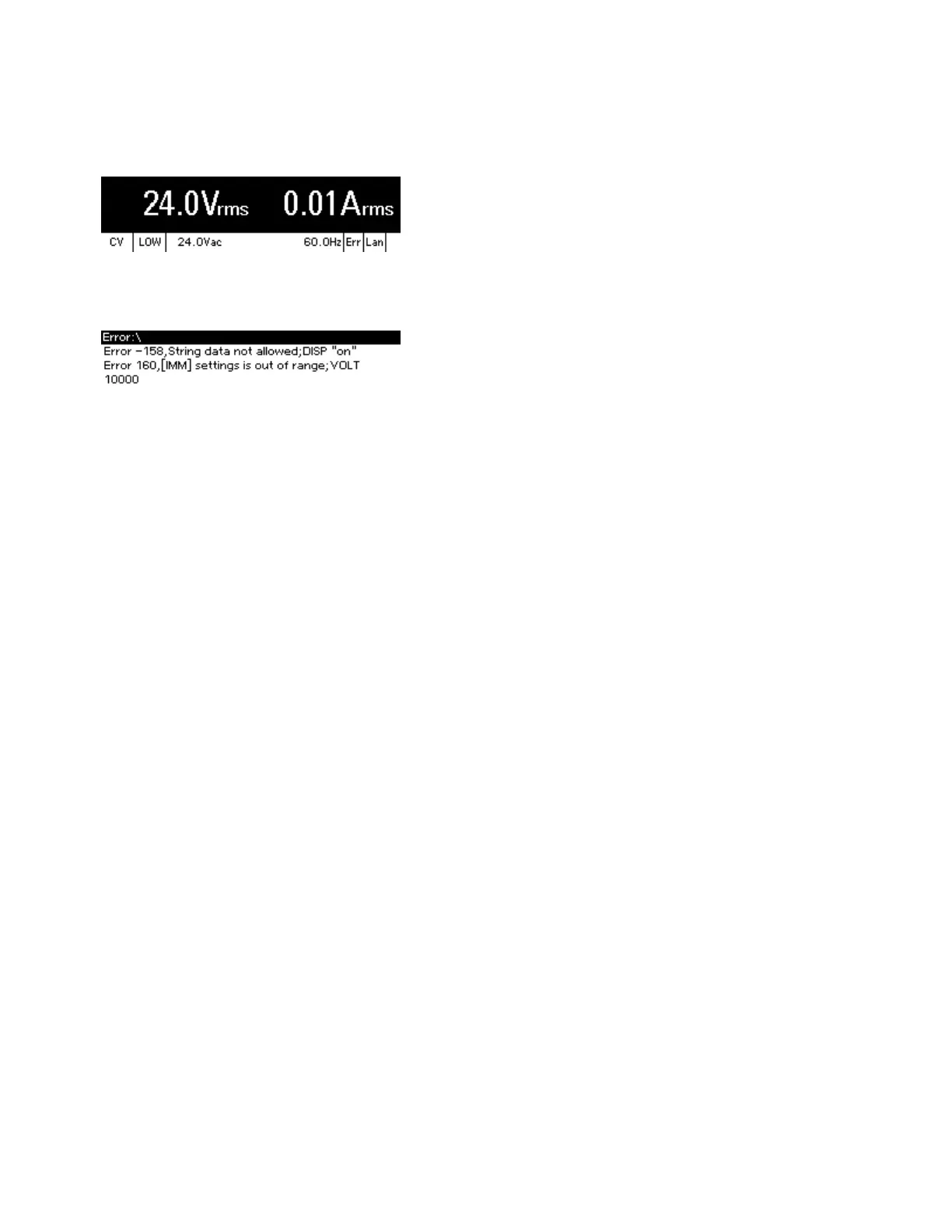
Viewing Error Messages
The Err annunciator in the lower right corner indicates messages in the error queue.
Press [Error] to view errors in the error queue. You can also use the SCPI SYSTem:ERRor? query to
view error messages.
Errors in the error queue are stored and retrieved on a first-in, first-out basis. Once an error has been
read, either by remote command or from the front panel, it is cleared. The only exception is self-test
errors, which cannot be cleared until the underlying condition is corrected.
If no errors are in the error queue, "Noerrors" appears when you press [Error].
See SCPI Error Messages for a list of error messages.
2User Information
94 Keysight AC6800B Series Operating and Service Guide



 To Next Page