Calibrating from the Front Panel
Log in with the administration password at [Menu]>System>Admin>Login and then use
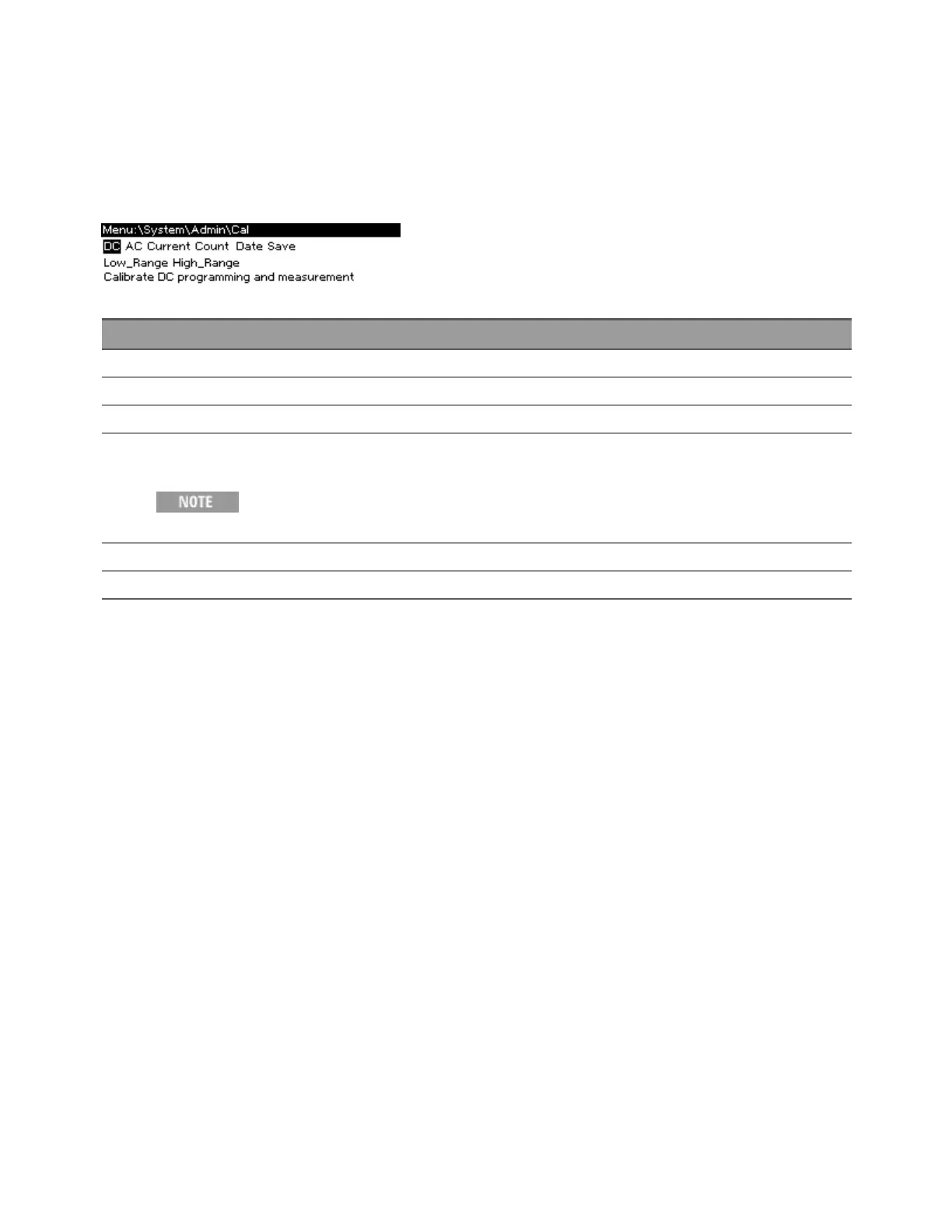
[Menu]>System>Admin>Cal to enter the calibration menu, shown below. Remember to log out with
[Menu]>System>Admin>Logout after you have completed your calibration tasks.
Node Meaning
DC Calibrate DC voltage programming and measurement (low and high ranges).
AC Calibrate AC voltage programming and measurement (low and high ranges).
Current Calibrate current measurement (low and high ranges).
Count View the calibration count. The calibration count is incremented whenever calibration is saved, the administration
password is changed, or the instrument firmware is updated.
Be sure to read and record the calibration count when you first receive your instru-
ment from the factory.
Date Enter the calibration date, which can be up to 15 characters.
Save Save the updated calibration constants.
For calibration details, see Calibration.
2User Information
86 Keysight AC6800B Series Operating and Service Guide



 To Next Page