Lock and Unlock the Front Panel
Be certain that you enter the password carefully and remember it. You cannot clear the
password by cycling instrument power.
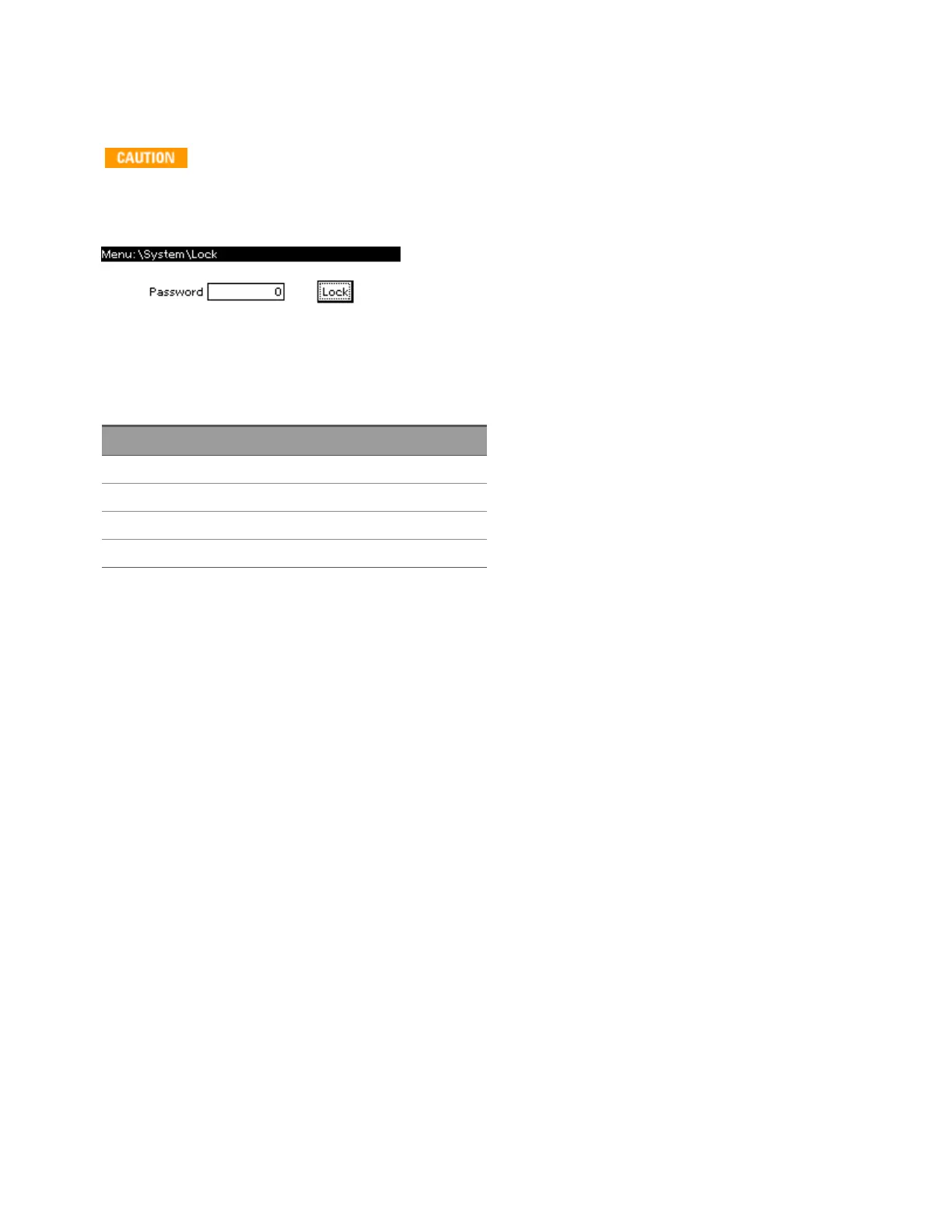
Press [Menu] >System>Preferences>Lock to lock the front panel.
There is no factory default password.
The password must be 4 to 15 characters long and may include any of these characters:
Characters Description
A-Z Upper case letters
a-z Lower case letters
0-9 Numeric digits
+ - ( ) . , <space> Plus, minus, parentheses, period, comma, space
To unlock the instrument, press any key other than [Meter] and enter the password.
Keysight AC6800B Series Operating and Service Guide 85
2User Information



 To Next Page