6 Repair Guide
126 Keysight N1913/1914A Service Guide
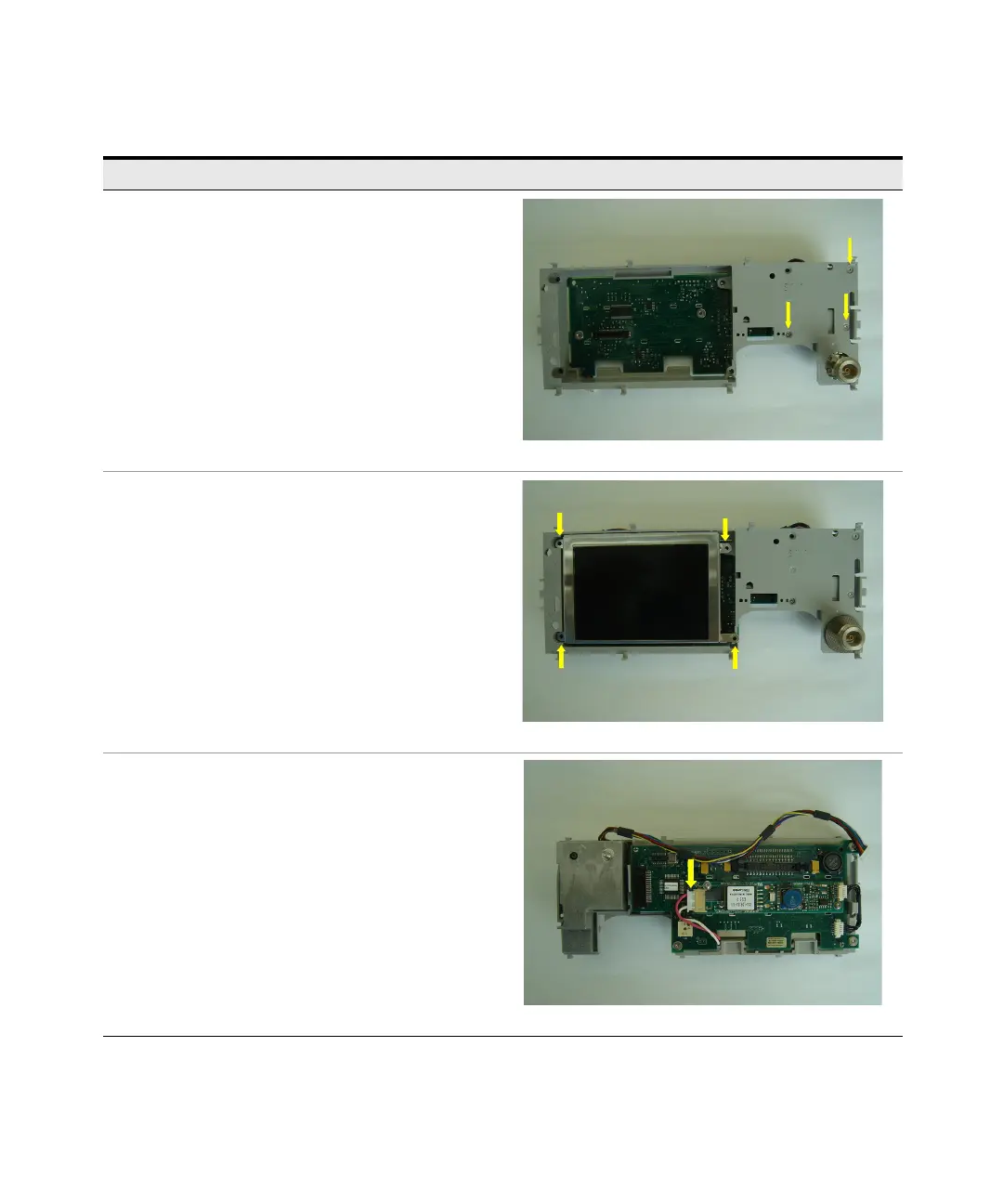
Step 8
Attach the calibrator assembly to the display support molding
using the three screws removed earlier.
Step 9
Carefully spread the EMI fingers outwards, ensuring they
extend beyond the edges of the hole in which the calibrator
assembly is fitted.
Step 10
Fit the split washer to the calibrator assembly.
Step 11
Attach the display to the display interface board using the four
screws removed earlier.
Step 12
Connect the white plastic plug to the display interface board.
Instructions Visual



 To Next Page