64 User’s Manual PLZ-5W
Advanced Functions | Setup Memory
Saving to the setup memory
Saving over previous settings (internal memory and USB memory)
1
Set the operation mode, range, and settings to be saved.
2
Press SYSTEM and then Recall Save.
3
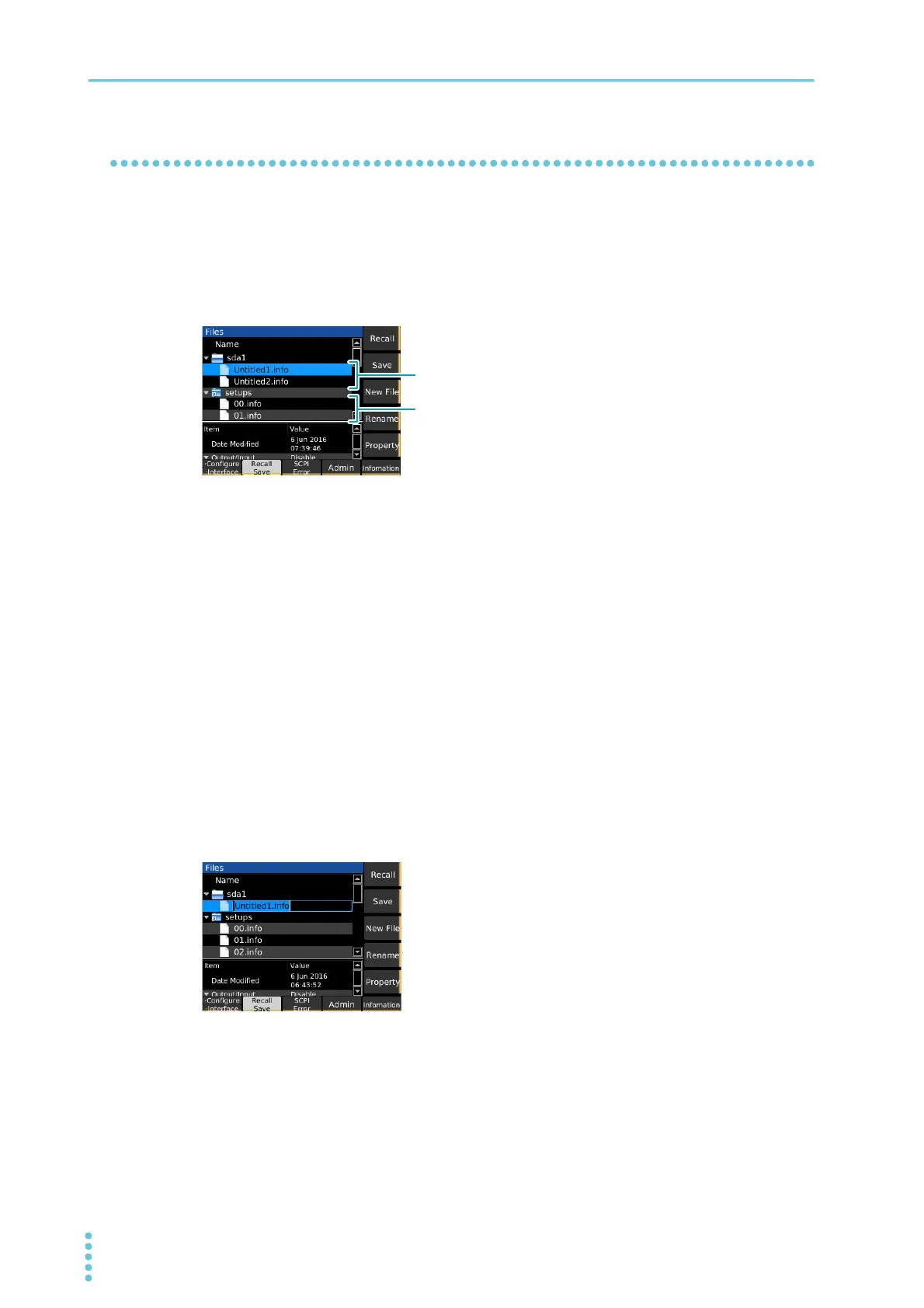
Use the rotary knob to select the setup memory.
4
Press Save.
The setting contents are saved to the setup memory.
Saving to a new file (USB memory device only)
1
Set the operation mode, range, and settings to be saved.
2
Press SYSTEM and then Recall Save.
3
Insert a USB memory device into the USB port on the front panel.
An “sdxx” folder is displayed. The “xx” changes depending on the USB memory device.
4
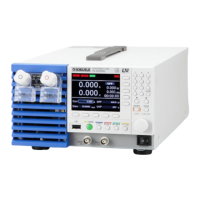
Use the rotary knob to select the sdxx folder, and press New File.
A new setup memory is created.
5
Use the numeric keypad or the rotary knob to enter a file name of your choice, and
then press ENTER.
The setup memory is saved to a new file.
USB memory deviceUSB memory device
Internal memoryInternal memory


 To Next Page