76 User’s Manual PLZ-5W
Sequence Function | Program Configuration
4
Use the numeric keypad or the rotary knob to enter the program name, and then
press ENTER.
You can enter up to 255 characters for the program name. For information about registering steps
to a program, see “Setting Steps” (p.80).
An empty program is created.
Setting the number of loops
1
Press SEQUENCE and then Program.
2
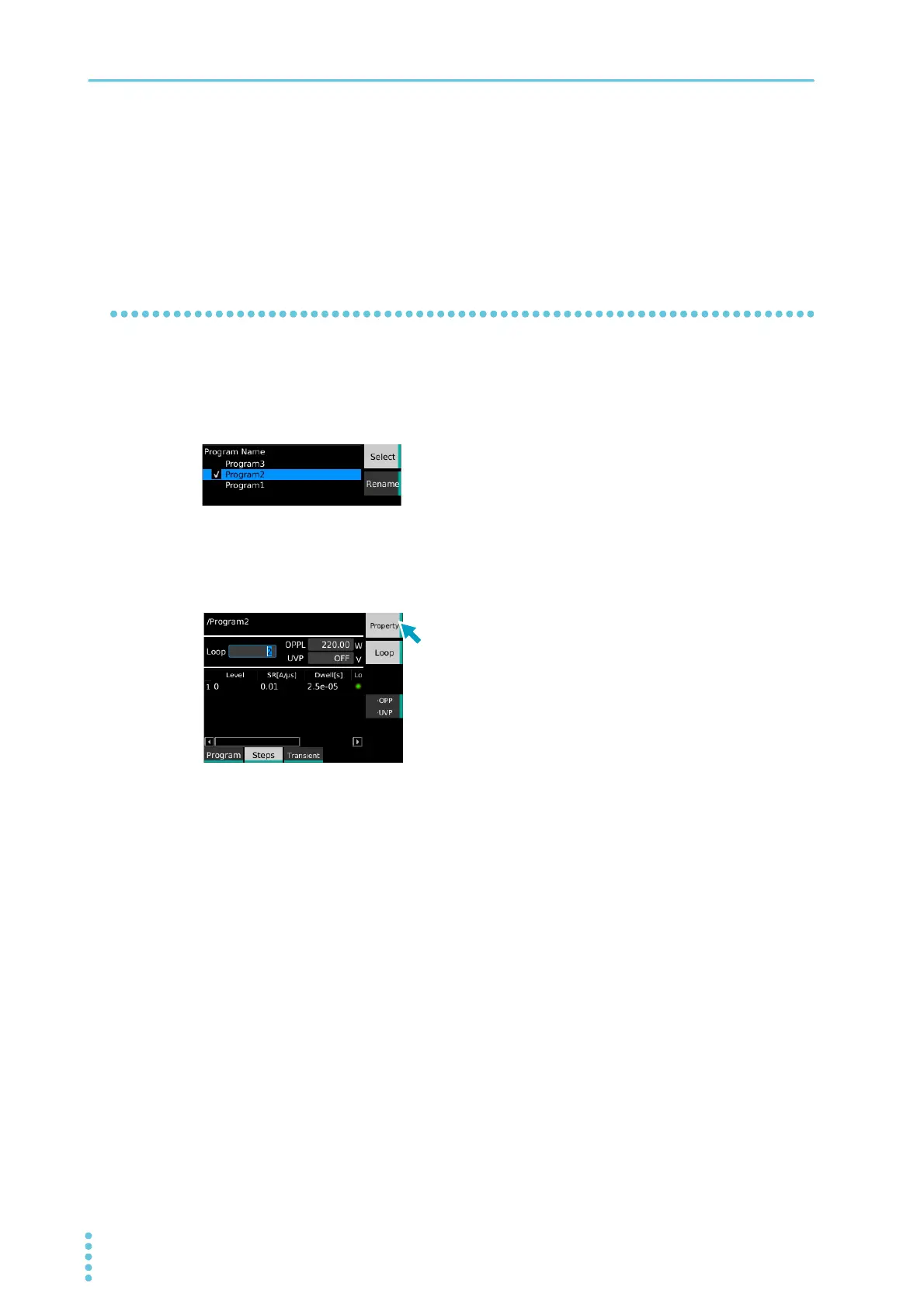
Use the rotary knob to select the program, and then press Select.
A check mark appears to the left of the selected program name.
3
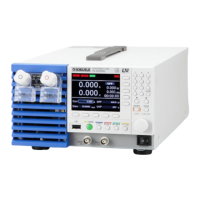
Press Steps, Property, and then Loop.
4
Use the numeric keypad or the rotary knob to enter the number of loops, and then
press Property.
5
Press Save.
The number of loops is saved.
This completes the setting.


 To Next Page