PLZ-5W User’s Manual 89
Sequence Function | Executing, Pausing, and Stopping Sequences
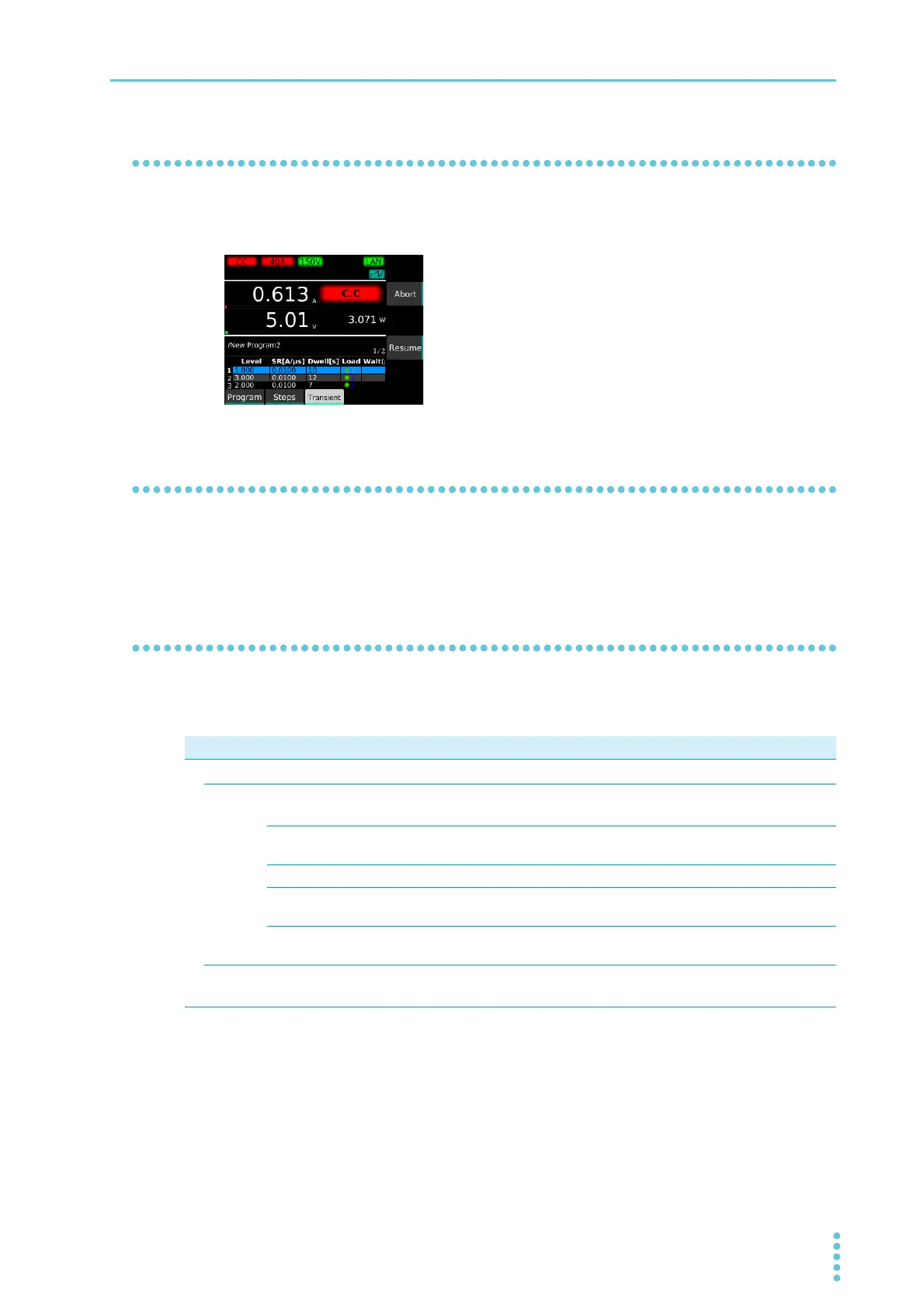
Pausing a sequence
1
Press Suspend during sequence execution.
The sequence is paused. Press Resume to resume the sequence.
Aborting a sequence
Pressing Abort during sequence execution stops the sequence execution in progress (if the load is on, it
remains on).
Controlling the start of sequences with triggers
By setting triggers, you can control the timing at which sequences are to be started.
The triggers that you can set are as follows:
Item Value Description
Trigger
–
Sets the trigger.
Source
–
Event (trigger source) that will be used as a condition for starting sequences.
Sequence starts after the Initiate key is pressed and a trigger is received.
Immediate
(factory default)
Pressing Initiate without waiting for a trigger signal applies a trigger immedi-
ately.
BUS Applies a trigger when a *TRG command is received from a PC or the like.
DIGITAL2
*1
*1. Only when Direction of Digital 2 is set to Input (p.115).
Applies a trigger when a signal is received at pin 13 of the EXT CONT con-
nector.
MSync The trigger application timing is synced between PLZ-5W that are synchro-
nized (p.71).
Delay 0 s to 100 s Set the delay time from trigger application until the start of sequence.
The factory default setting is 0 s.


 To Next Page