9. Air velocity measurement configuration
F600
Page 22
9.c- Air velocity coefficient input
With this correction coefficient, you can adjust the transmitter according to the air velocity in your installation.
!
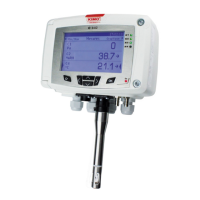
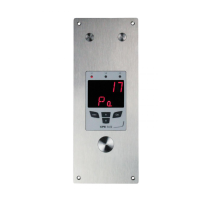
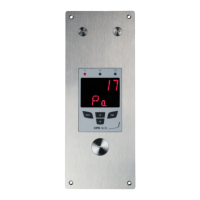
Function only available on transmitters: CP 200 and CTV 210
1
> F 100
Step
Go into configuration mode (see page 2). The folder number displayed
corresponds to the last configuration folder used.
2
> F 600
Step
Select the folder “600” and validate with .
00
3
F 605
Step
Select the sub-folder “605” and validate with .
The cursor > goes to available choices.
>
4
Step
With and keys, enter the coefficient value calculated (from 0.200 to
2.000). Validate with .
>
1.024
5
F 605
Step
The cursor > returns to the sub-folders line.
• press twice to return to reading mode.
• press once to return to another folder selection.
• with et keys, you can choose another sub-folder from the folder
600.
>
1.024
F 605
9.c.1 - How to calculate it ?
If the air velocity in your duct is equal to 17 m/s, and if the transmitter indicates 16.6 m/s, then the
coefficient to apply is 17 / 16,6, ie 1.024
9.c.2 - Coefficient input
Class 200 transmitter configuration via keypad


 To Next Page