TM
Model 3000M0188-01
Rev. 6/11 6-23
KPM II Monitor Operation
ON
OFFEXIT
ENTER
OK
CLEAR
SETUP
ROW
SPACING
TOTAL
AREA
UNITS
SPEED
VOLUME
SCAN
SEED
POPULATION
SEED
SPACING
FIELD
AREA
SPACING
TOTAL
SEED
POP.
AREA
FIELD
SELECT
SPEED
SCAN
SETUP
FRONT
SETUP
REAR
(LEFT)
(RIGHT)
FLASHING
FLASHING
KPM II
•
12060211
SMM
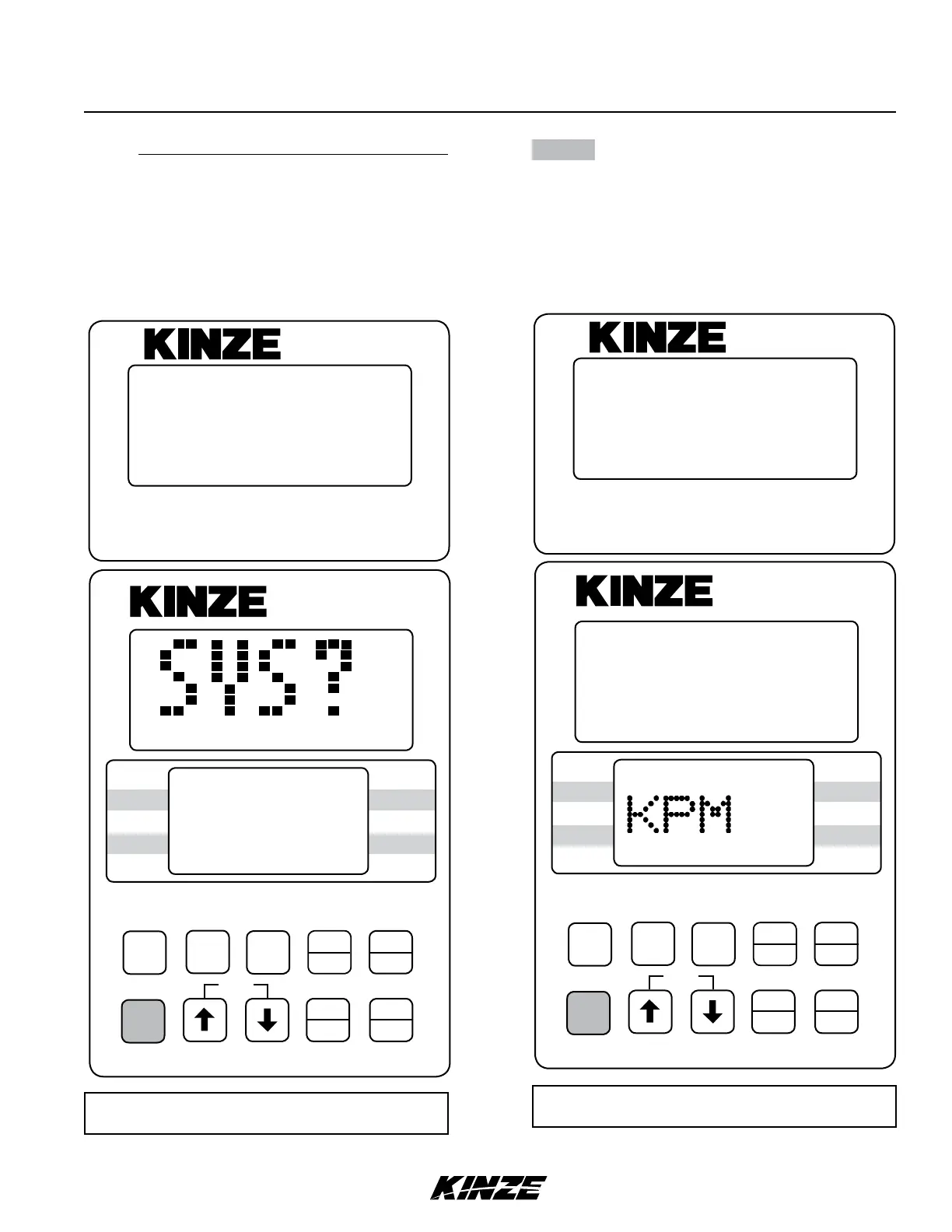
NOTE: SMM console may not be applicable to
all models.
NOTE: Illustrated using rear/front configuration.
The KPM II Stack-Mode console shows LEFT in
the left/right configuration, REAR in the rear/front
configuration and FRONT LEFT/REAR LEFT in
the four sections configuration.
NOTE: SMM console may not apply to all
models.
ON
AREA
OFF
EXIT
ENTER
OK
CLEAR
SETUP
ROW
SPACING
TOTAL
AREA
UNITS
SPEED
VOLUME
SCAN
SEED
POPULATION
SEED
SPACING
FIELD
AREA
SPACING
TOTAL
SEED
POP.
FIELD
SELECT SPEED
SCAN
12060211
SMM
KPM II
•
SETUP
1
REAR
12111098765432 13 14 15 16 17 18
FRONT
FLASHING
STEP 5 (If Applicable) Connect SMM console into
junction Y-harness which was installed
between the KPM II Stack-Mode console
and the primary harness. The SMM console
will show a lighted screen and KPM will
show on the lower LCD.


 To Next Page