M0188-01Model 3000
6-26 Rev. 6/11
TM
KPM II Monitor Operation
STEP 7 (Continued)
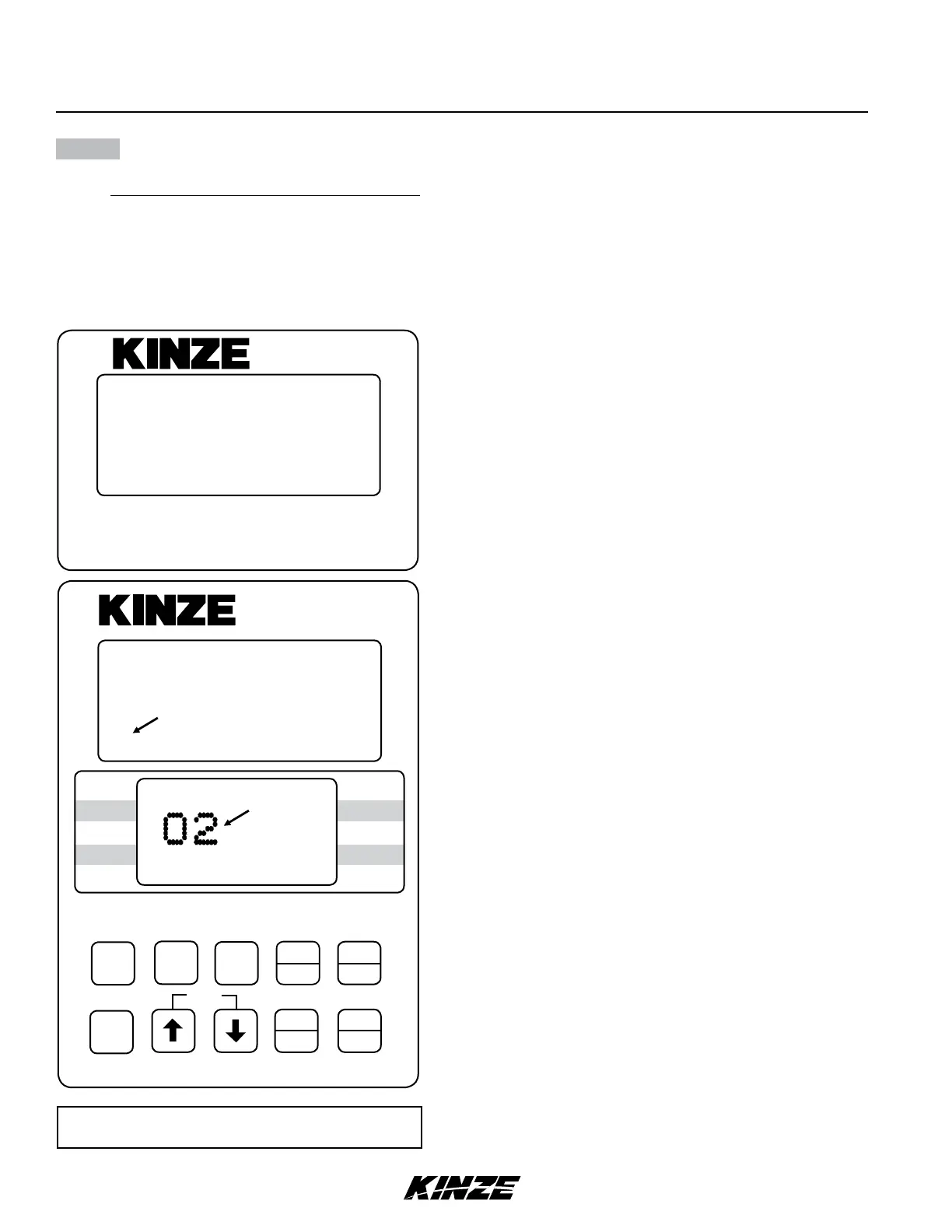
NOTE: SMM console may not be applicable to
all models.
ON
AREA
OFF
EXIT
ENTER
OK
CLEAR
SETUP
ROW
SPACING
TOTAL
AREA
UNITS
SPEED
VOLUME
SCAN
SEED
POPULATION
SEED
SPACING
FIELD
AREA
SPACING
TOTAL
SEED
POP.
FIELD
SELECT
SPEED
SCAN
SETUP
1
SETUP
ROW
REAR
REAR
1211109876543(2 13 14 15 16 1718)
(FRONT)
FLASHING
Row Waiting To Be
Connected
Row Installed
KPM II
•
12060211
SMM
NOTE: Illustrated using rear/front configuration.
The KPM II Stack-Mode console shows LEFT in
the left/right configuration, REAR in the rear/front
configuration and REAR LEFT/FRONT LEFT in
the four sections configuration.


 To Next Page