KLR.950 Revision: 2023-10-06
Serial numbers: 3008 – beyond
KLR.00001 – beyond
14
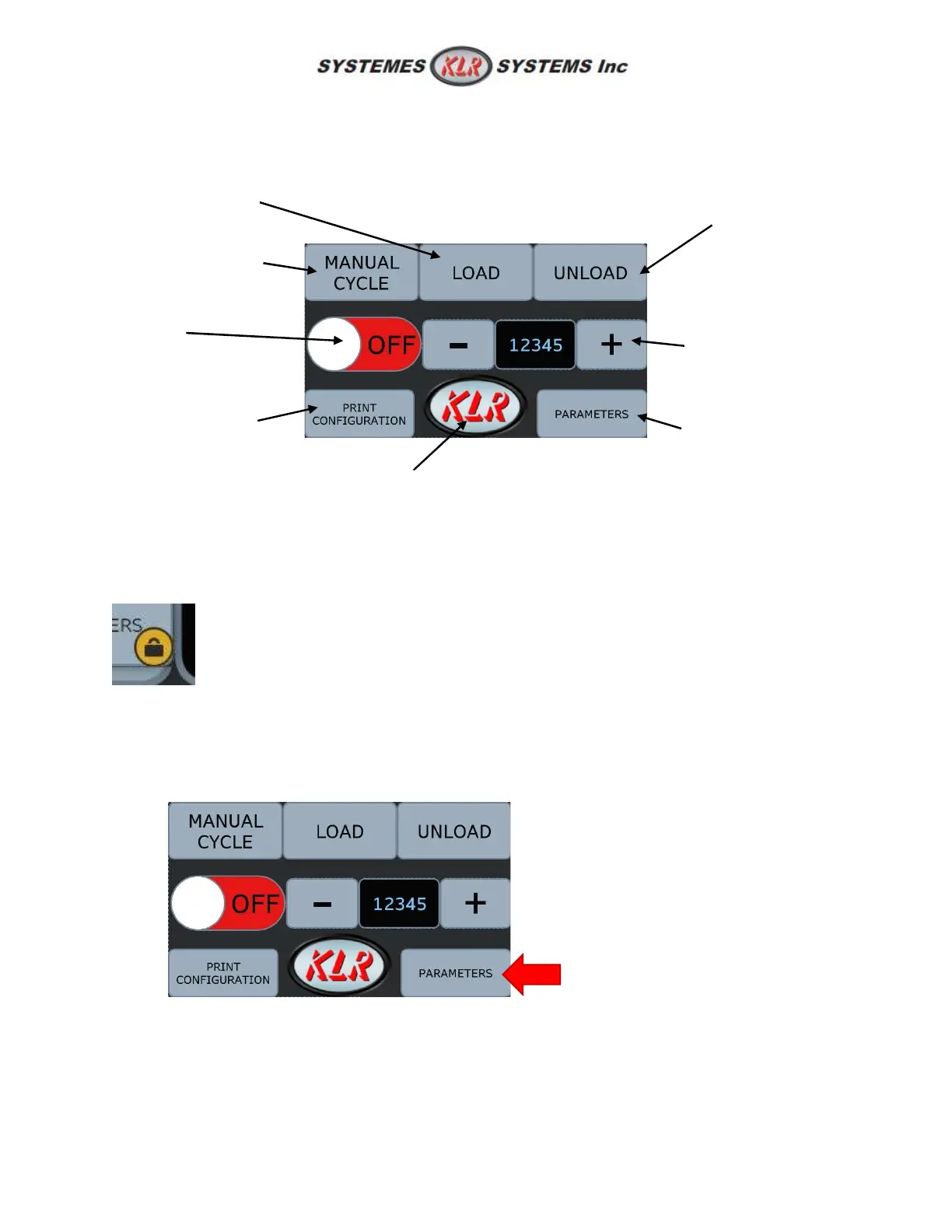
5.2: Main screen
This screen has most function the user would need on a daily tasks.
5.2.1: Unlock advanced parameters
Advanced parameter is locked when turning ON the machine. "Parameters" button can be relock
manually. Locked parameters is shown by a pad lock icon.
Follow these steps to reach the advanced parameters such as delays, speed, timing, etc. Unlocking the
advanced parameters is also changing permission in the printer configuration to do major changes.
1. Press PARAMETERS.
configuration (ink
jet printer option)
a manipulation)
(hertz x10)
parameter
(password to
unlock)
of the equipment



 To Next Page