KLR.950 Revision: 2023-10-06
Serial numbers: 3008 – beyond
KLR.00001 – beyond
44
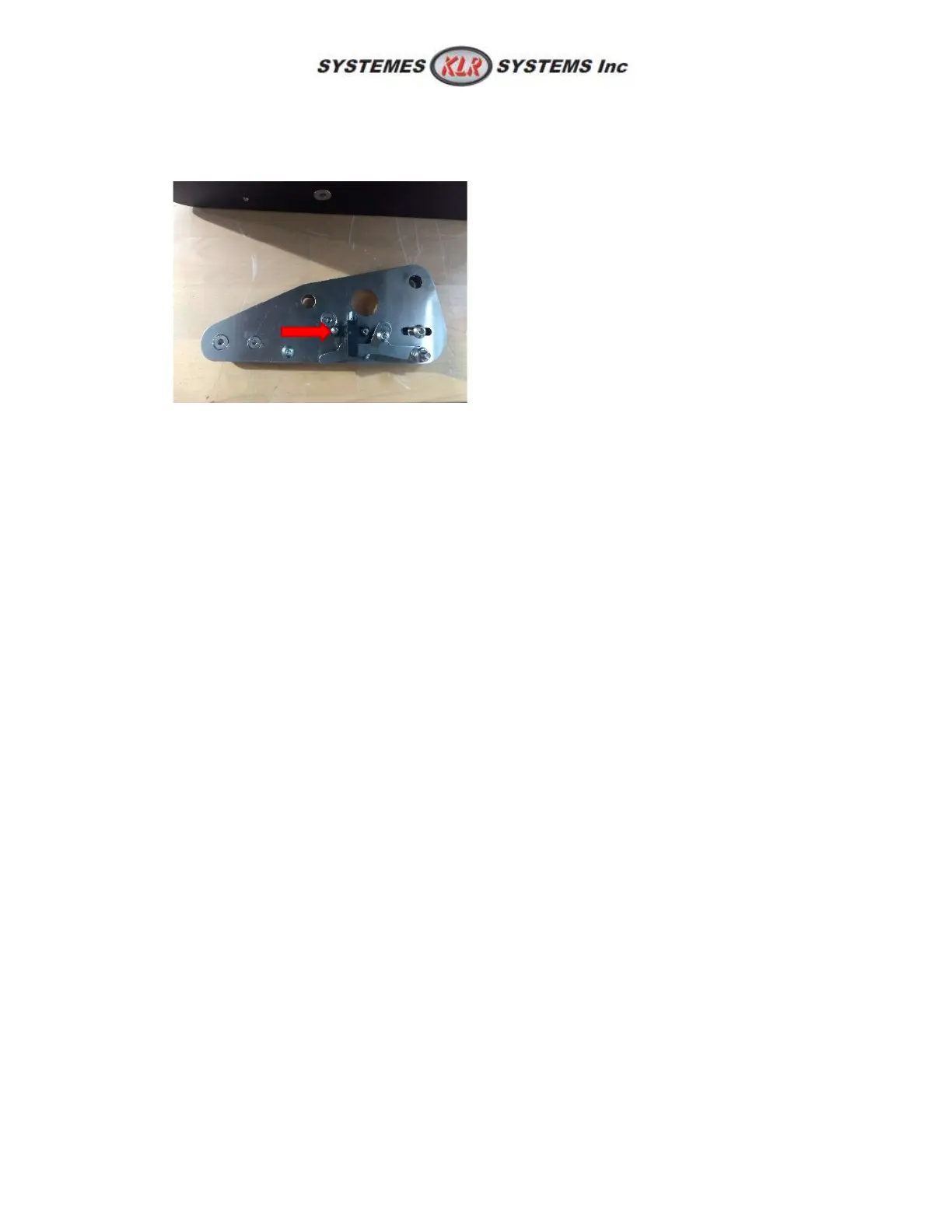
6.2.7: Replacing the finger sensor
1. Follow the "disassemble half of top belt holder" procedures before continuing;
2. Then replace the sensor;
3. Reassemble by following the reverse order.



 To Next Page