KLR.950 Revision: 2023-10-06
Serial numbers: 3008 – beyond
KLR.00001 – beyond
17
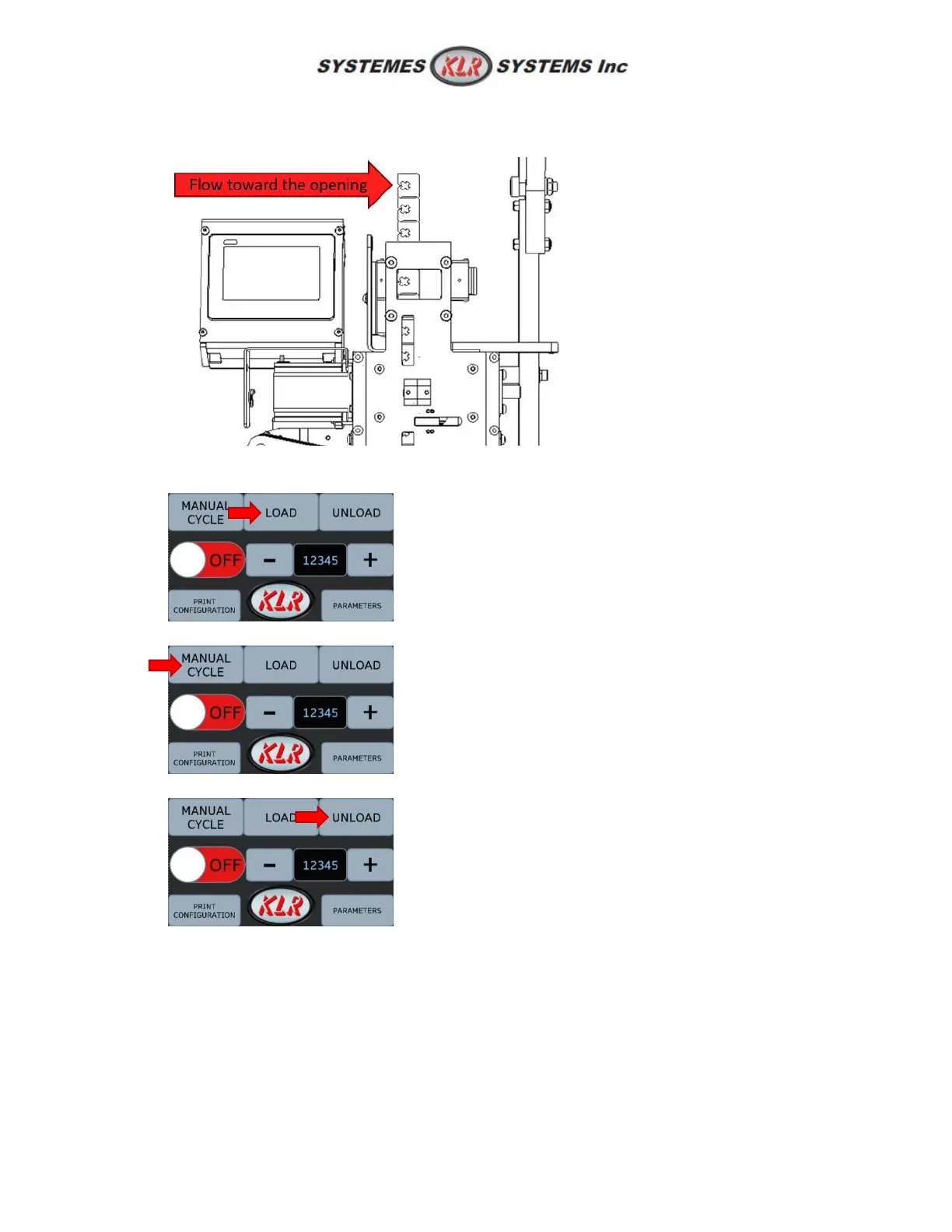
5. Make sure the first couple of clips are straight, then delicately insert the clip band into the rail
until a restriction is felt. It should be free inside.
6. Press LOAD on the screen. It should automatically reach the receiving position.
7. If needed, test few cycles by pressing MANUAL CYCLE.
8. If needed, remove the clip by pressing UNLOAD.



 To Next Page