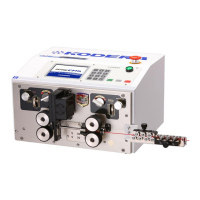
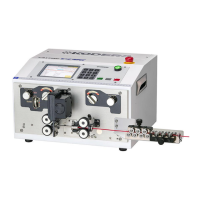
5. Operation Panel
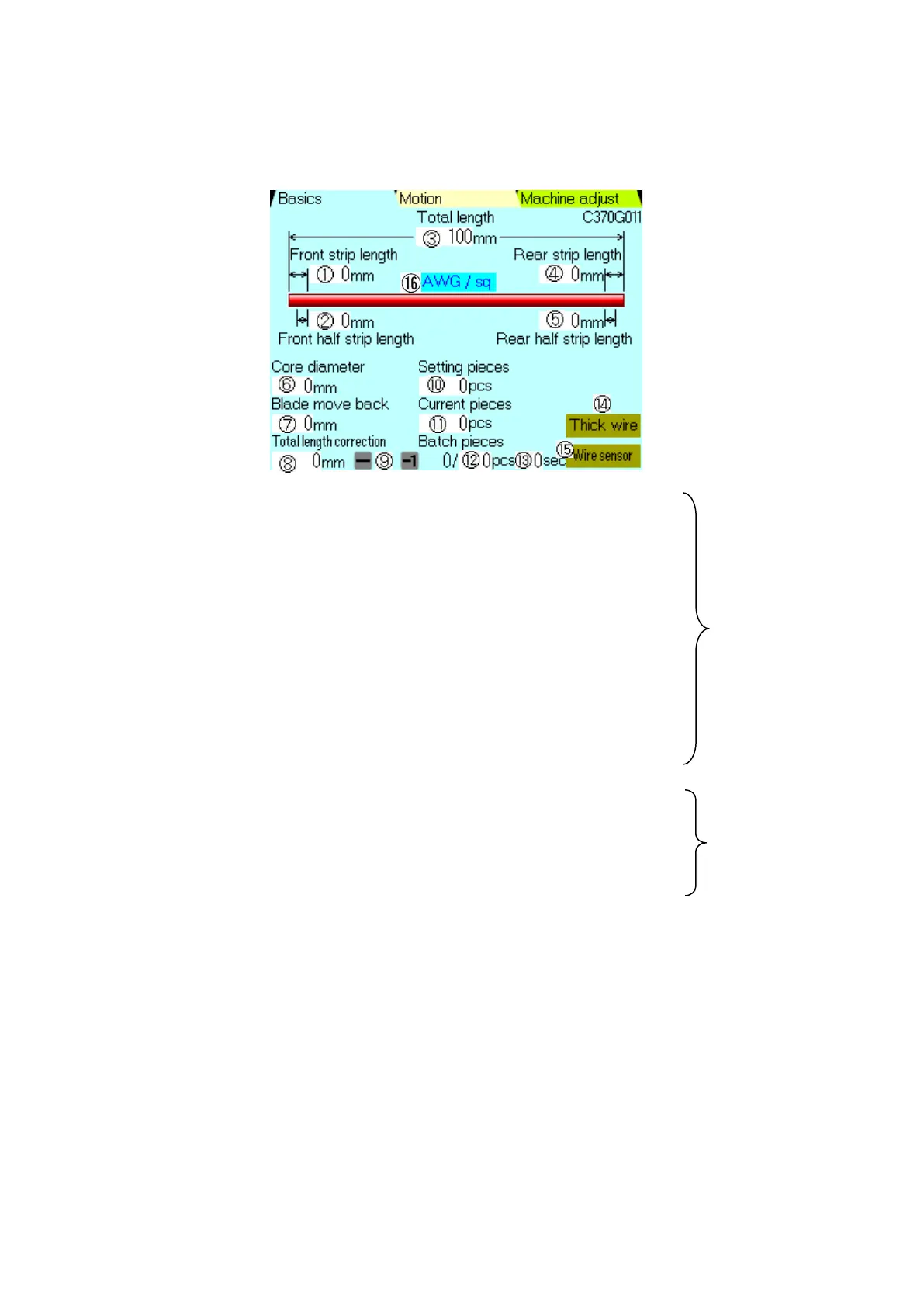
《Basics》 setting screen. (During standard processing)
Don’t use the 《Motion》 screen to set basic process ⑤~⑨. (Please refer the P.13 for 《Motion》
screen.)
①《Front Strip Length》:Setting of the stripping length of the front side
insulation of the wire.
②《Front Half Strip Length》:Setting of the half stripping length of front side
of the wire.
③《Total Length》:Setting of the cutting length of the wire.
④《Rear Strip Length》:Setting of the stripping length of the rear side
Insulation of the wire.
⑤《Rear Half Strip Length》:Setting of the half stripping length of rear side
of the wire.
⑥《Core Diameter 》:Set the blade depth for stripping insulation. (Reference
P.10-2)
⑦《Blade Move Back 》:Set the blade return length for stripping insulation.
(Reference P.11)
⑧《Total Length Correction》:When “Set Total Length” and “Actually processed total length of
the wire” are different, orrect it here.0:No correction
For example)
⑨ 《-》 :Minus key. This key is used for negative correction of ⑧.
《-1》:Minus 1 key. This key used to correct -1 from 《Current pieces》
(Number of processed wires).
⑩《Setting Pieces》:Setting number of wires to be processed. (Max 999,999 pieces)


 To Next Page