K20s
parameters for KOLIDA K20s under Configuration menu, and all the settings are immediately
effected after saving.
General Config
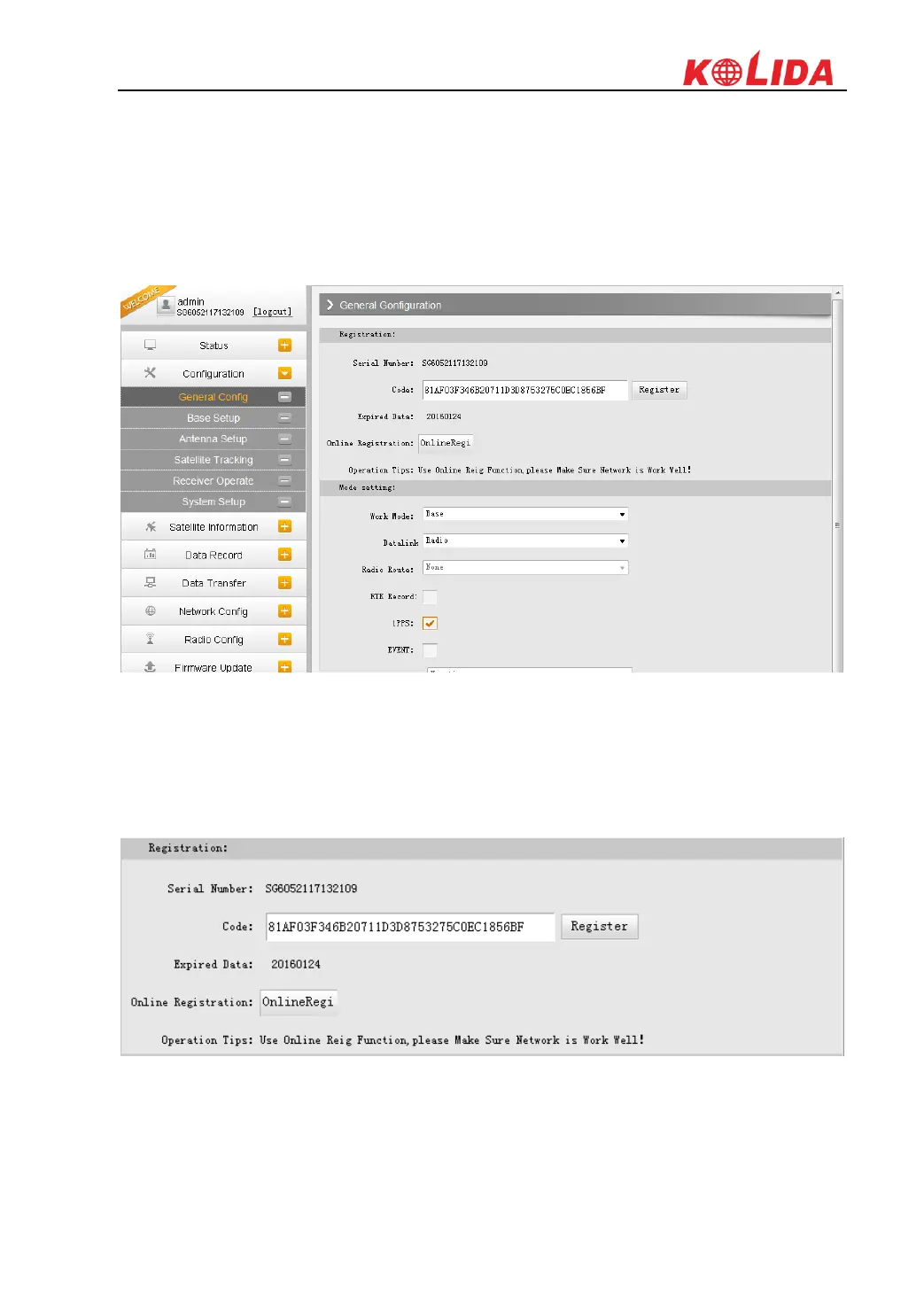
The registration and receiver working mode setting can be completed in this general
configuration page.
If the code of K20s has expired or is going to be expired, please provide the serial number of
your K20s to your local dealer to apply for another available code, then input the code into the
blank or register the receiver online.
KOLIDA K20s is allowed to setup the working mode and datalink from this Web UI that only
need the mobile phone or tablet PC is able to connect the wifi hotspot of K20s.



 To Next Page