Chapter 3 Field Service
3-3
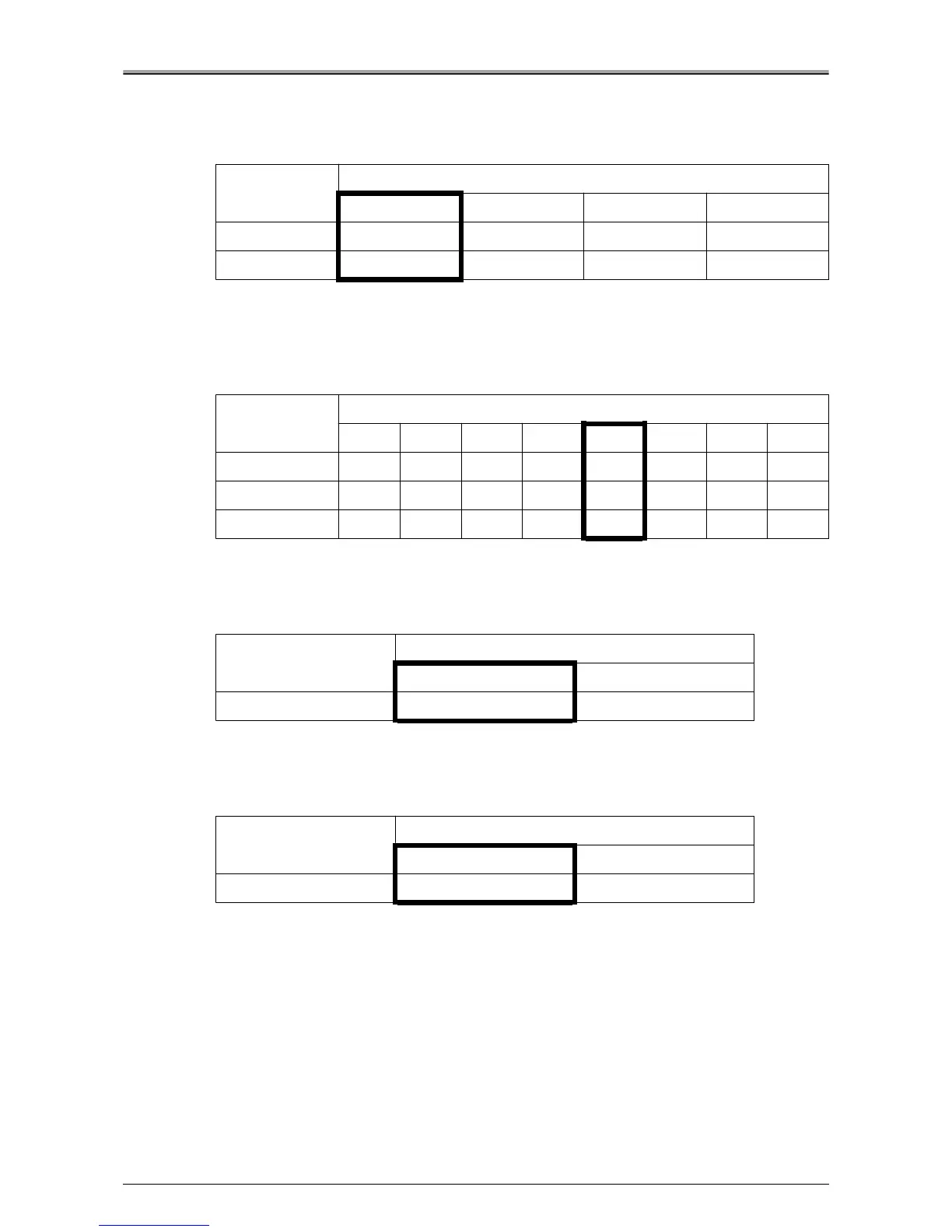
Automatic change of printer paper size (DIPSW 24-2, 3)
This setting changes the paper size in the print command, as indicated below, and prints the job.
Printer density selection (patch detection control threshold value change)
(DIPSW 26-0, 1, 2)
This setting changes the patch detection values as indicated below.
Printer EKC mismatch print operation (DIPSW 26-4)
This setting determines if the copier set by EKC is permitted to print or not.
"NO scanner function" setting (DIPSW 26-7)
This setting determines if the scanner function is used or not.
DIPSW No.
Standard change
No conversion Inch→ Metric Metric→Inch Metric↔Inch
24-20101
24-30011
DIPSW No.
Value for change in patch values
0 -6 -4 -2 0 +2 +4 +6
26-0 01010101
26-1 00110011
26-2 00001111
DIPSW No.
Print operation
Permit Prohibit
26-4 0 1
DIPSW No.
Use scanner function
Use Do not use
26-7 0 1












 To Next Page