Introduction
3
Introduction
References to dierent modwave models
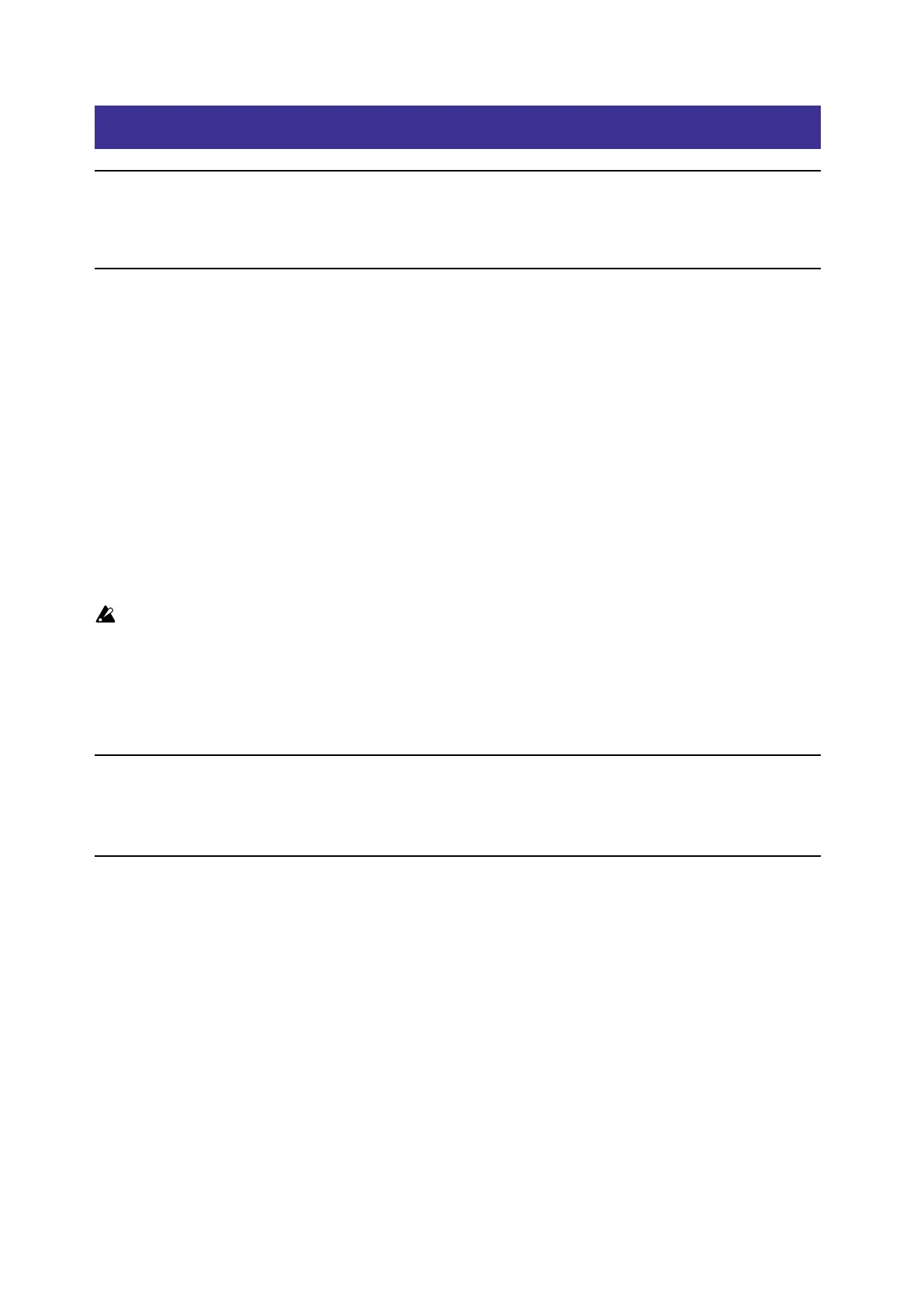
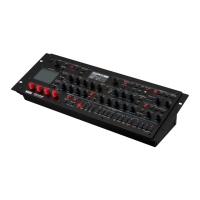
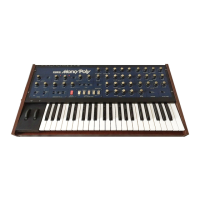
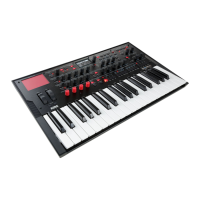
is manual applies to all modwave models, including the original modwave, modwave mkII, and modwave module,
collectively referred to as “the modwave.”
About the modwave Editor/Librarian
e modwave Editor/Librarian lets you organize and edit data on a modwave connected to a Mac or Windows
computer via USB, and transfer sound data back and forth between the modwave and the computer.
For instance, you can:
• Edit Set Lists, Performances, Programs, Motion Sequences, Motion Sequence Lanes, and Scales
• See the progress of sequences and the results of modulation in real-time
• Import Wavetables in standard wavetable formats
• Back up and restore all of the modwave’s data
• Use Import and Export to transfer sounds to and from your computer, from one modwave to another, and to and
from the modwave native plug-in
• Edit metadata for user sounds (Set Lists, Performances, Programs, Wavetables, Motion Sequences, Motion
Sequence Lanes, and Scales), including the Name, Categories, and Collections (as shown on the modwave’s dis-
play), as well as additional metadata including the Author and per-sound notes
Think of the Editor/Librarian as an external display for the modwave
Important: It’s best to think of the Editor/Librarian as an external display for the modwave, instead of as a
separate program. Everything that you see in the Editor/Librarian’s main and Set List windows is actually
stored on the connected modwave.
When you make edits or import data with the Editor/Librarian, you are directly editing the data on the connected
modwave. e Editor/Librarian can export data to your computer (for backup, or for transferring to another
modwave), but it has no data of its own. is also means that the Editor/Librarian cannot be used “o-line;” it only
functions when connected to a modwave.
Cautions
Do not disconnect your modwave from USB, or turn its power o, while the Editor/Librarian is running.
Do not operate your modwave while data is being transmitted.
Operating requirements
To use the modwave Editor/Librarian, you need a modwave running soware version 2.1.5 or later, a USB cable, and a
USB-capable Mac or Windows computer that satises the requirements below.
Note: Full functionality is not necessarily guaranteed with all computers, even if they satisfy these system requirements.
MacOS
Mac OSX 10.12 through macOS 14, Intel or Apple Silicon.
Windows
Windows 10 and 11, 64-bit versions only. Touch panel operation is not supported.


 To Next Page